TRAINAI RECIPE · LUNCH
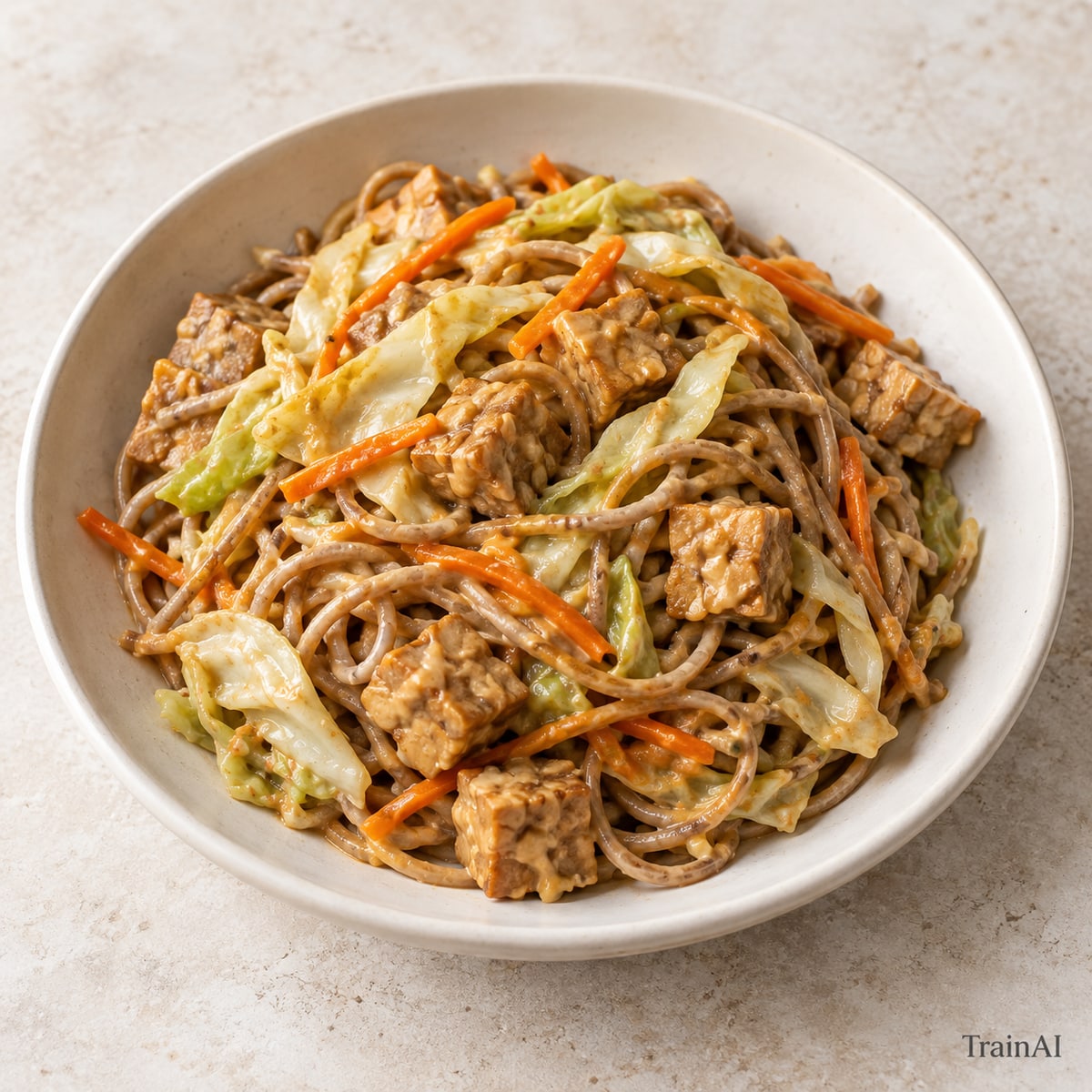
Tempeh Peanut Noodles
Stir peanut butter with the warm water before adding lime and soy sauce.
- Prep
- 15 min
- Cook
- 15 min
- Recipe yield
- 1 serving
Estimated nutrition per serving
Nutrition is an estimate per serving, calculated from the listed ingredient weights. Brands and cooking yield vary. Check product labels for allergens and cross-contact.
Ingredients
For the full recipe: 1 serving. Weigh grains and proteins in the raw or cooked state listed.
- 100 g plain tempeh
- 55 g whole-wheat noodles, dry
- 100 g cabbage
- 70 g carrot
- 15 g unsweetened peanut butter
- 10 g reduced-sodium soy sauce
- 20 g lime juice
- 40 g water
- 4 g olive oil
- 5 g fresh ginger
Ingredient notes
Vegan ingredients.
Contains: gluten-containing ingredients, peanuts, soy. Check labels and preparation surfaces; this is not a cross-contact guarantee.
How to make it
- Boil the dry noodles according to the packet, then drain. Chop vegetables and cut tofu or tempeh into bite-sized pieces.
- Whisk the measured water with soy sauce, citrus and peanut butter if listed.
- Heat the oil in a nonstick pan. Cook tofu or tempeh for 5–7 minutes, turning. Add vegetables and ginger; stir-fry for 4–5 minutes until tender-crisp.
- Add noodles and sauce and toss for 1–2 minutes until hot throughout.
- Divide the finished recipe into the stated number of equal servings. All listed ingredients are included in the nutrition estimate.
Storage and leftovers
Refrigerate promptly in a covered shallow container within 2 hours (1 hour above 32°C / 90°F). Keep at 4°C / 40°F or colder and use within 3 days. Reheat cooked leftovers to 74°C / 165°F. Keep fresh salad toppings separate.
Temperature guidance: FoodSafety.gov.