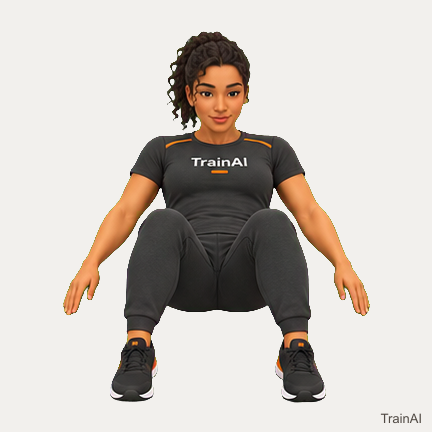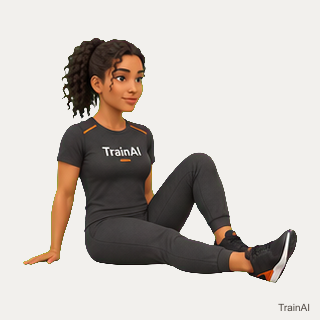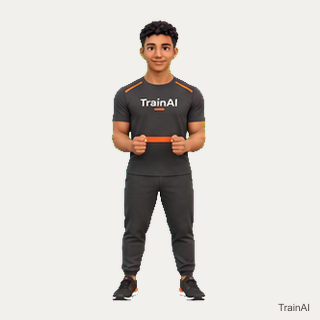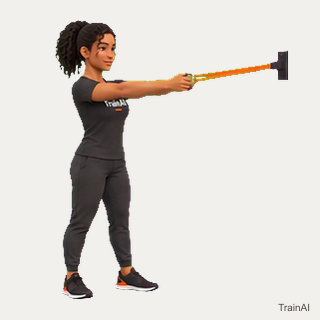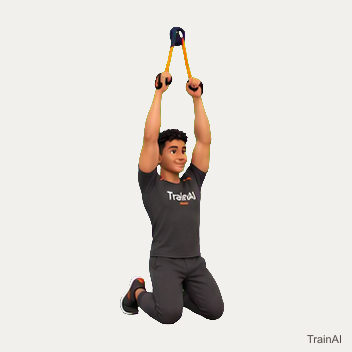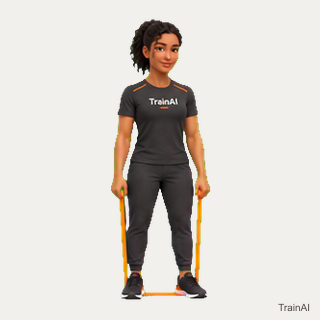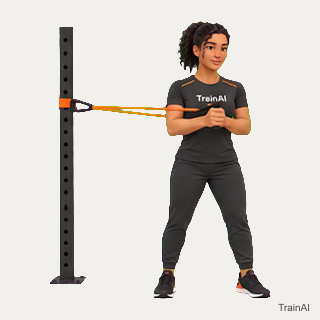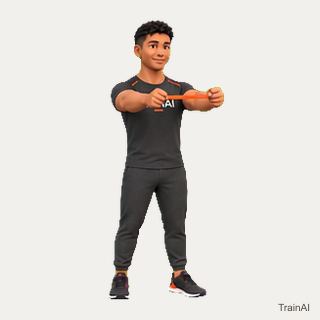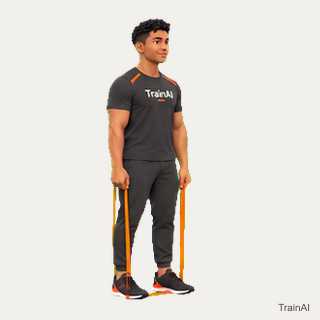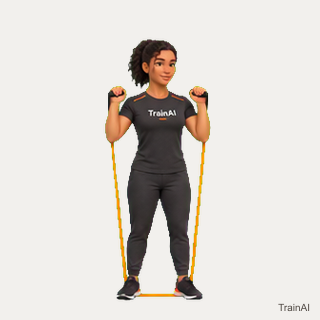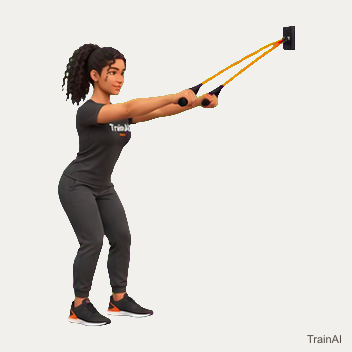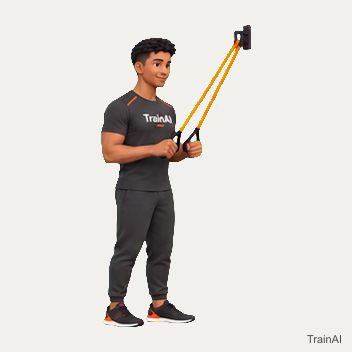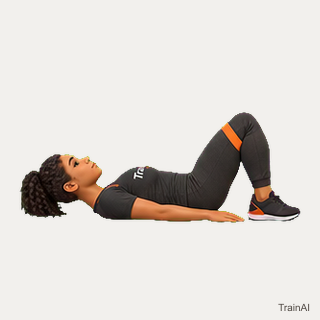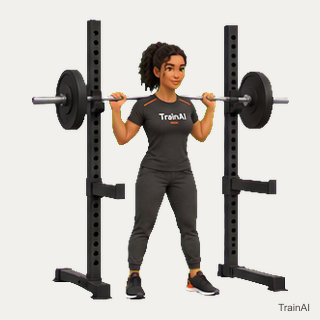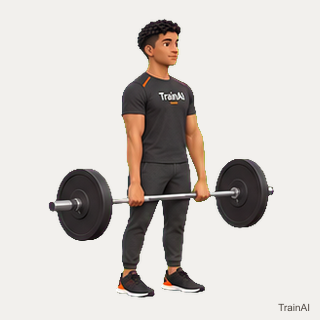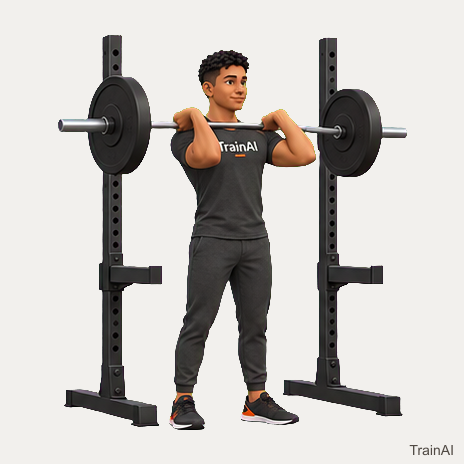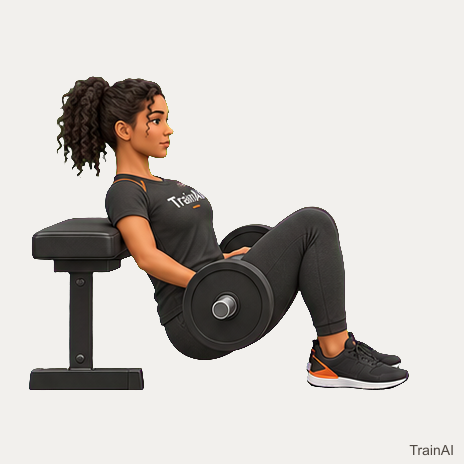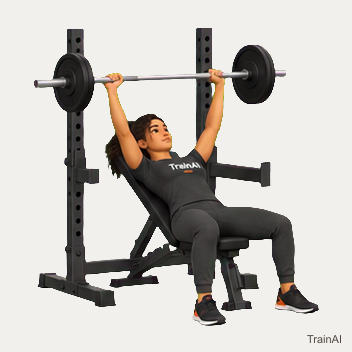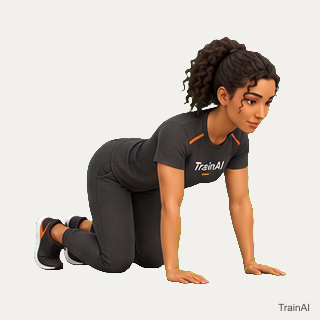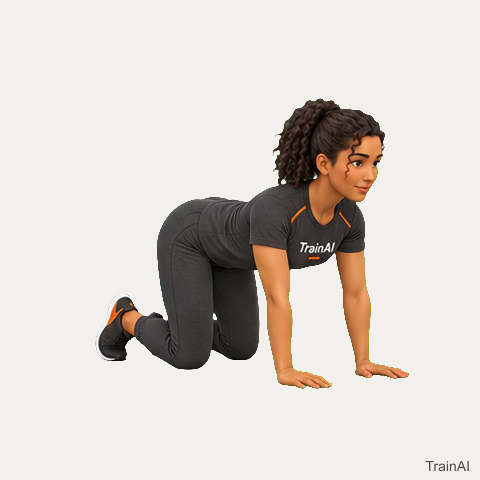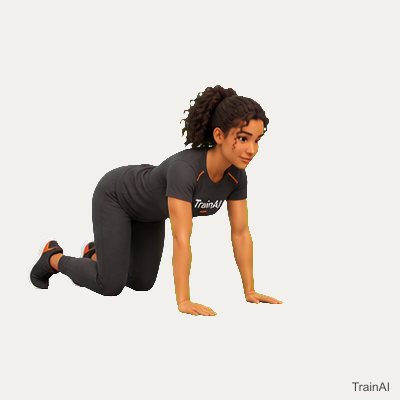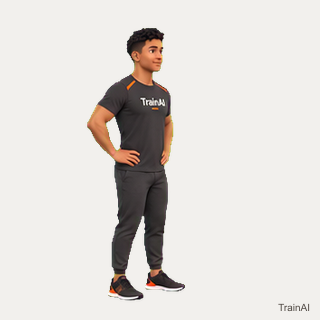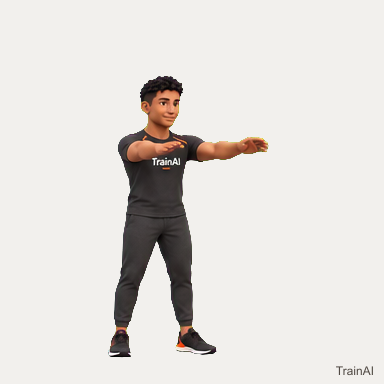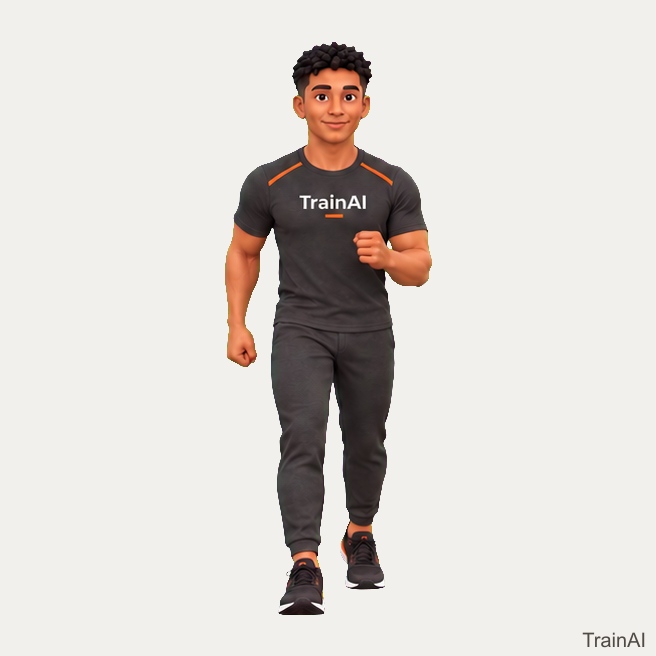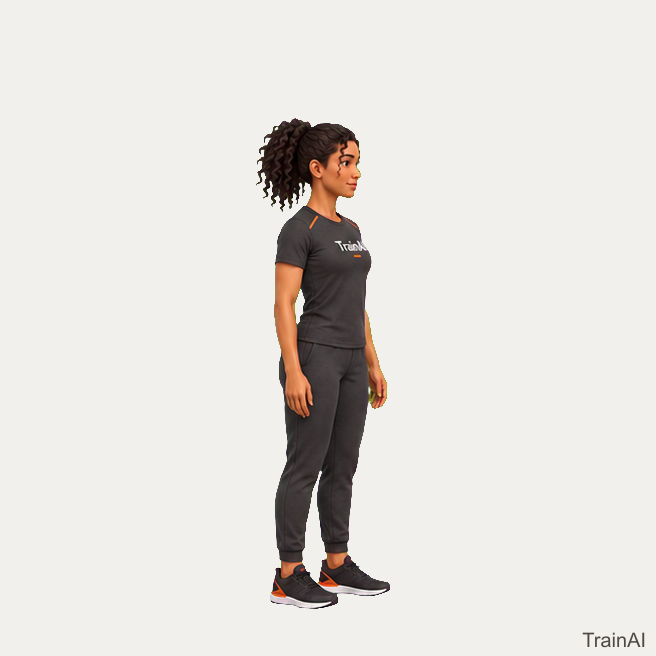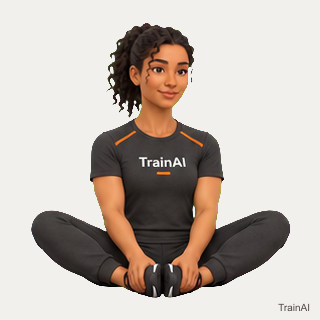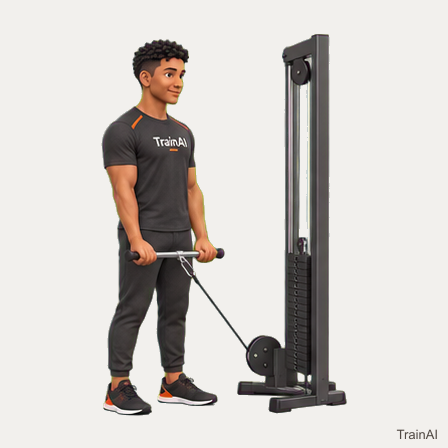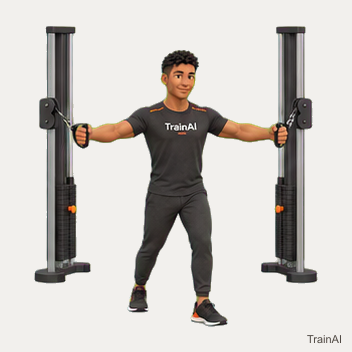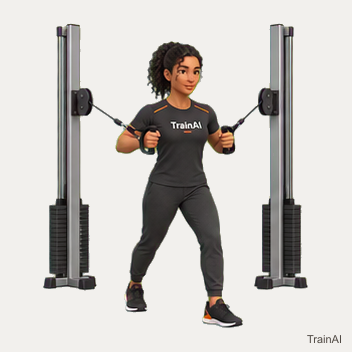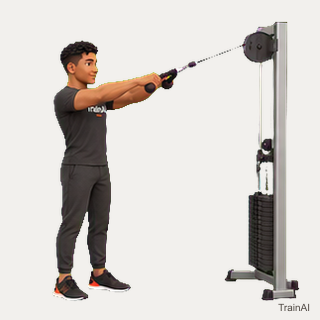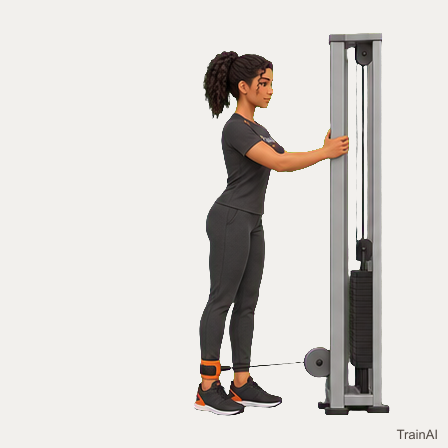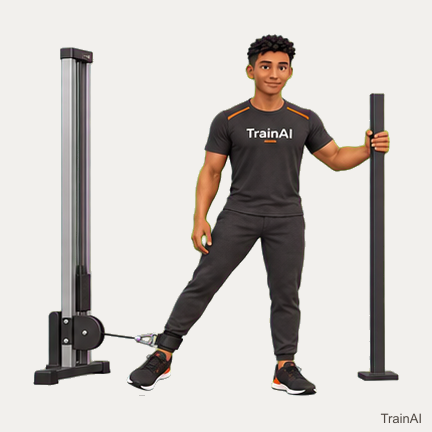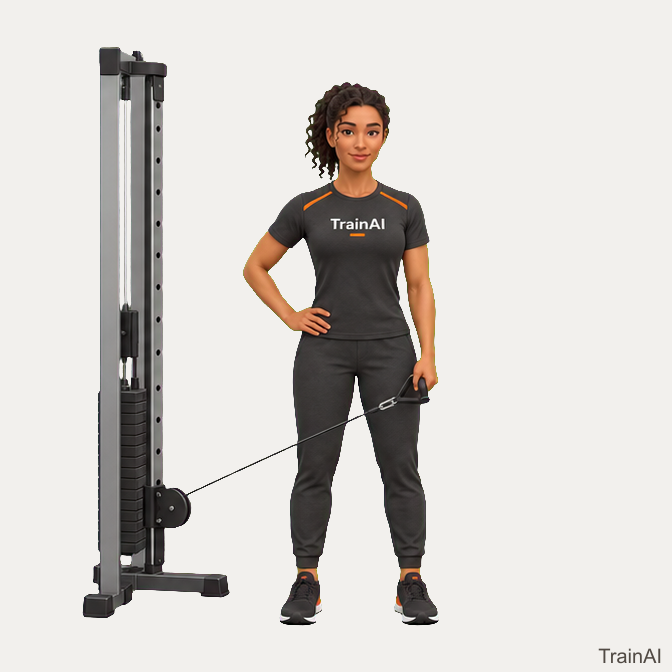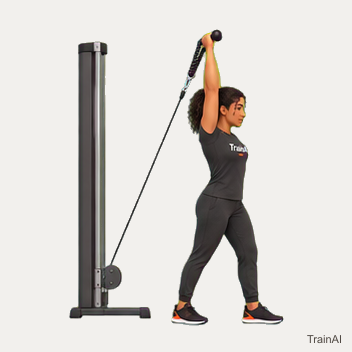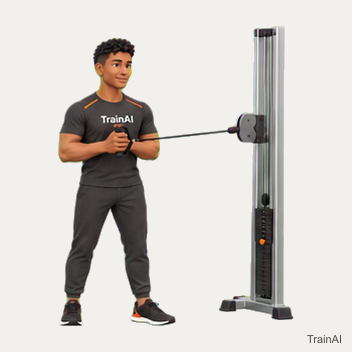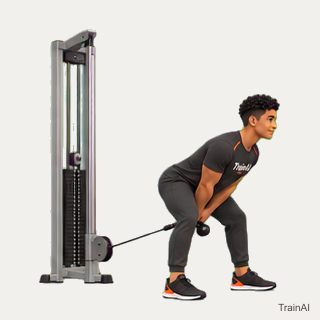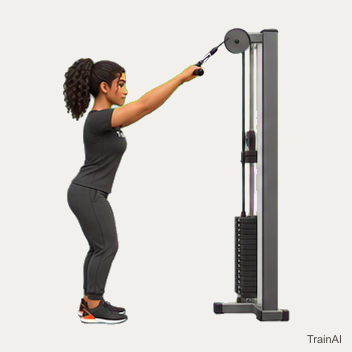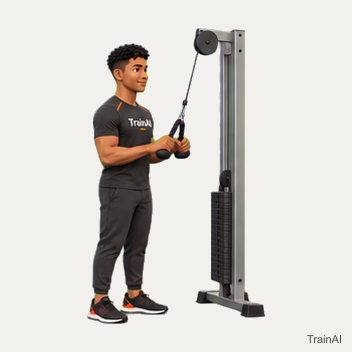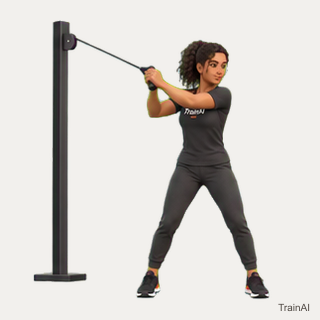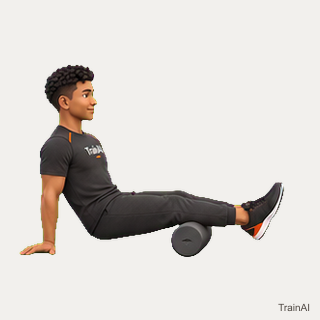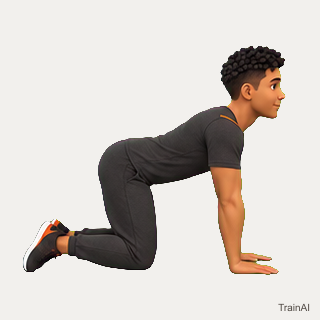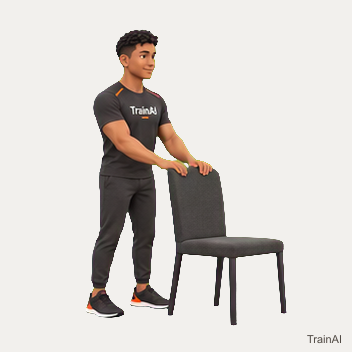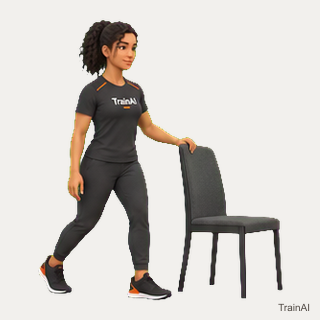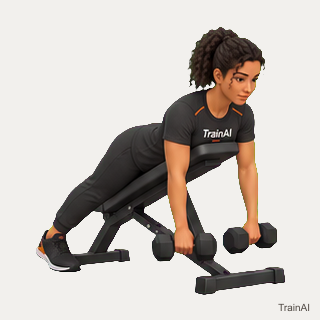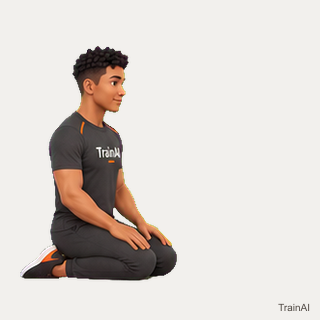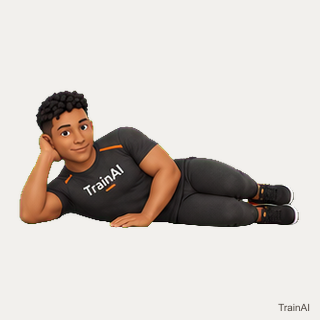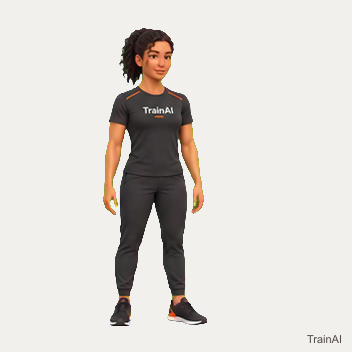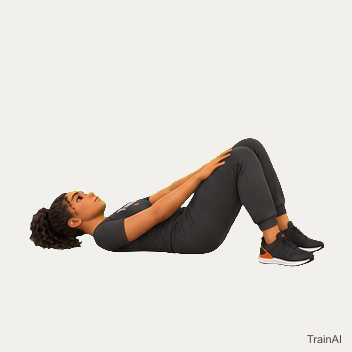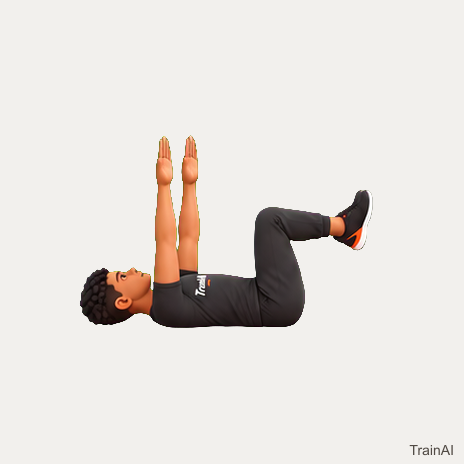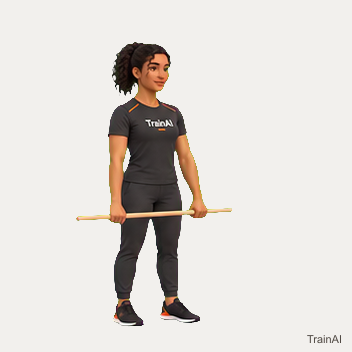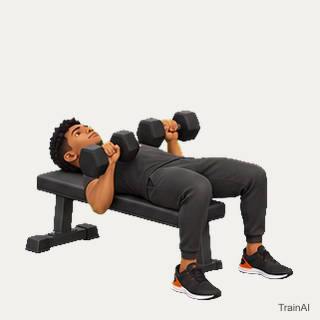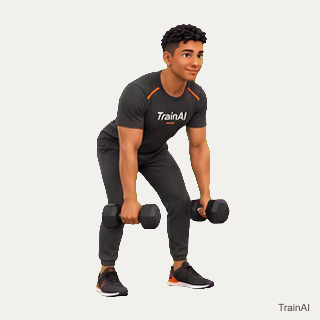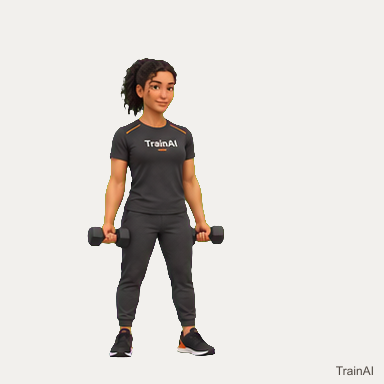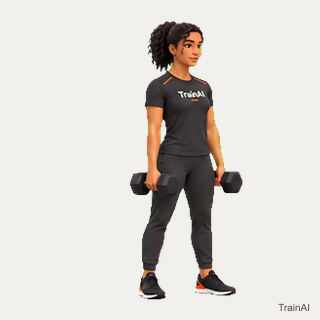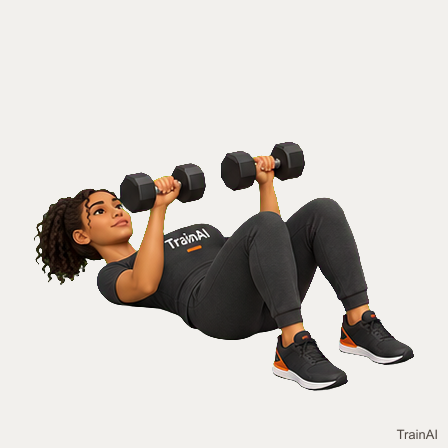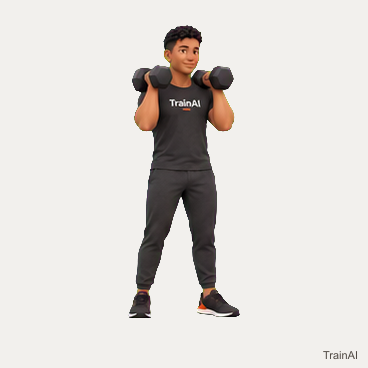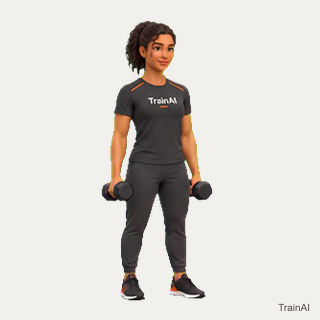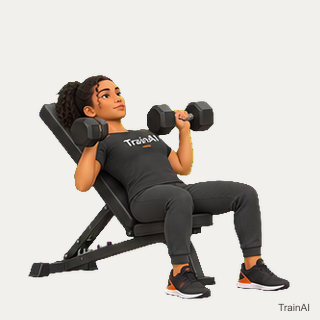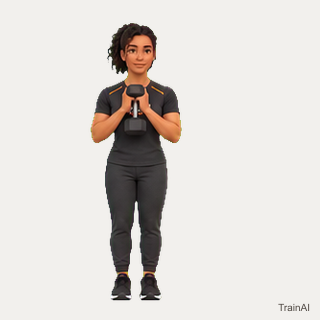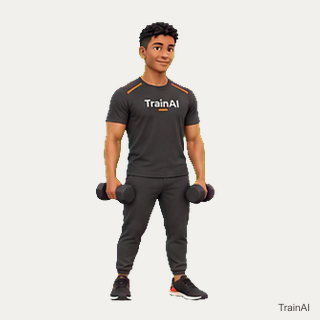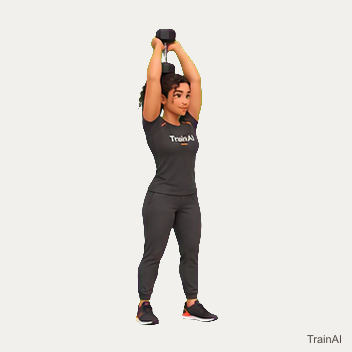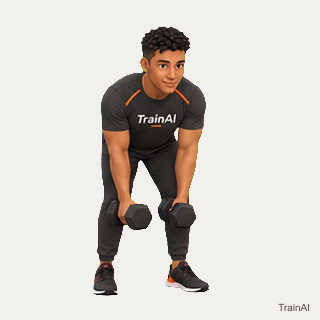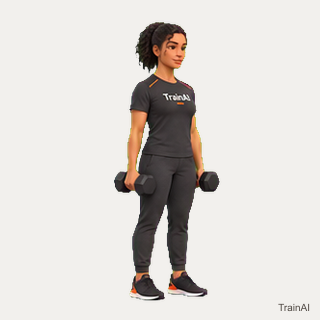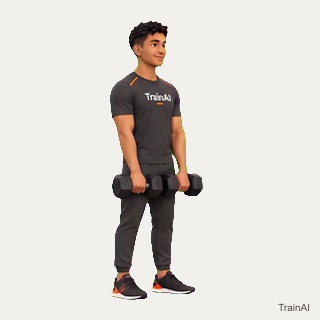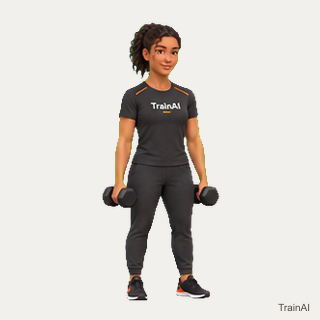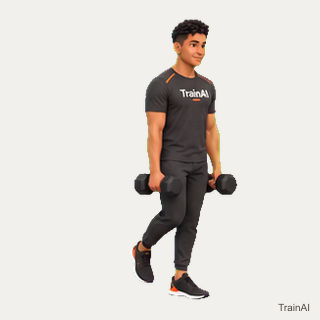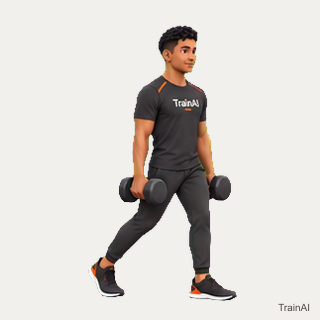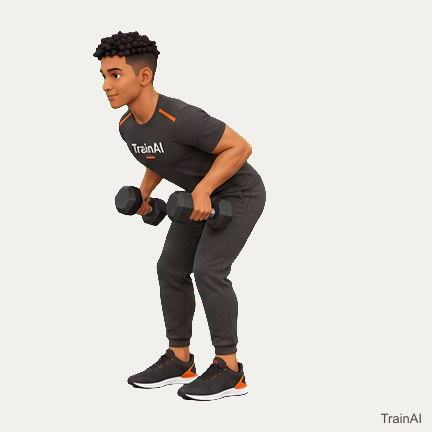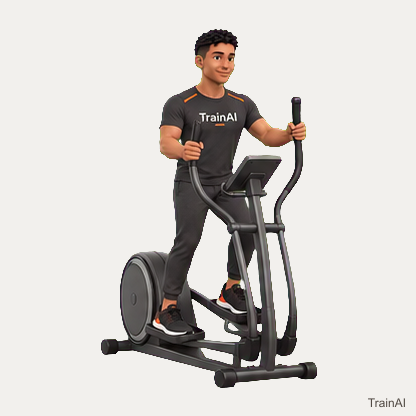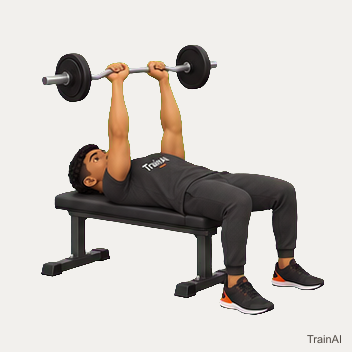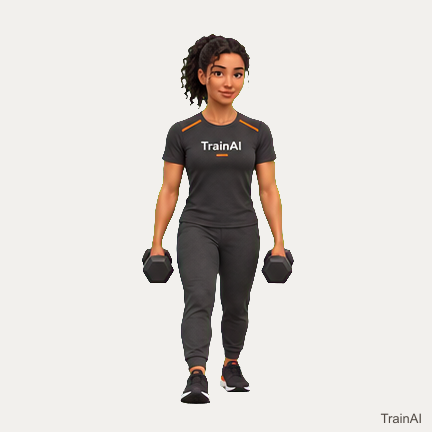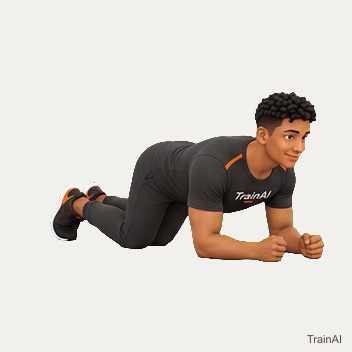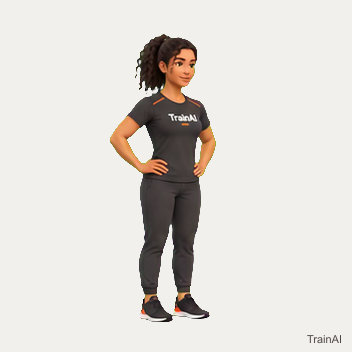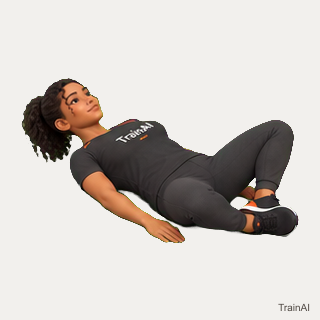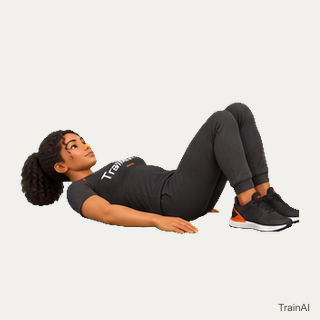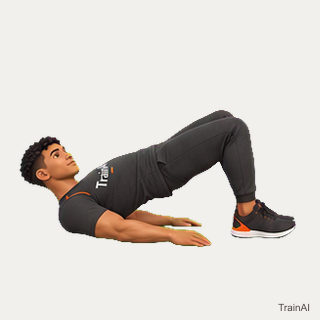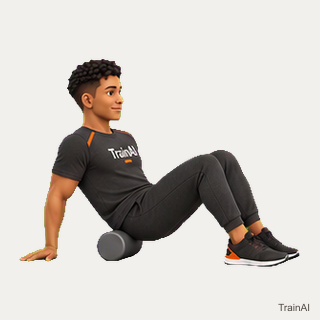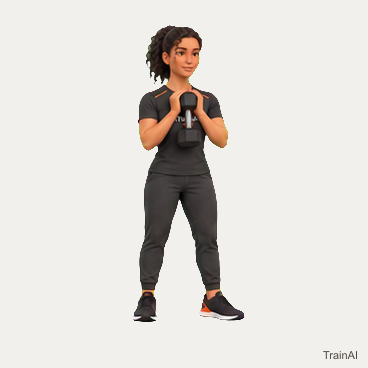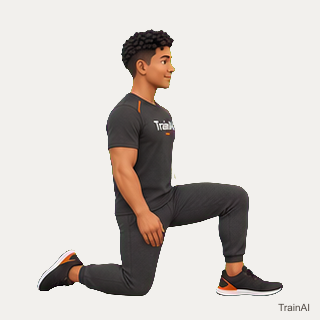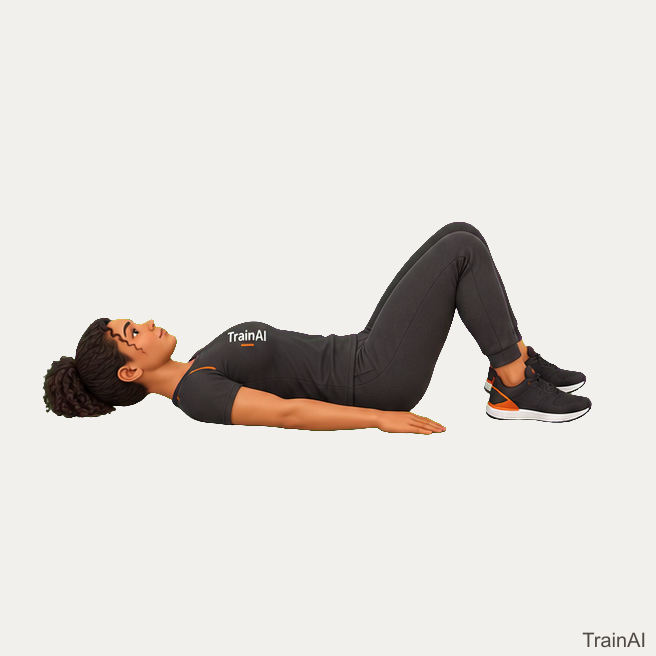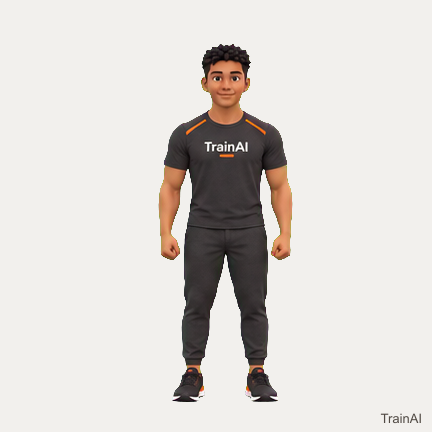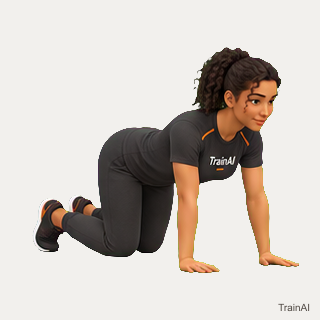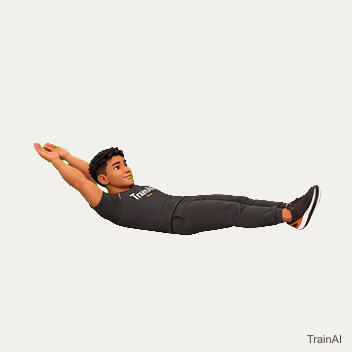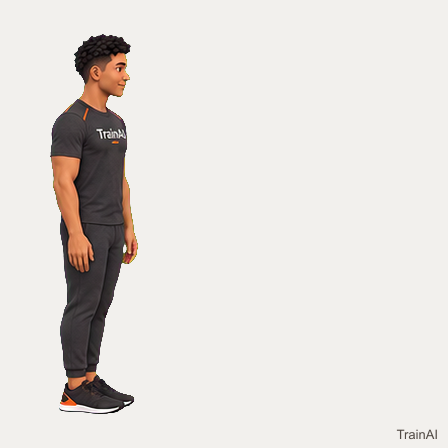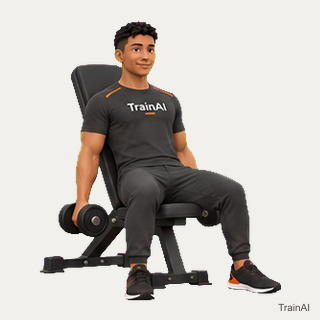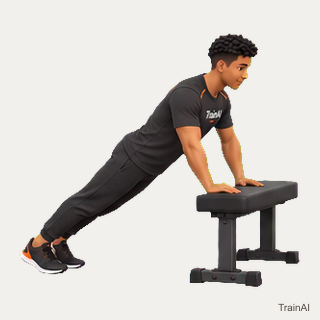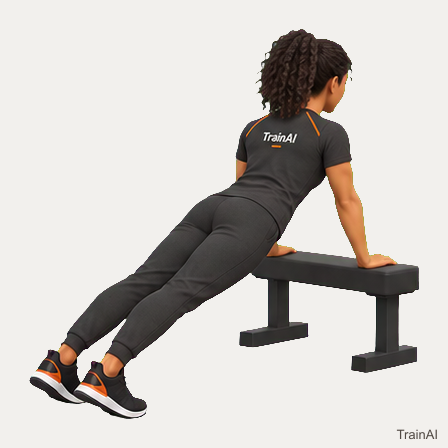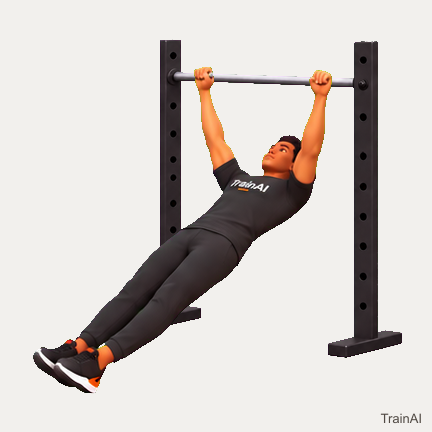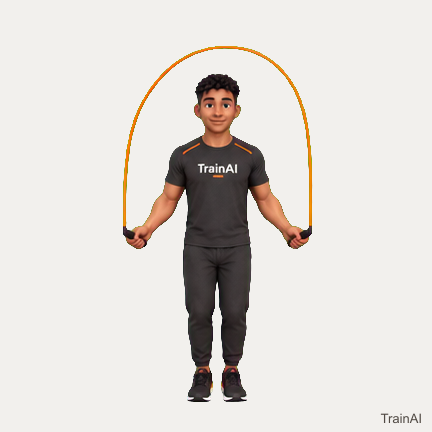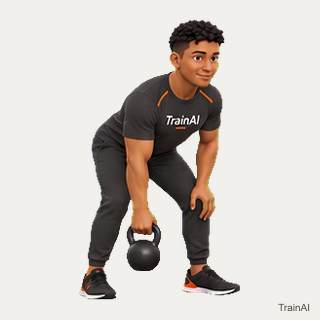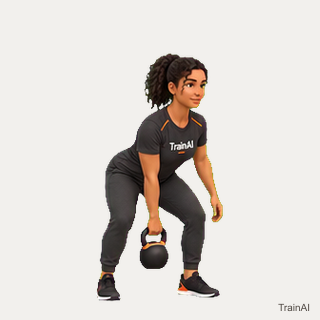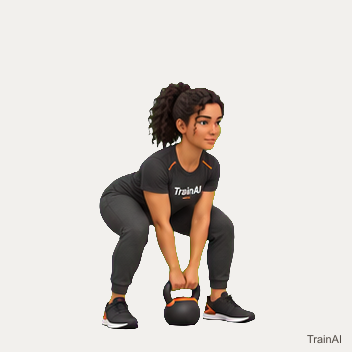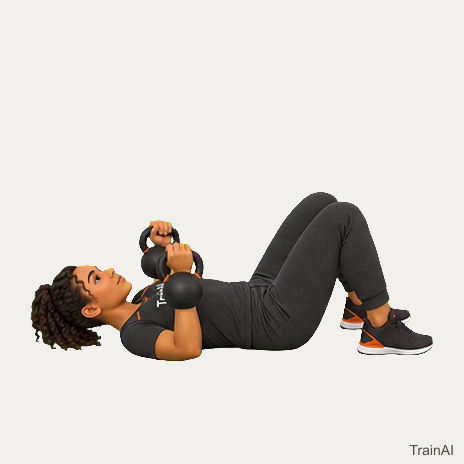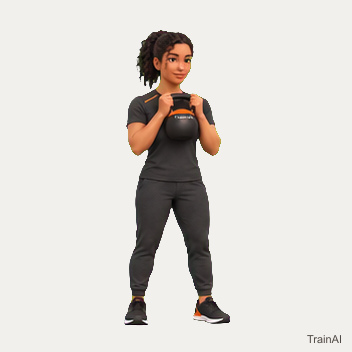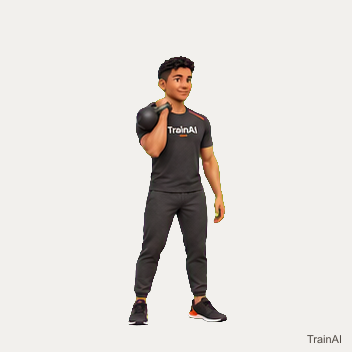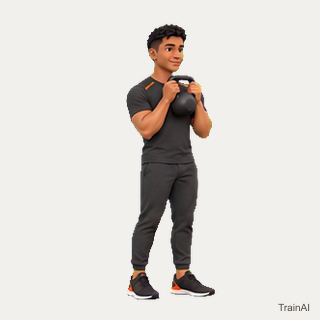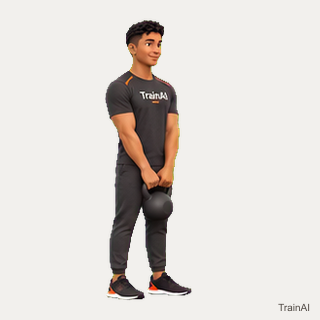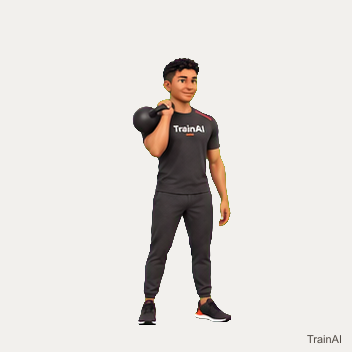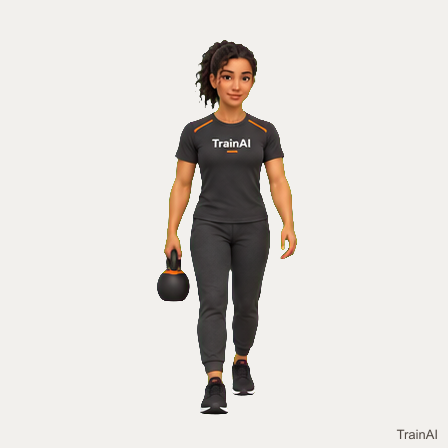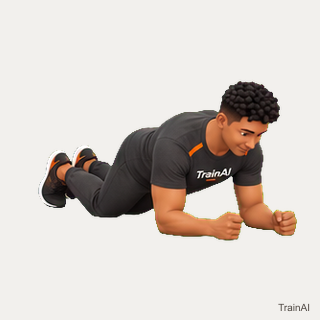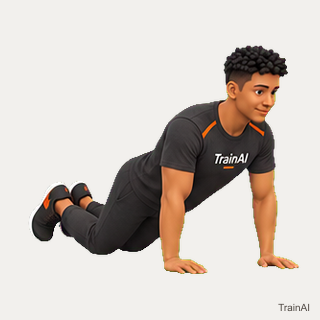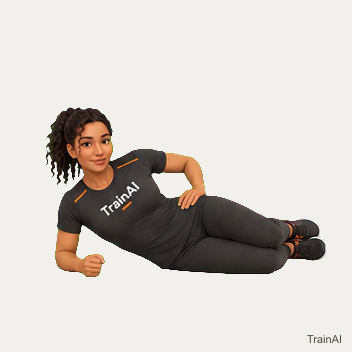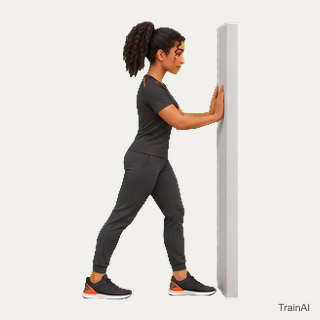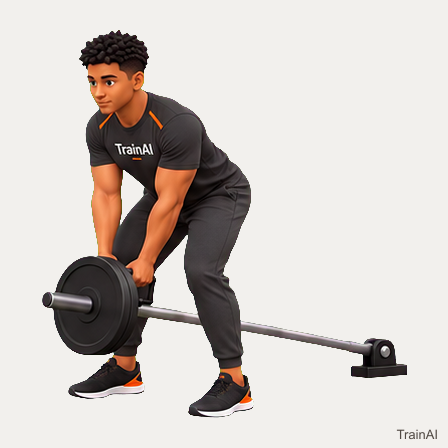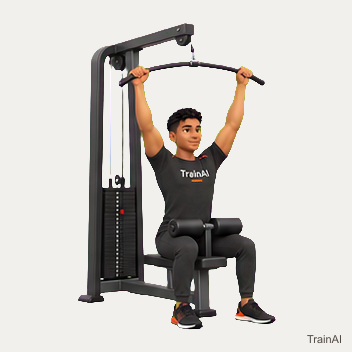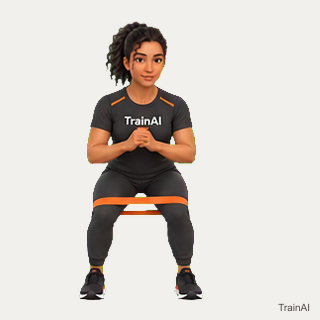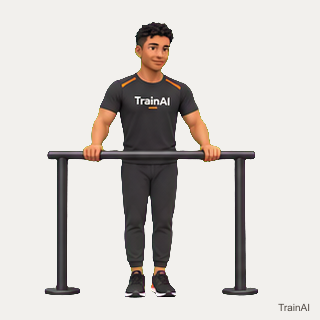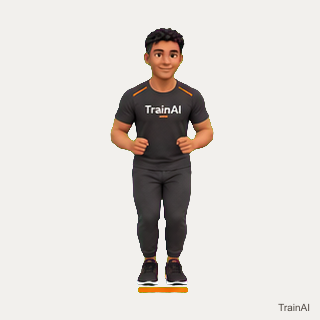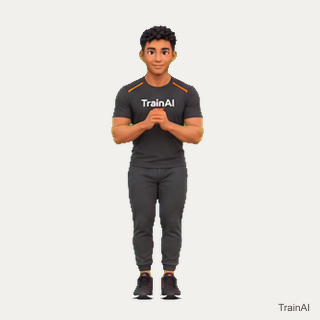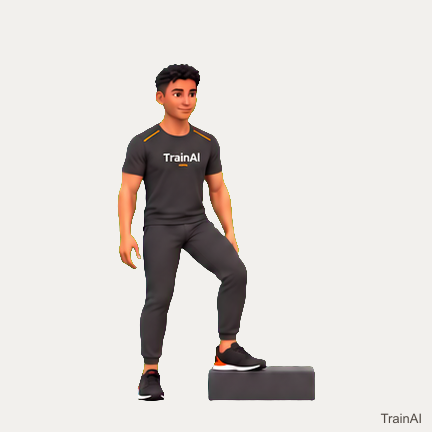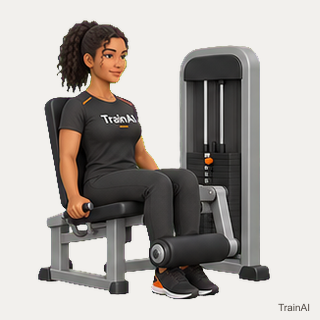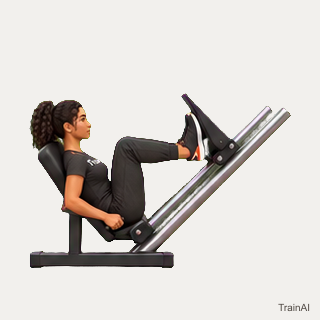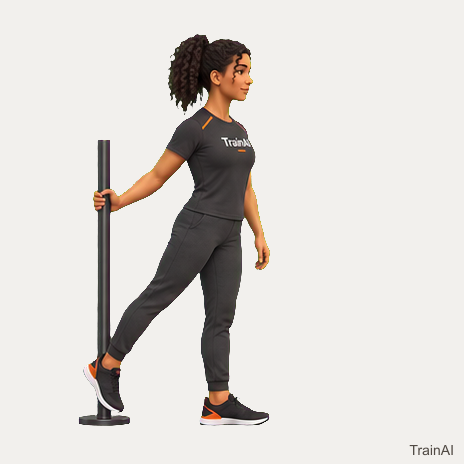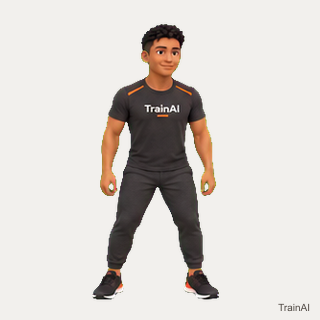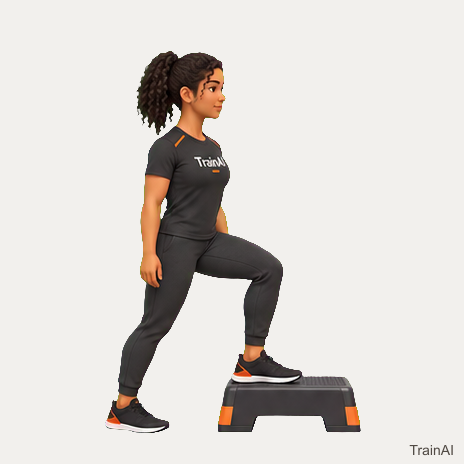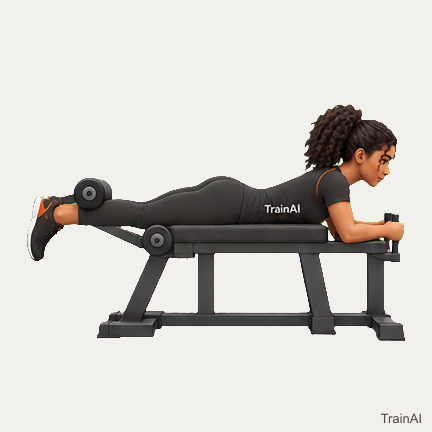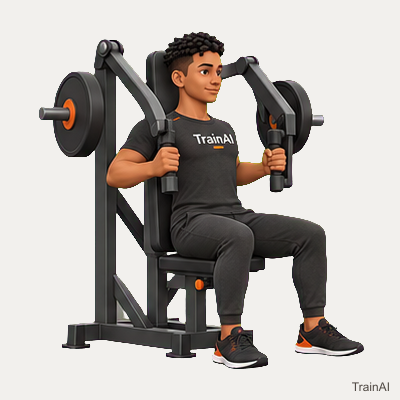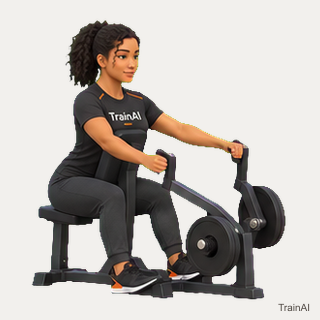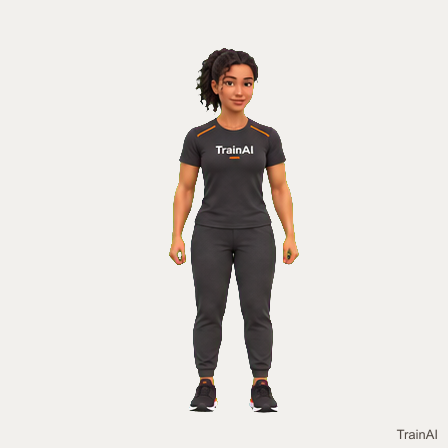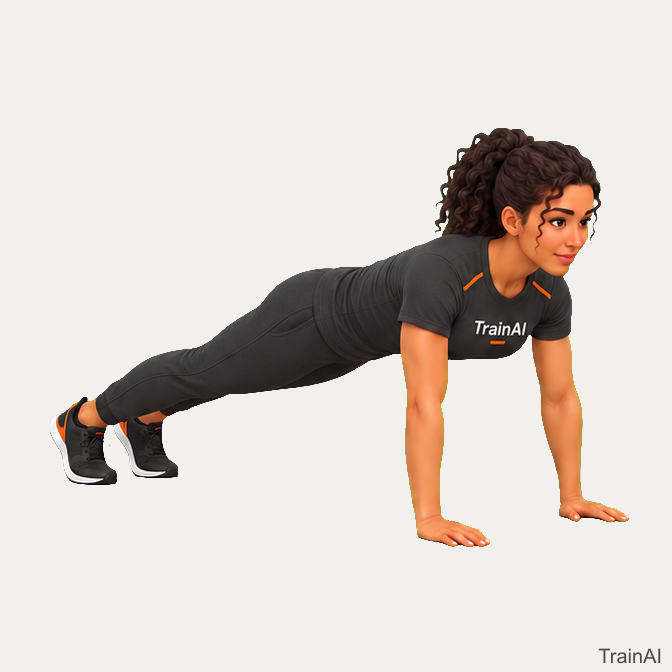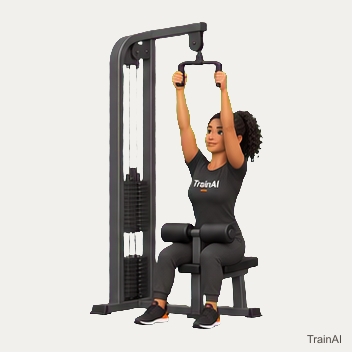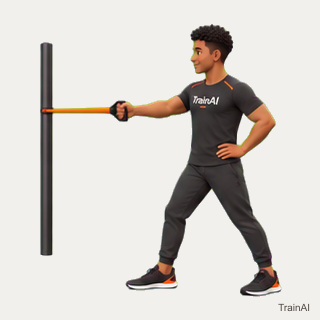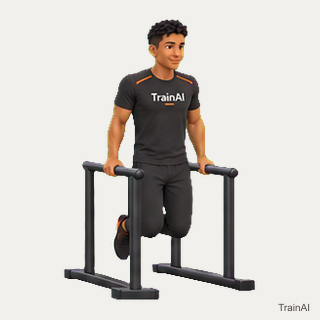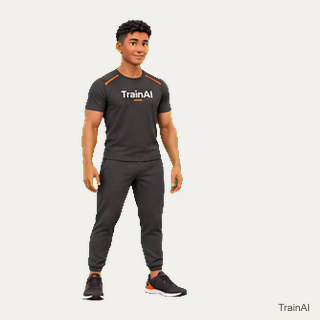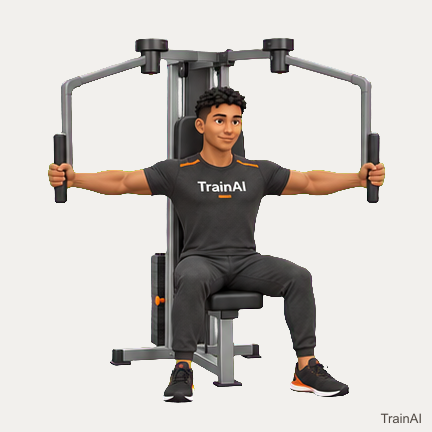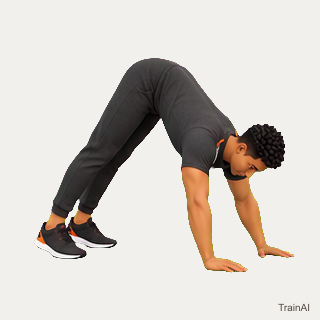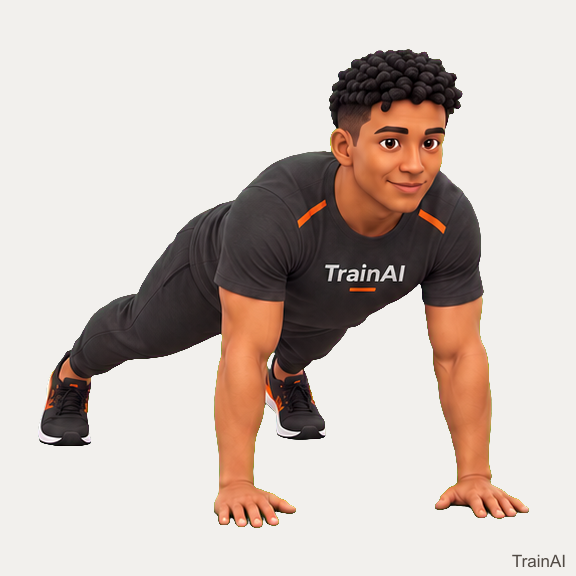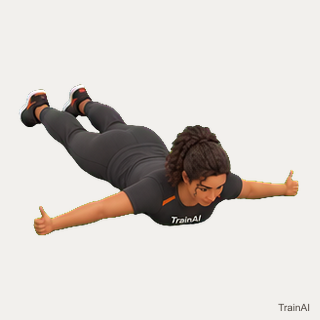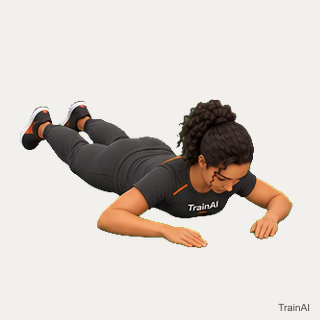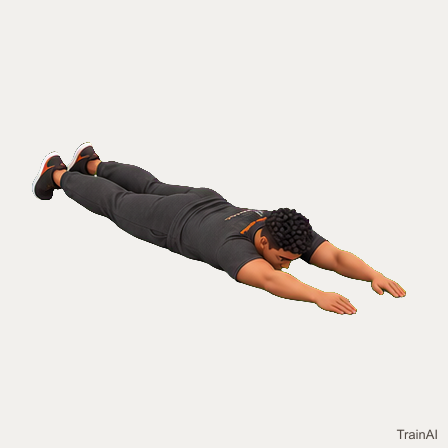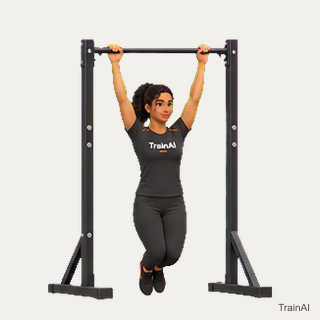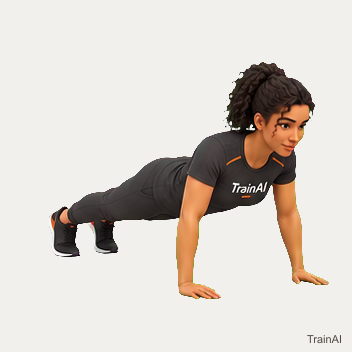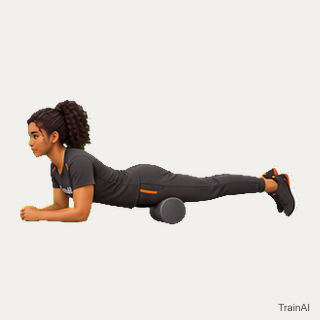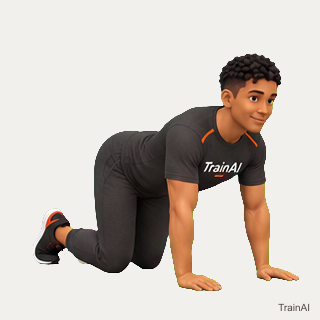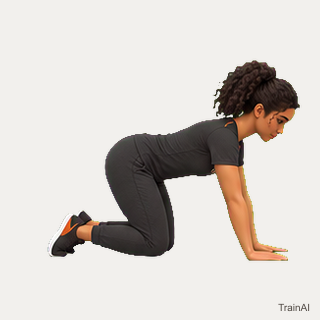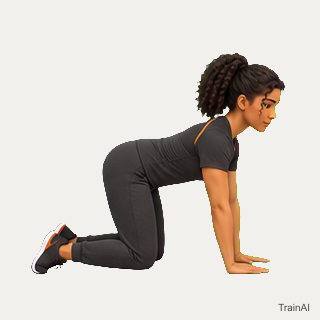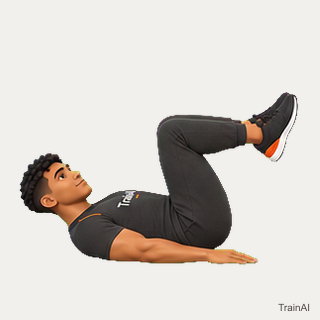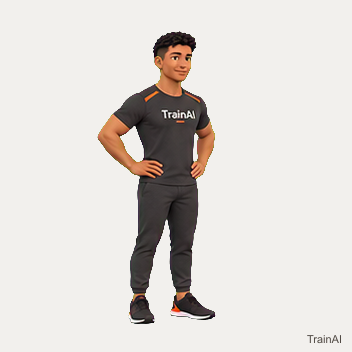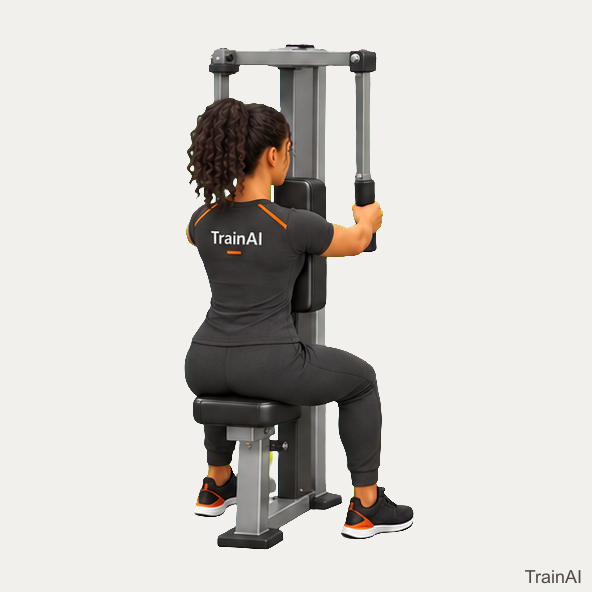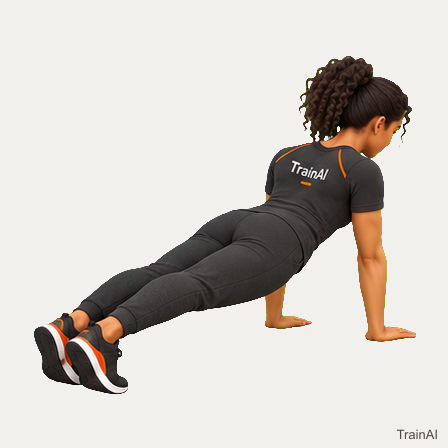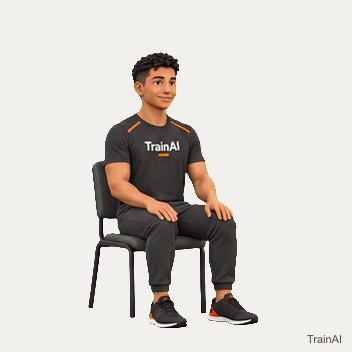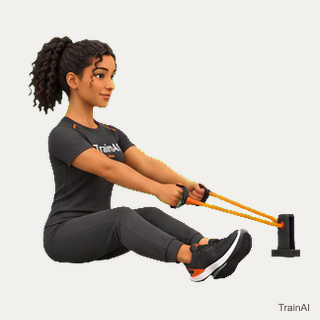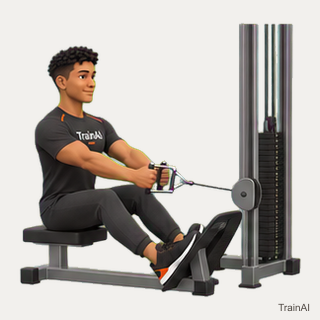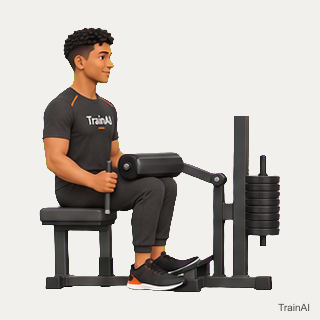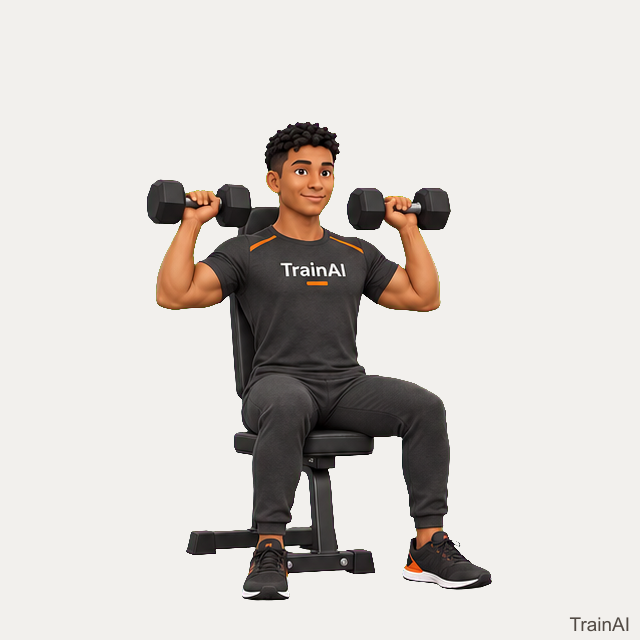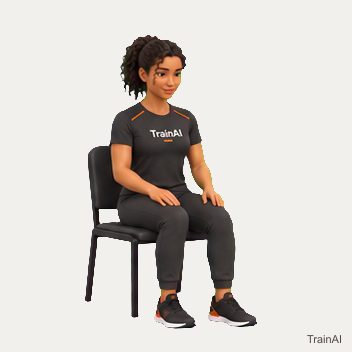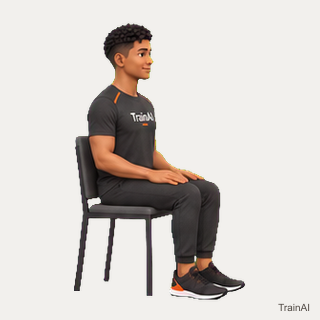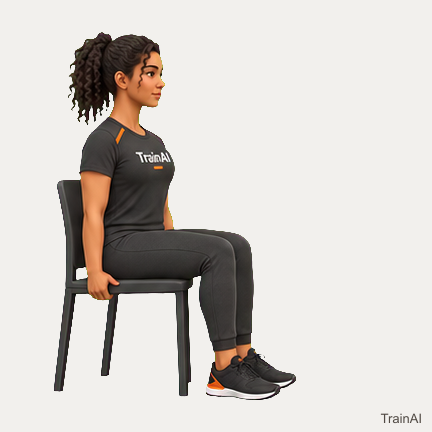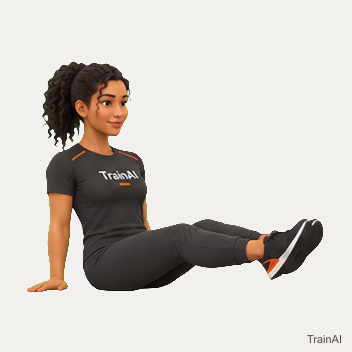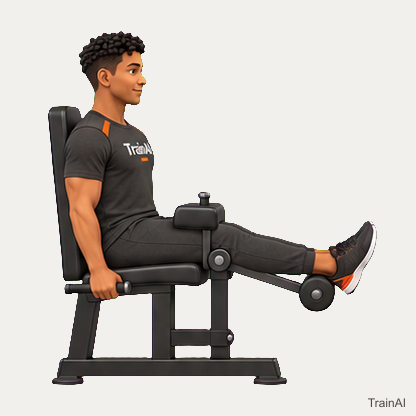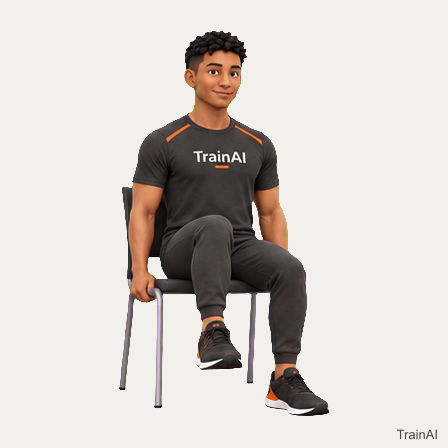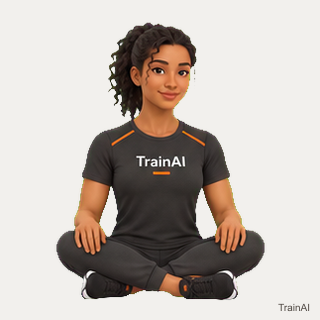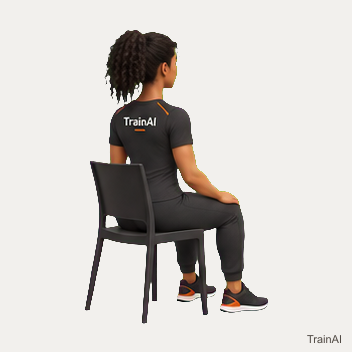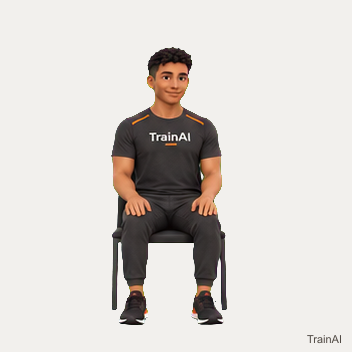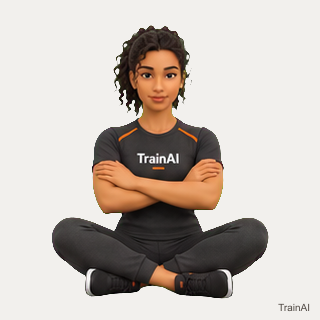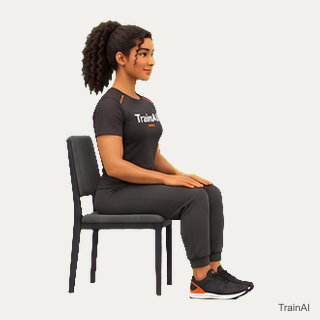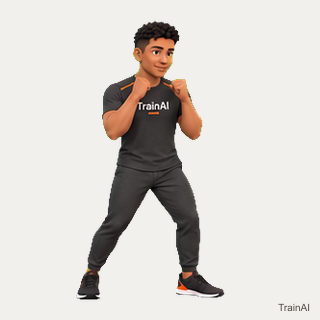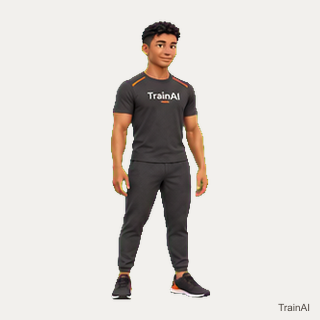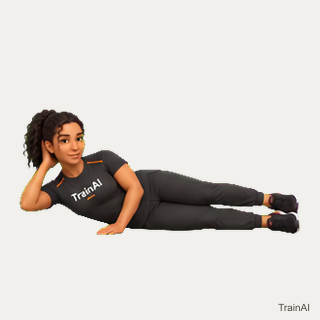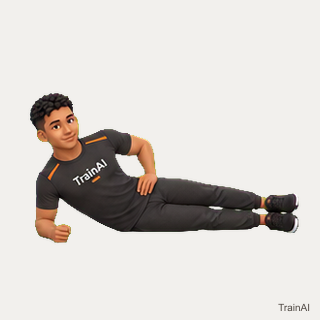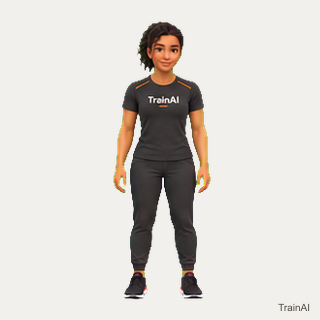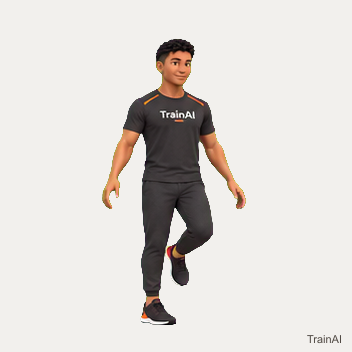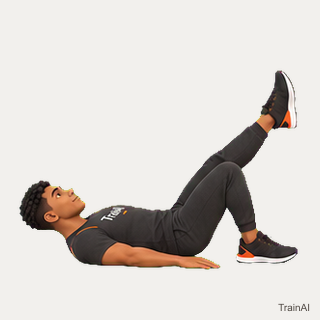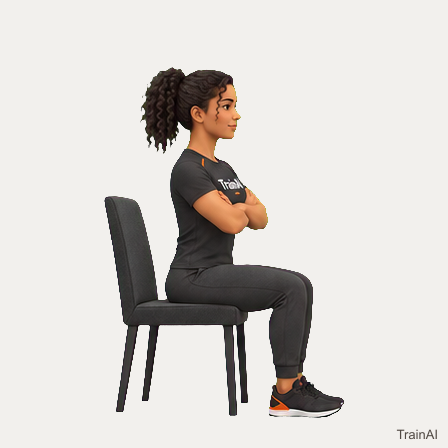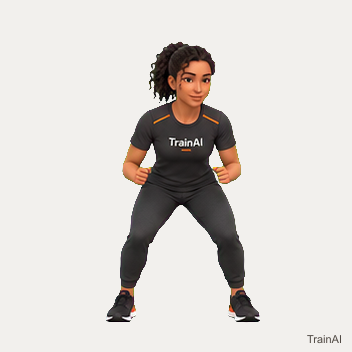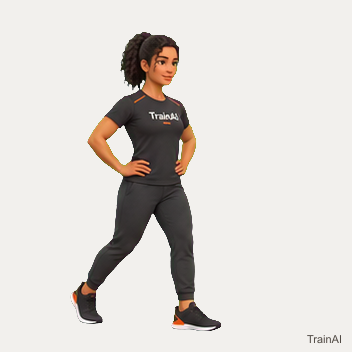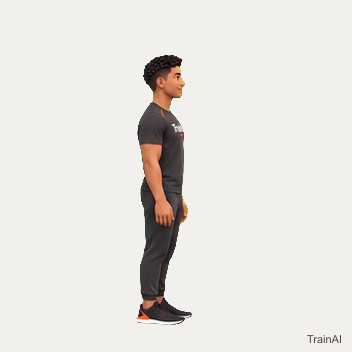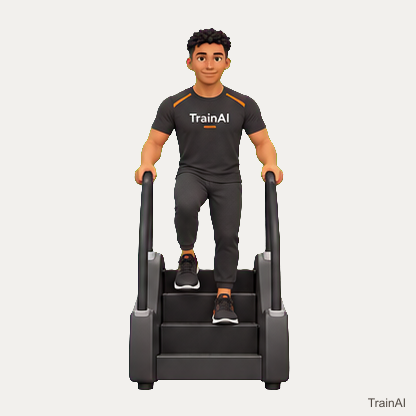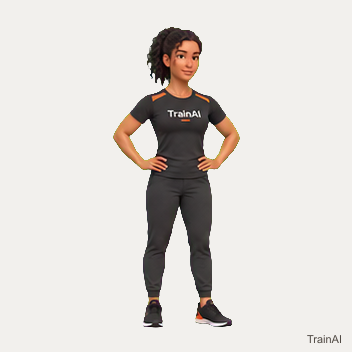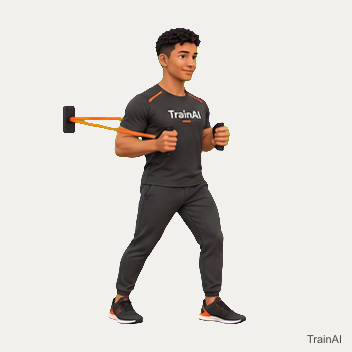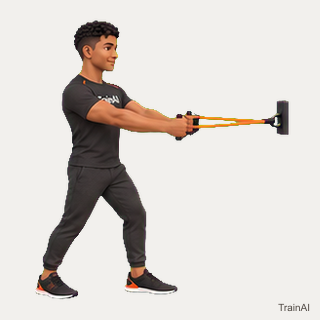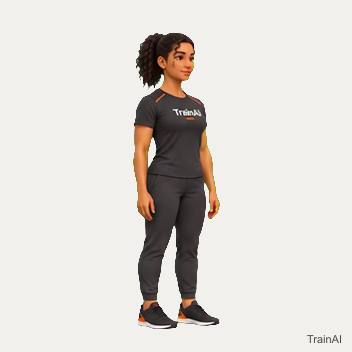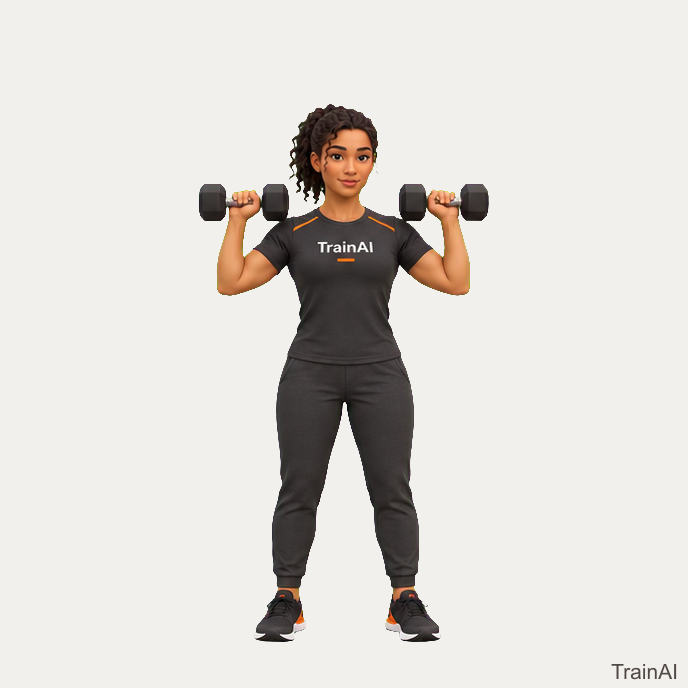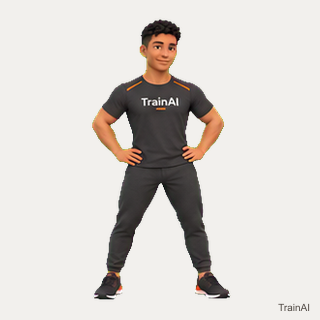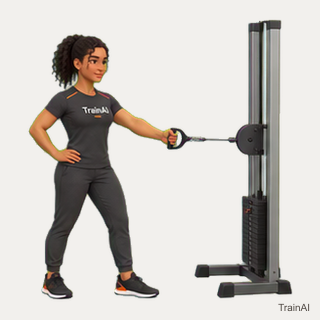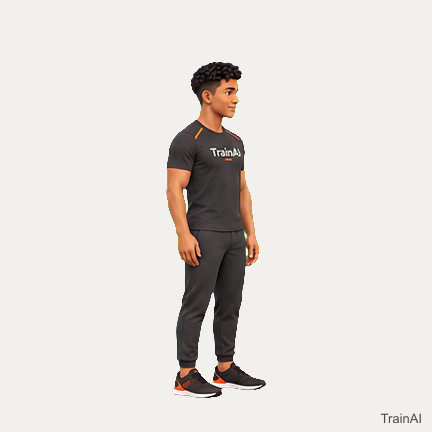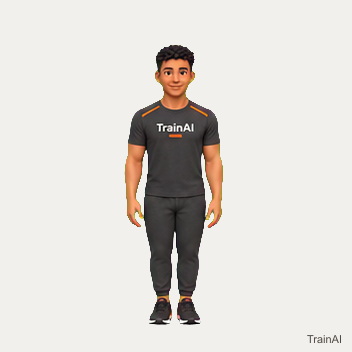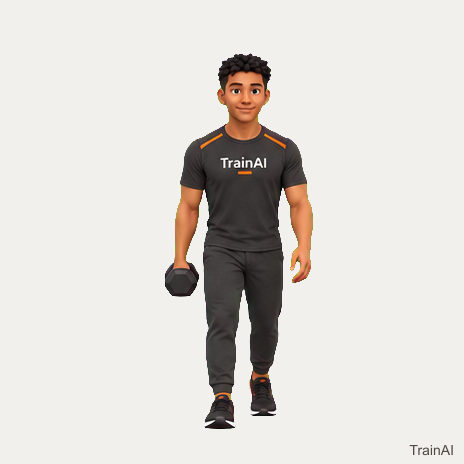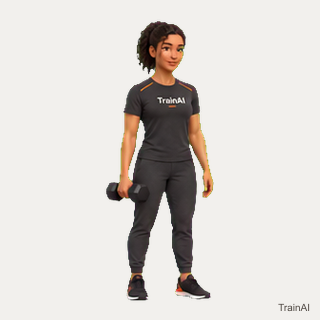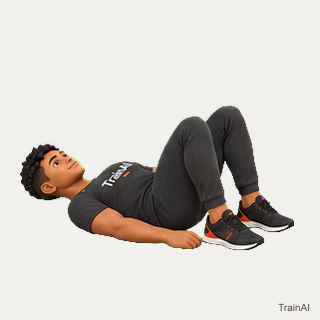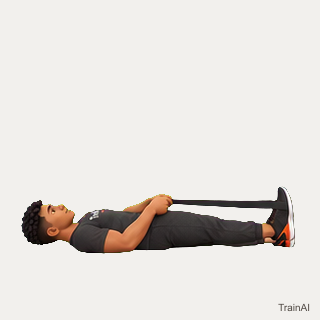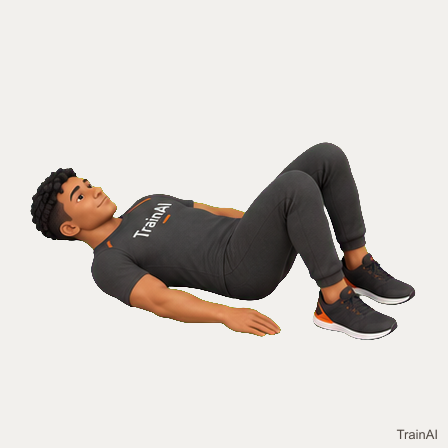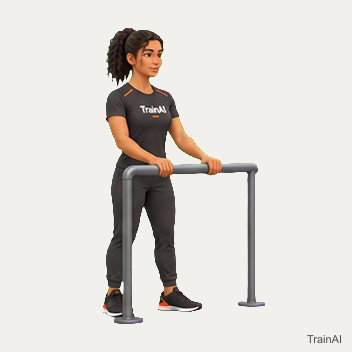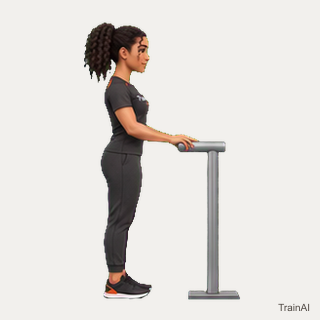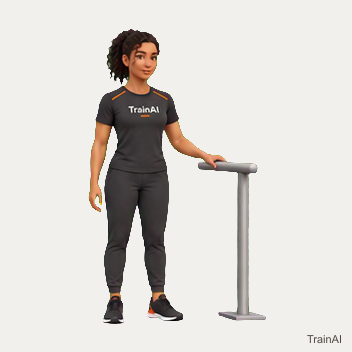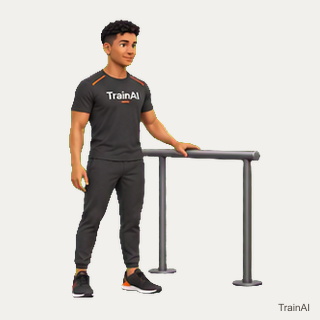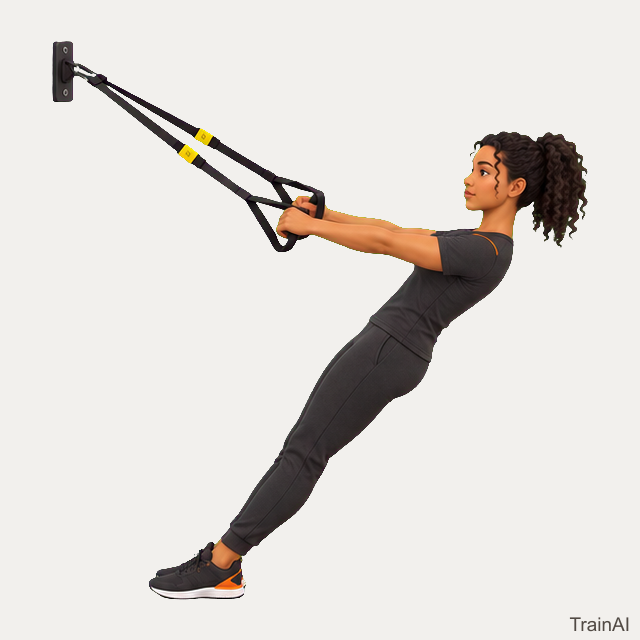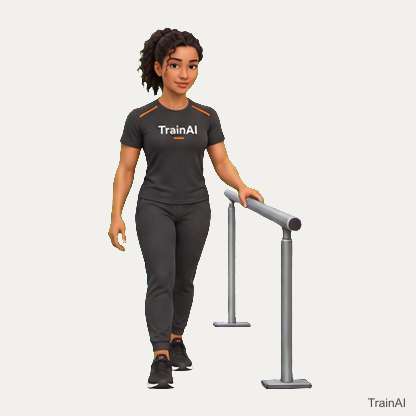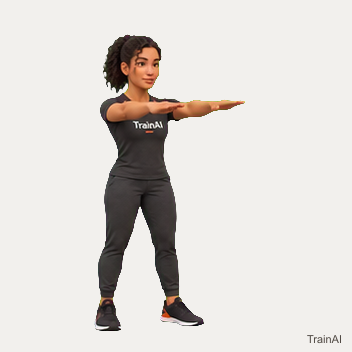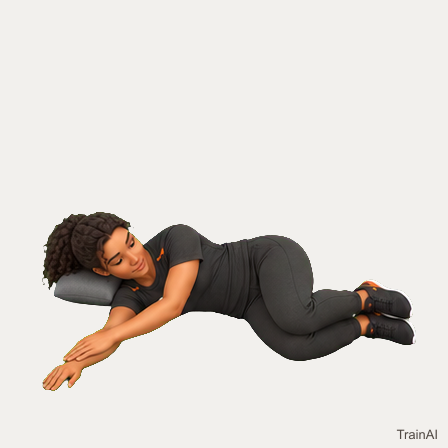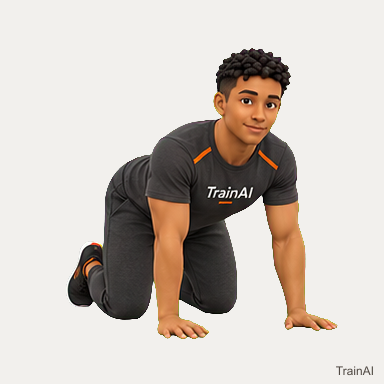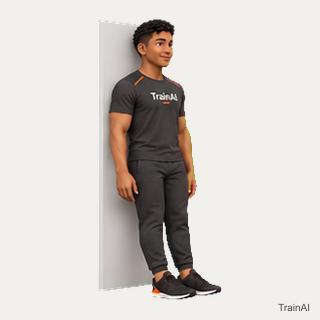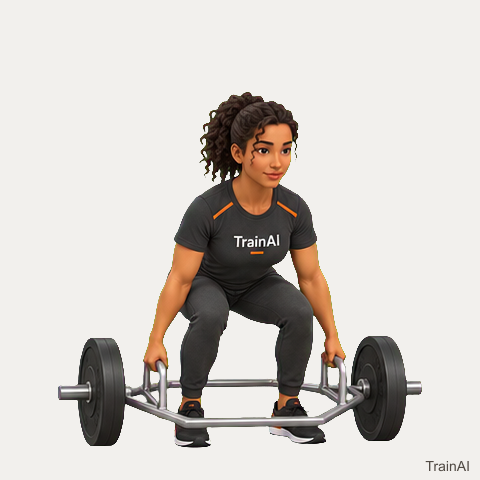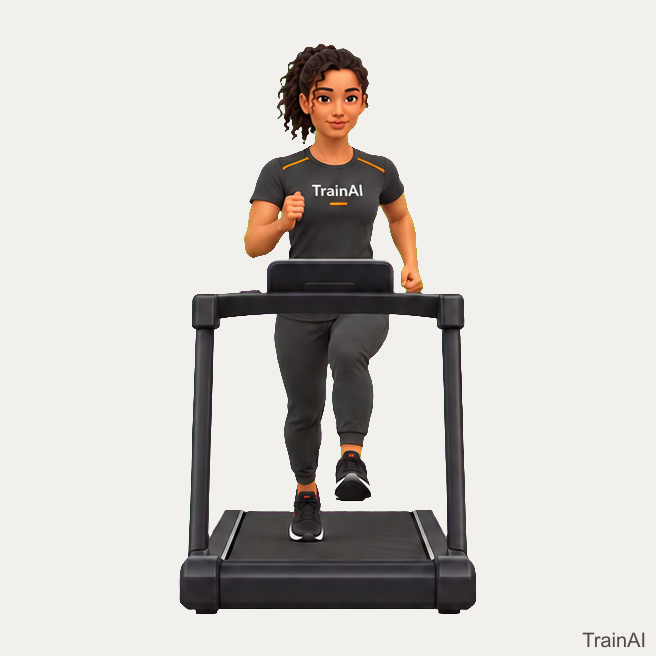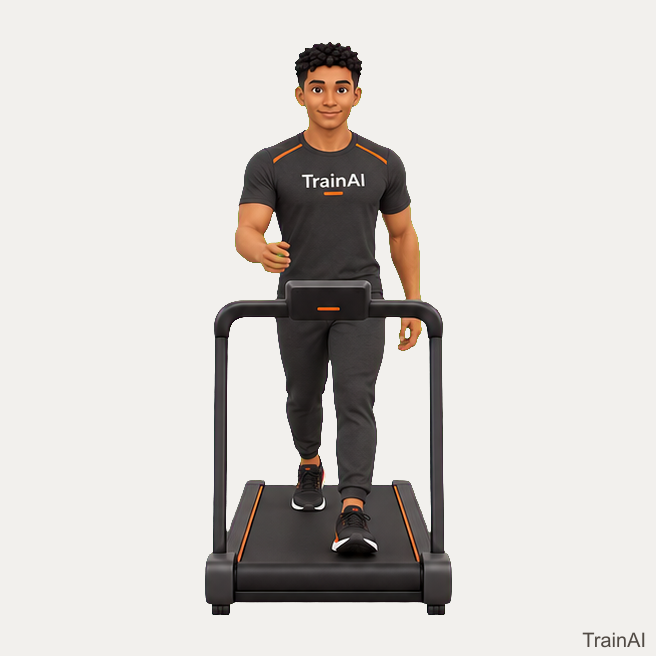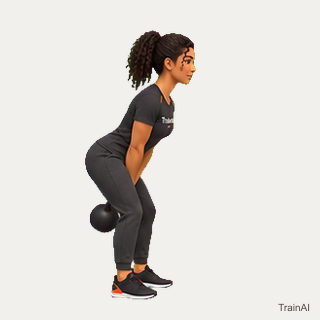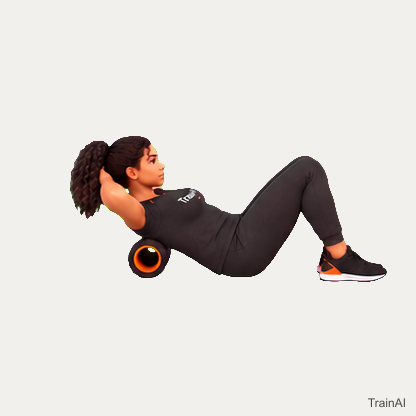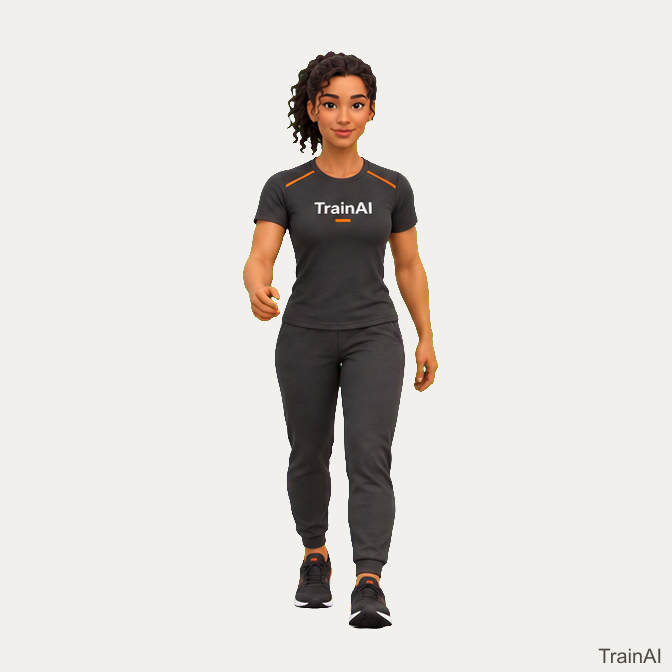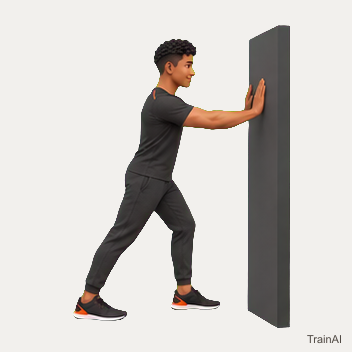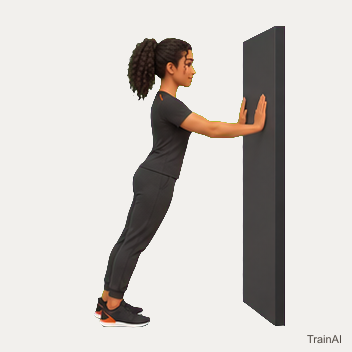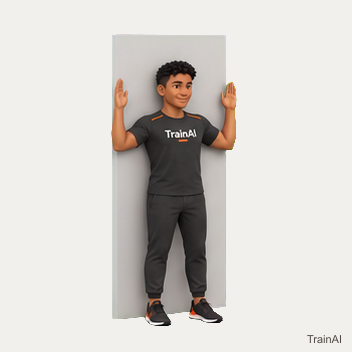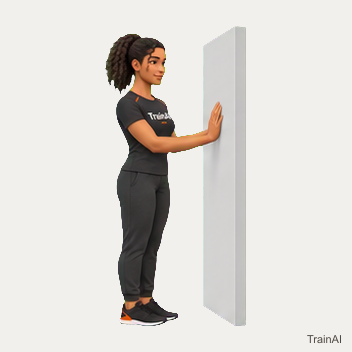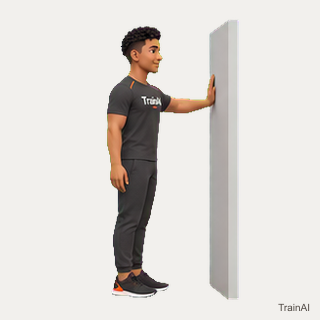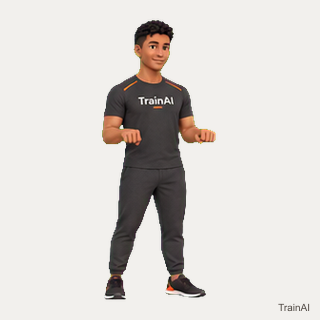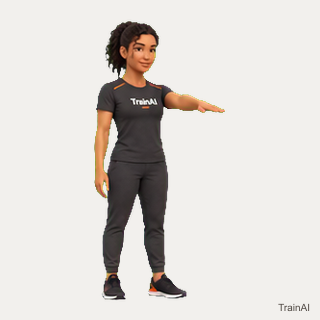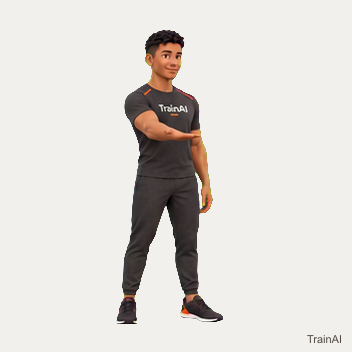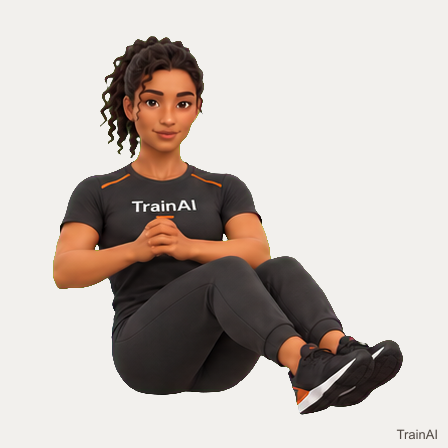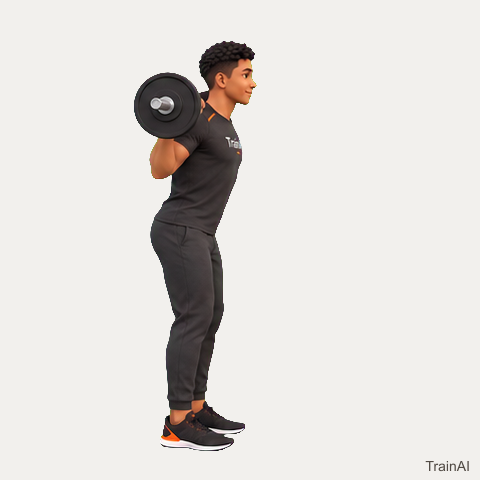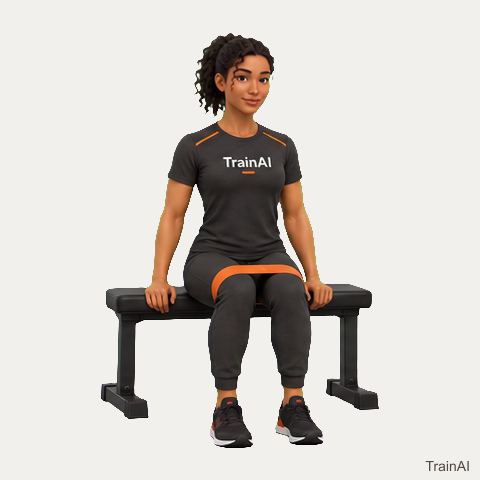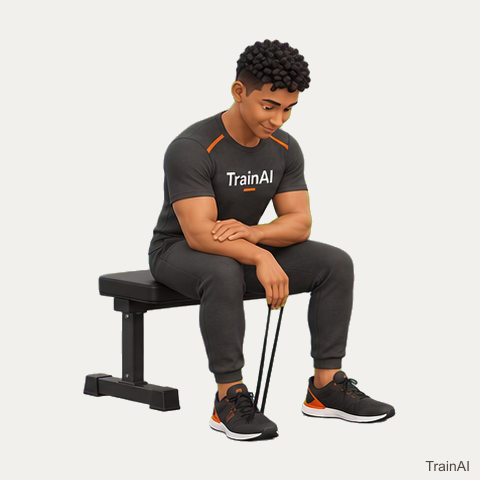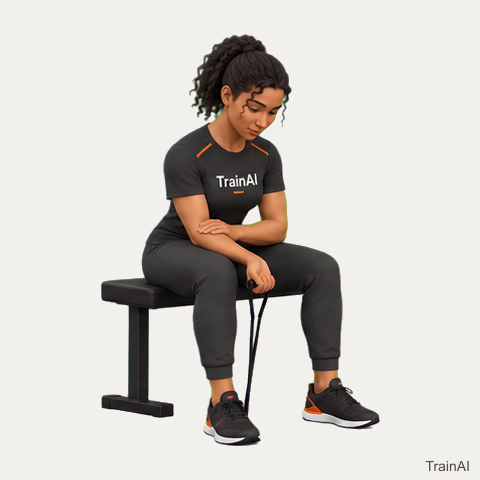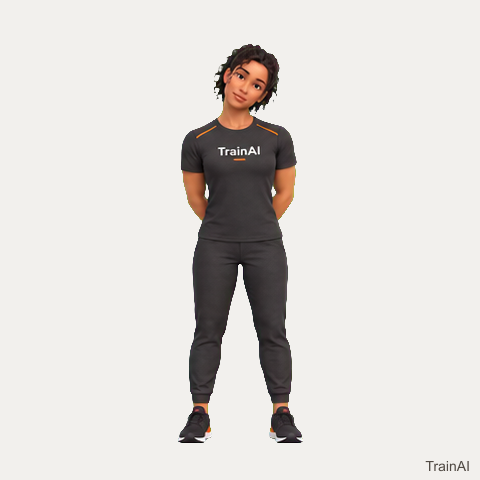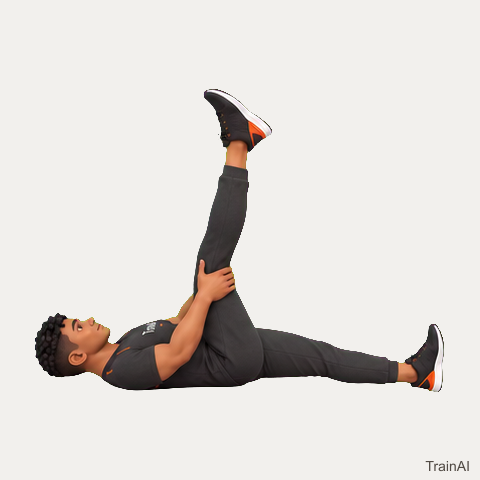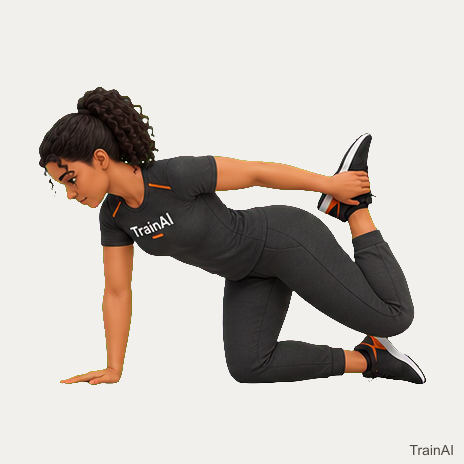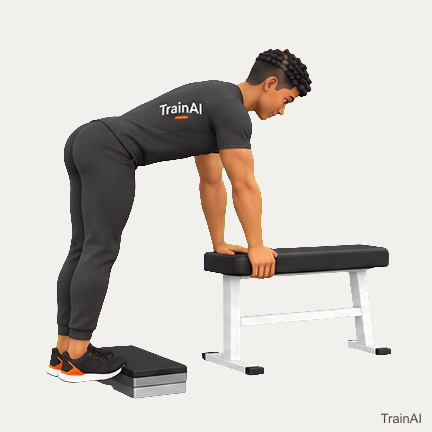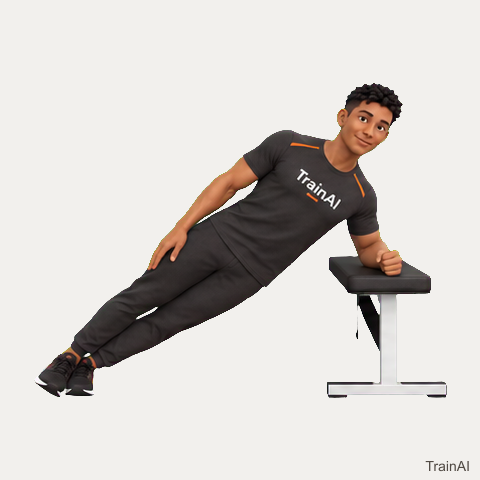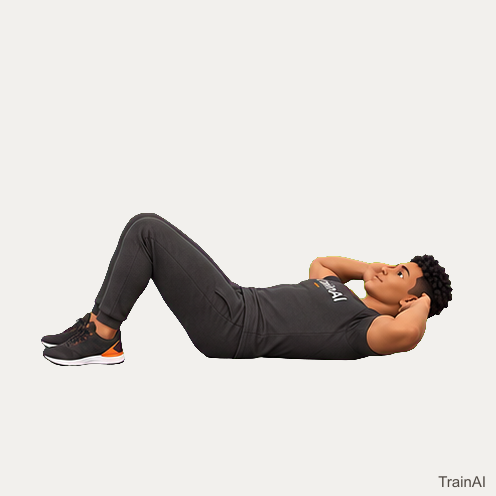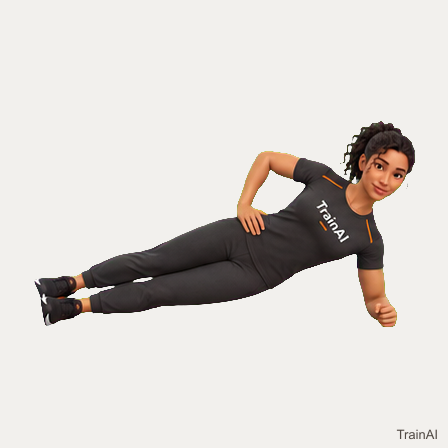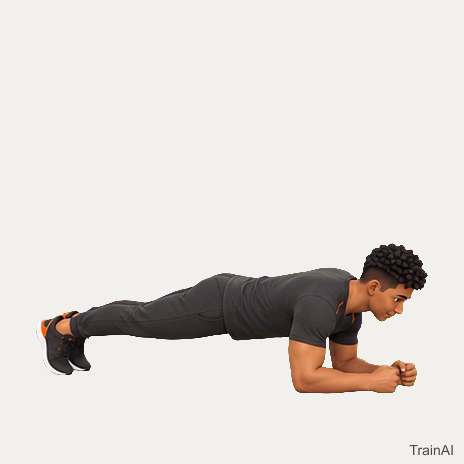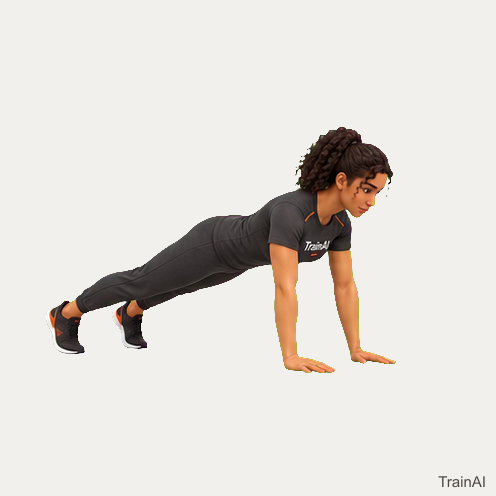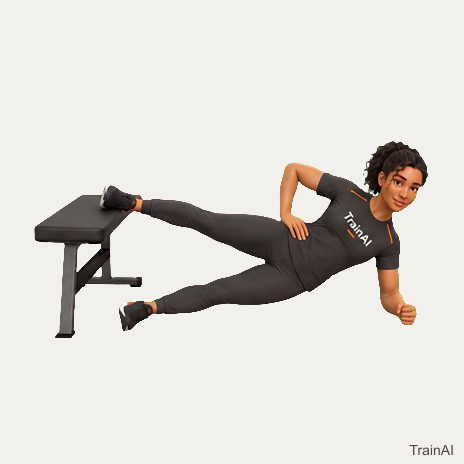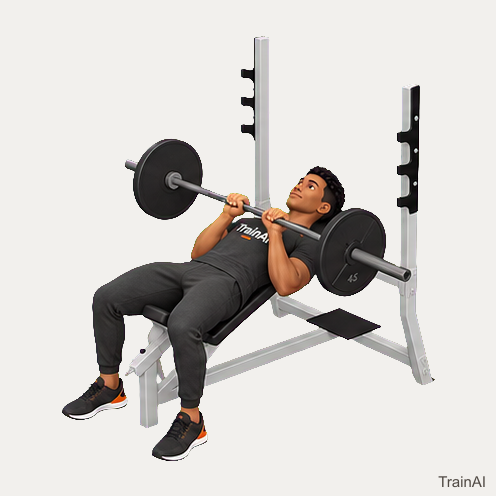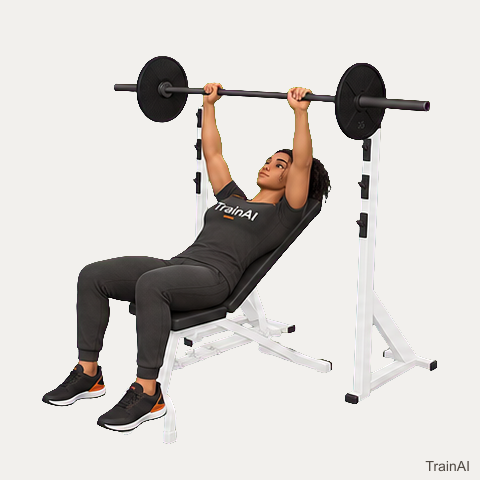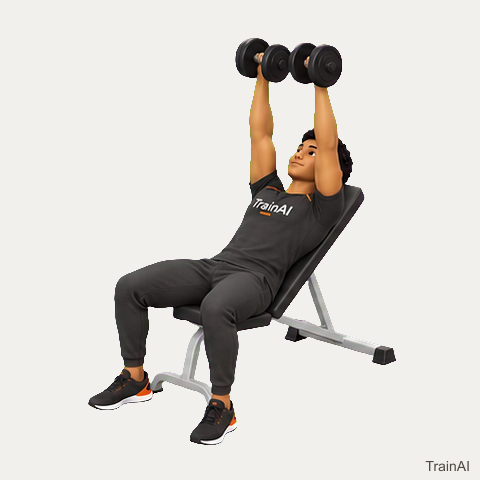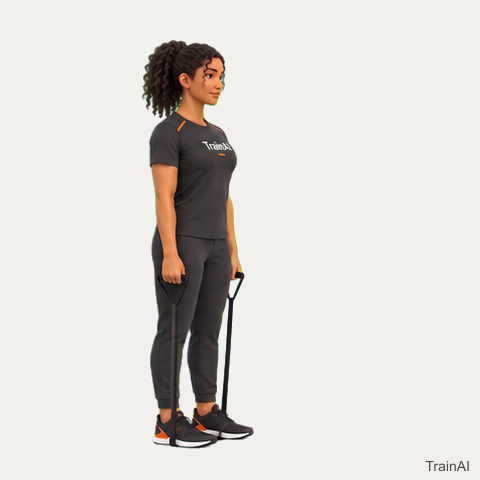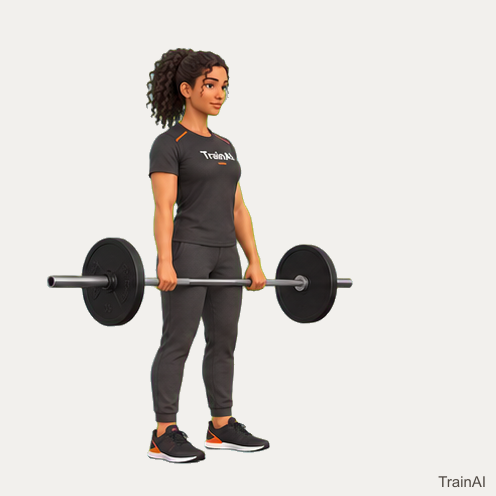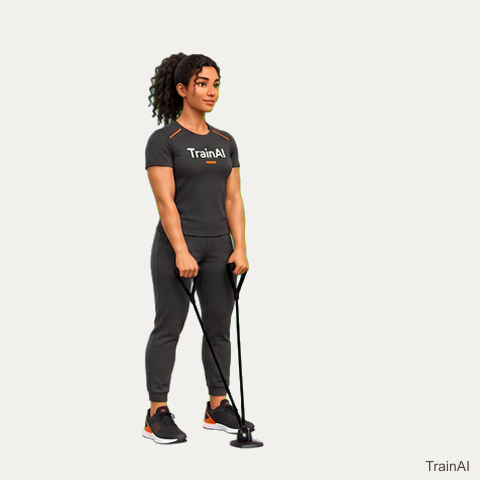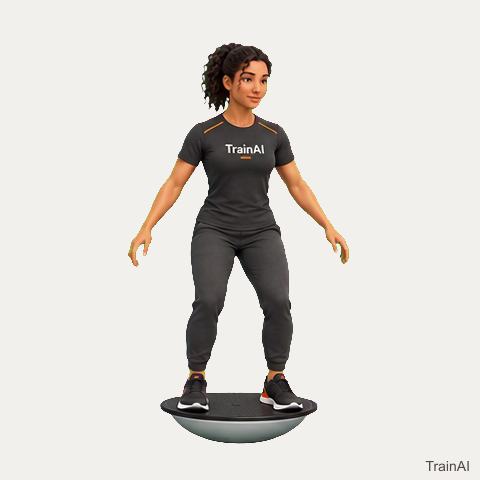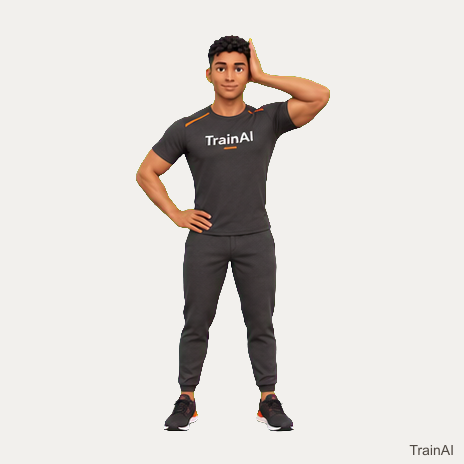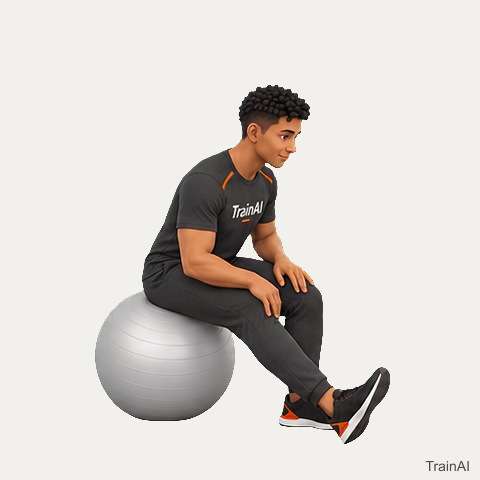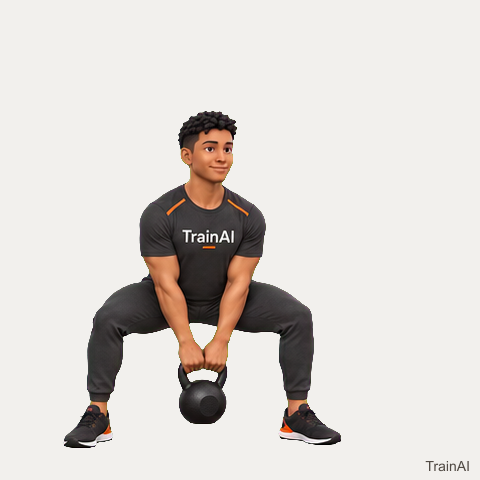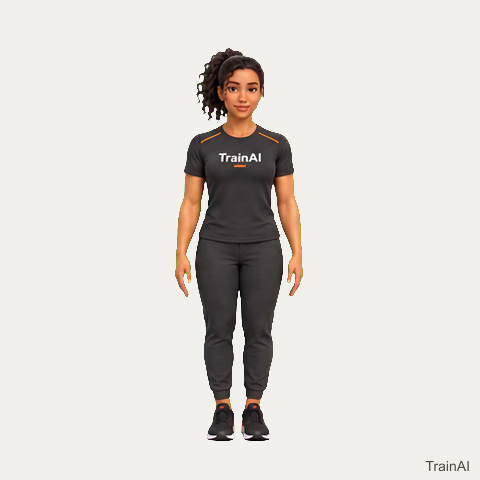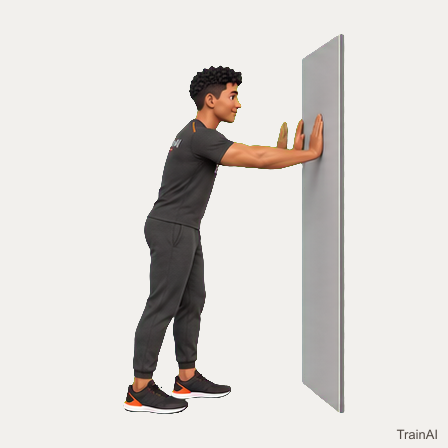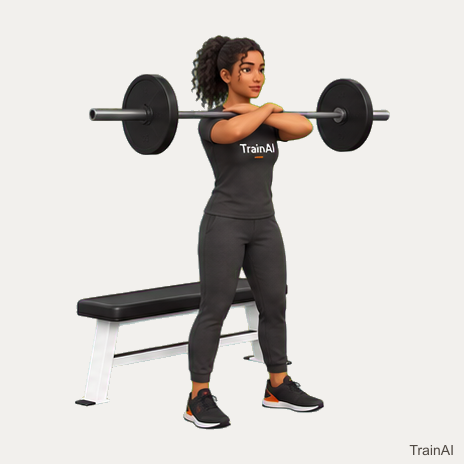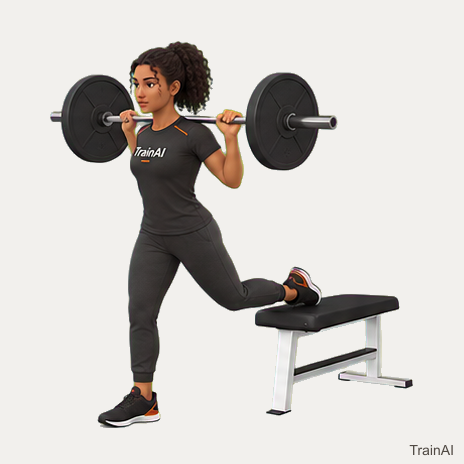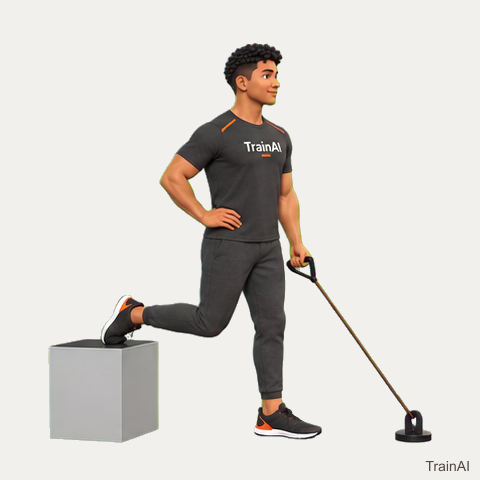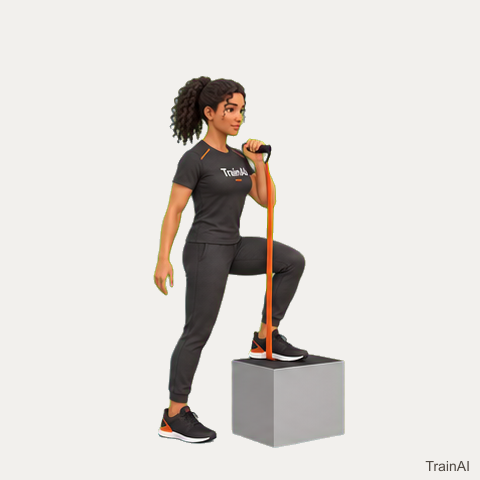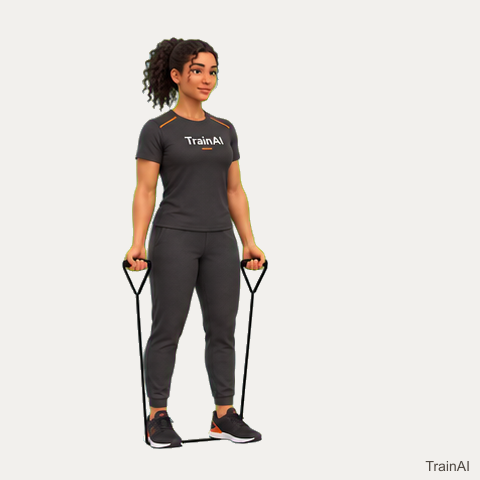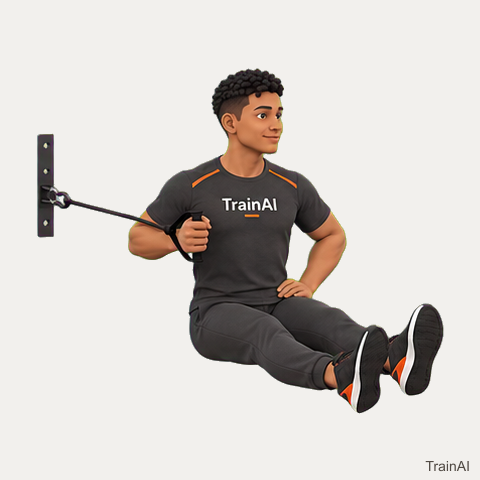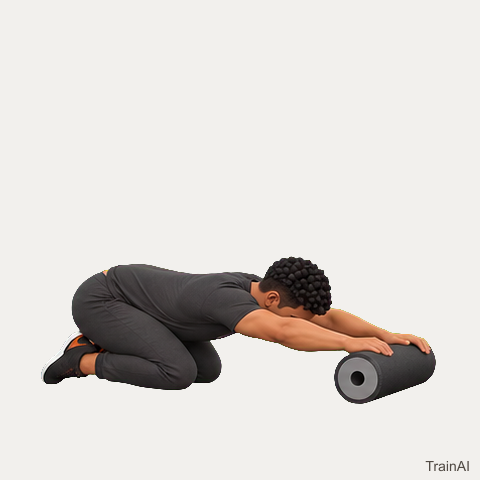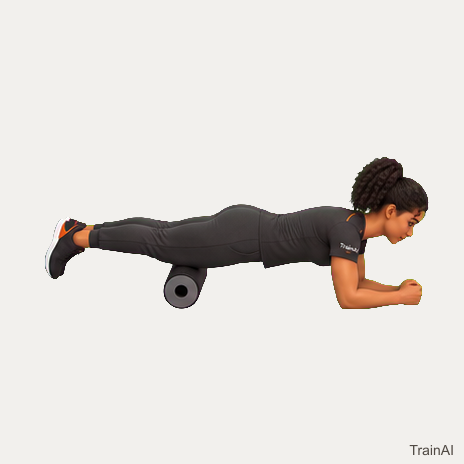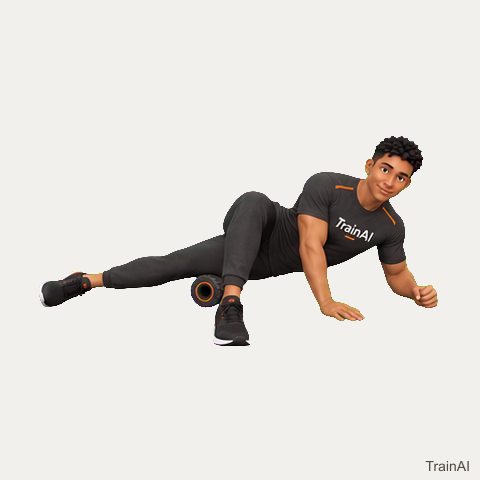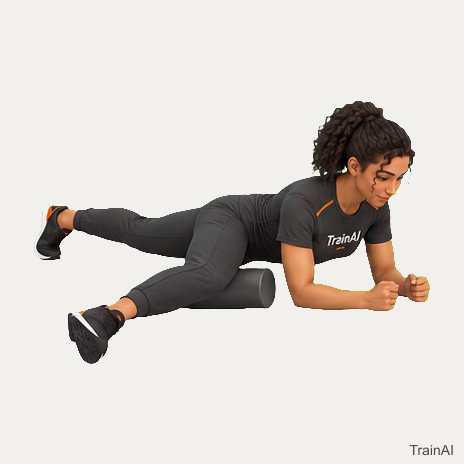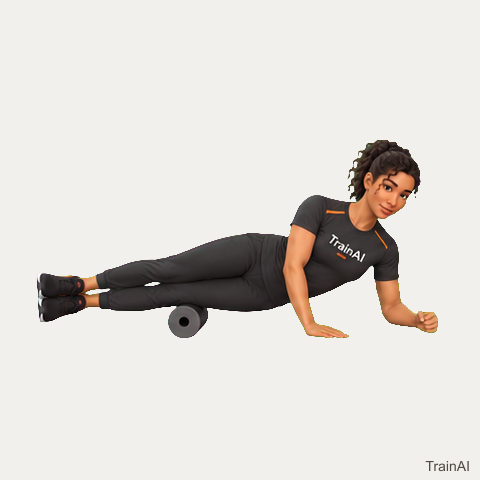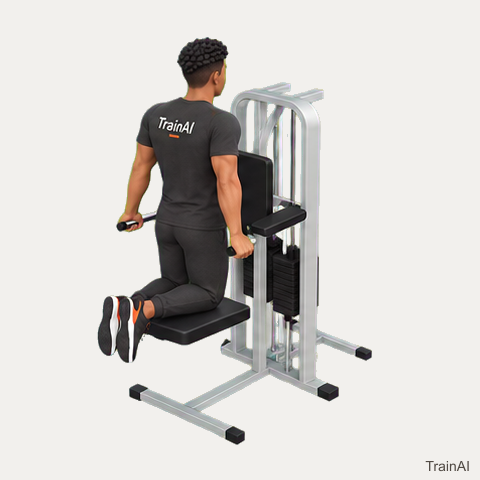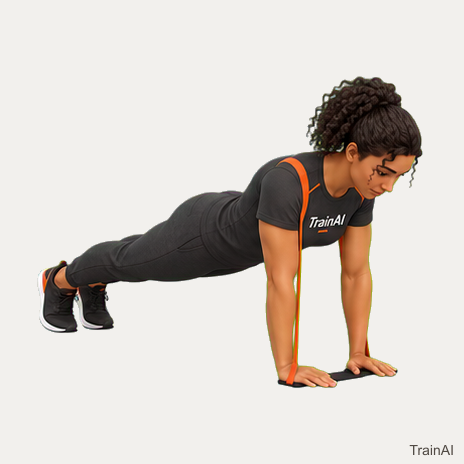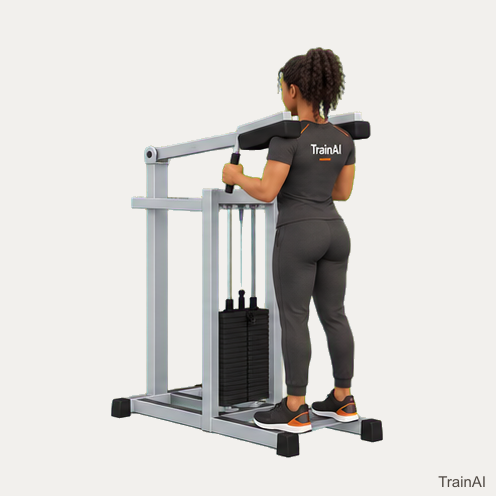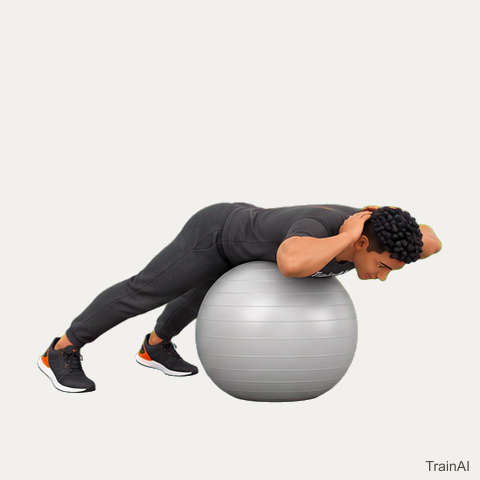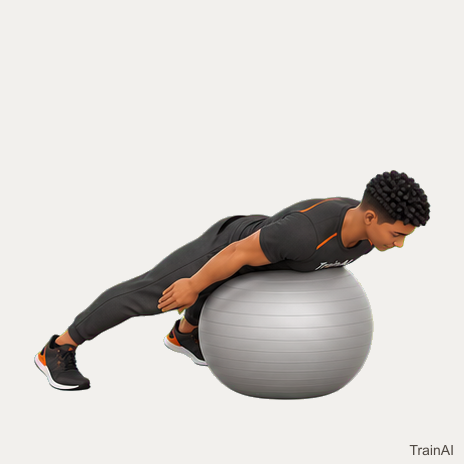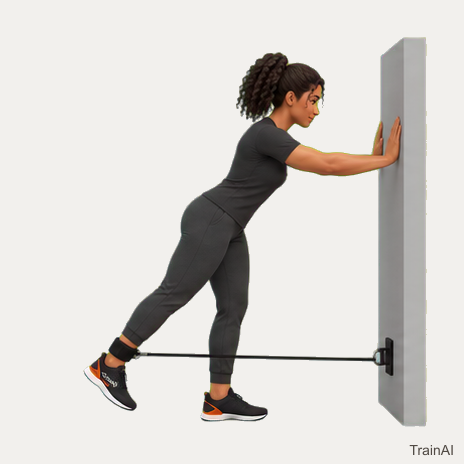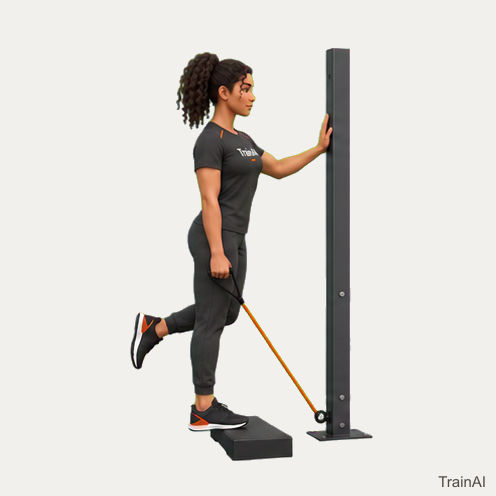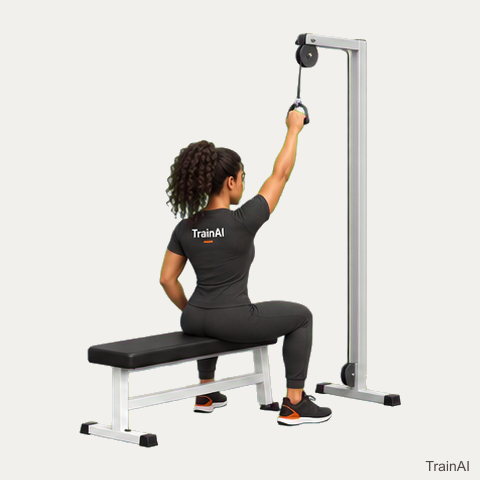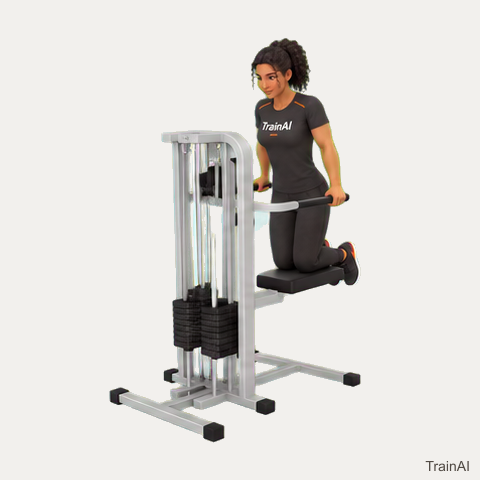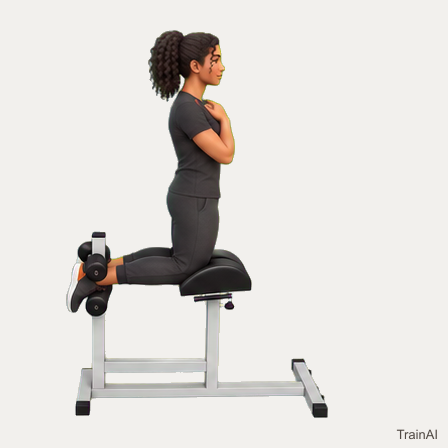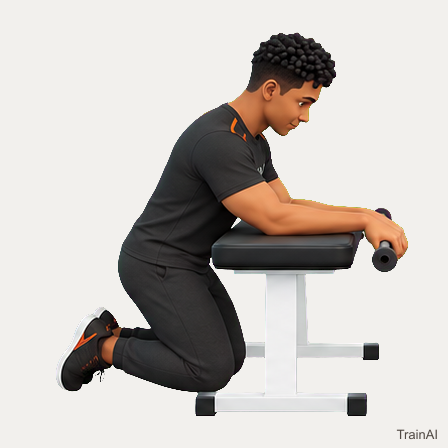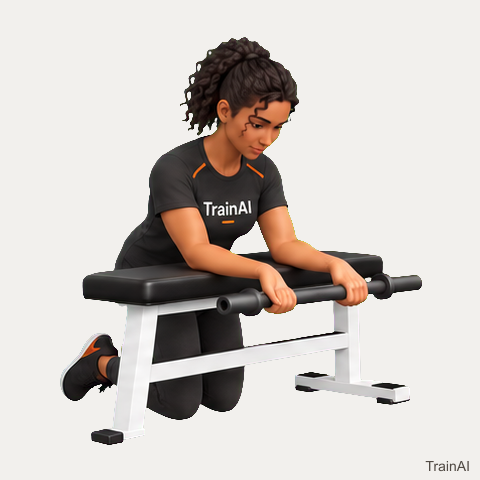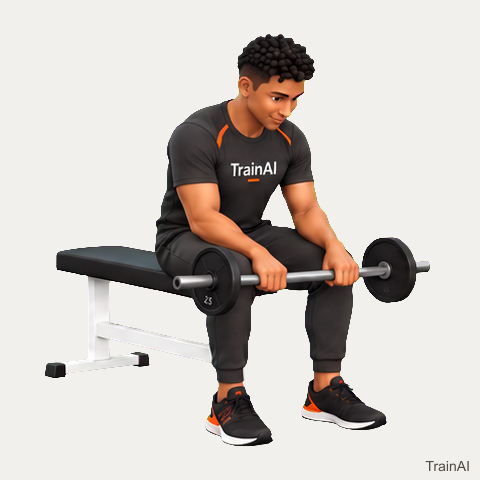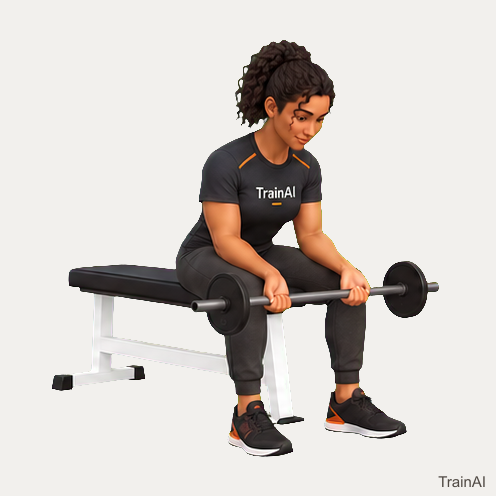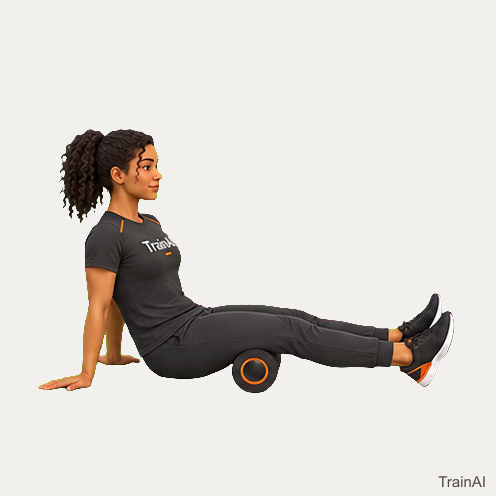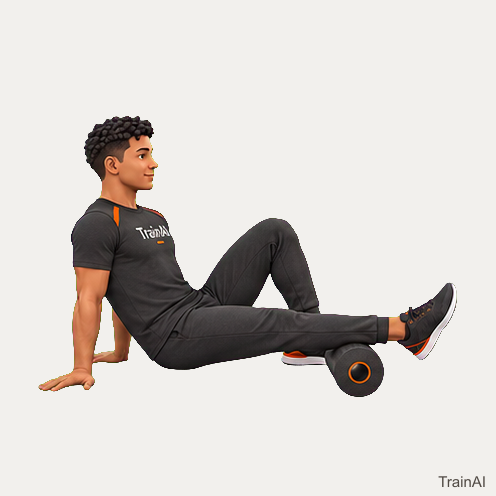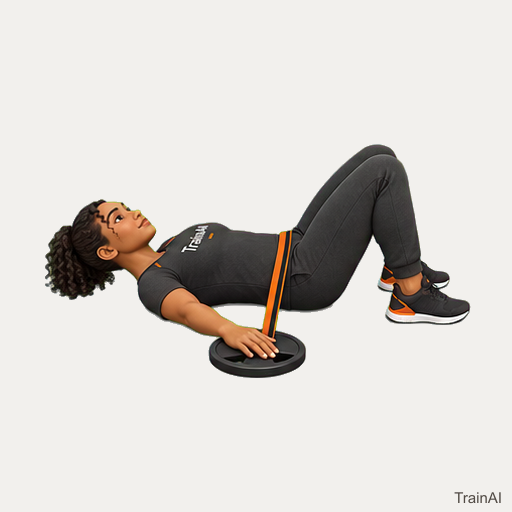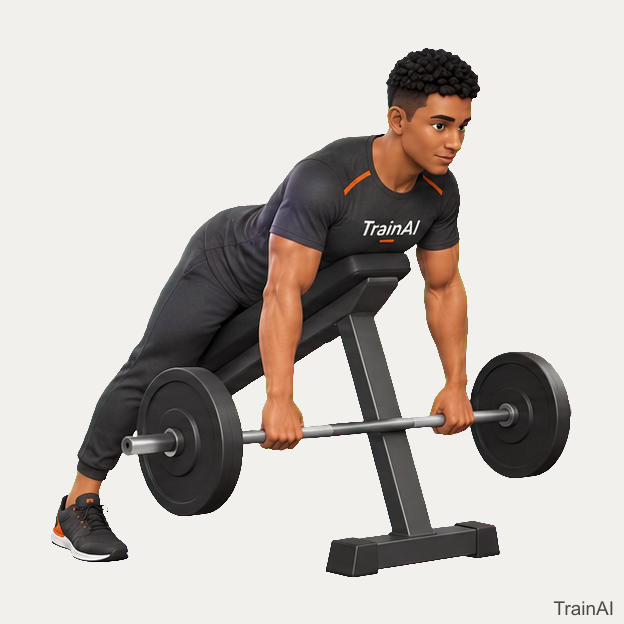
90/90 hip switch
No equipment · mobility
Use this demonstration
368 × 368 pixels · 18 animation frames · Native size, no upscaling.


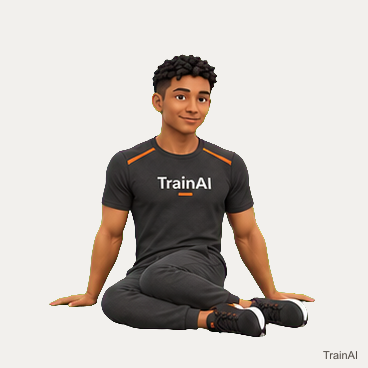
TrainAI branding is included. Browse all downloads or use the JSON catalog.
TRAINAI · CREATOR MEDIA
334 branded demonstrations for your TrainAI content. Download the GIF for animation, lossless WebP for editing, or PNG for a static slide. The actual resolution is listed for each file.
Open the complete JSON catalogFetch https://www.trainaiapp.com/media/exercises/catalog.json. Match the exercise by id, name, aliases or legacyIds, then download media.gif.url, media.webp.url or media.poster.url. Each format includes its dimensions, file size and SHA-256 checksum. No sign-in is needed.
Files use the accepted source frames and original timing. WebP preserves the full frame colors; GIF uses a 256-color palette. We do not enlarge low-resolution sources or label them HD. Keep the TrainAI branding visible in published content.
Use PNGs for static carousels. For animated carousel slides, convert individual demonstrations only when your publishing tool supports mixed-media carousels. A GIF download does not automatically create an Instagram carousel.
No equipment · mobility
368 × 368 pixels · 18 animation frames · Native size, no upscaling.
TrainAI branding is included. Browse all downloads or use the JSON catalog.
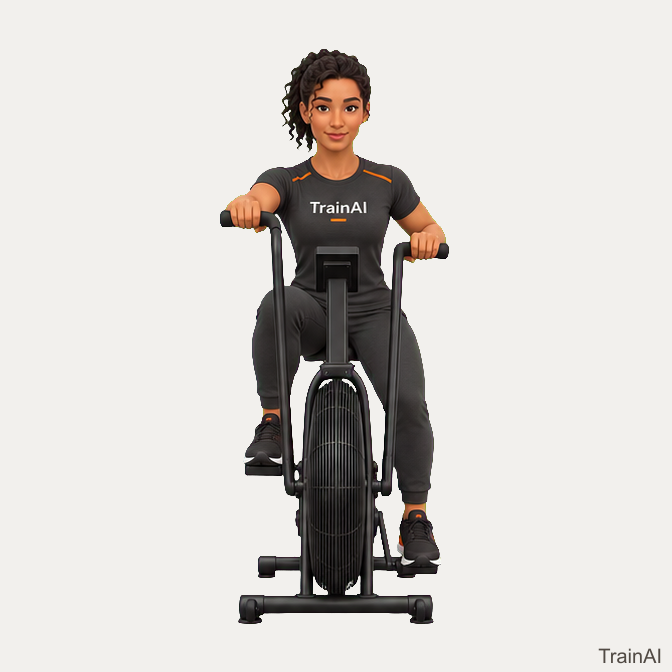
air bike · main
672 × 672 pixels · 4 animation frames · Native size, no upscaling.
TrainAI branding is included. Browse all downloads or use the JSON catalog.
No equipment · main
432 × 432 pixels · 9 animation frames · Native size, no upscaling.
TrainAI branding is included. Browse all downloads or use the JSON catalog.
No equipment · warmup
320 × 320 pixels · 16 animation frames · Native size, no upscaling.
TrainAI branding is included. Browse all downloads or use the JSON catalog.
No equipment · warmup
320 × 320 pixels · 16 animation frames · Native size, no upscaling.
TrainAI branding is included. Browse all downloads or use the JSON catalog.
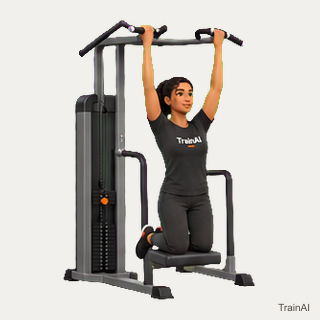
assisted pull up machine · main
320 × 320 pixels · 16 animation frames · Native size, no upscaling.
TrainAI branding is included. Browse all downloads or use the JSON catalog.
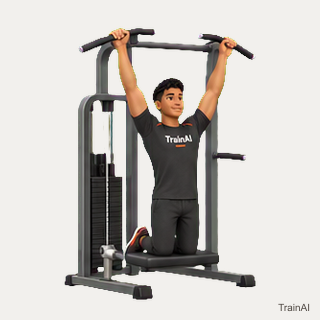
assisted pull up machine · main
320 × 320 pixels · 16 animation frames · Native size, no upscaling.
TrainAI branding is included. Browse all downloads or use the JSON catalog.
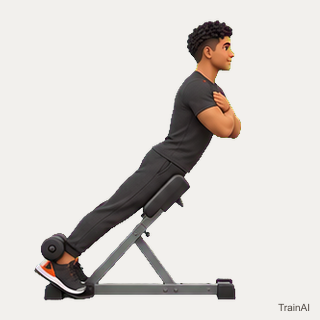
back extension bench · main
320 × 320 pixels · 16 animation frames · Native size, no upscaling.
TrainAI branding is included. Browse all downloads or use the JSON catalog.
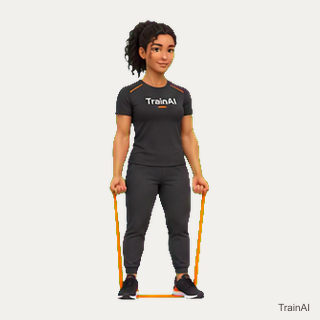
band · main
320 × 320 pixels · 16 animation frames · Native size, no upscaling.
TrainAI branding is included. Browse all downloads or use the JSON catalog.
band · main
320 × 320 pixels · 16 animation frames · Native size, no upscaling.
TrainAI branding is included. Browse all downloads or use the JSON catalog.
band · rated anchor · main
320 × 320 pixels · 16 animation frames · Native size, no upscaling.
TrainAI branding is included. Browse all downloads or use the JSON catalog.
band · rated high anchor · main
352 × 352 pixels · 16 animation frames · Native size, no upscaling.
TrainAI branding is included. Browse all downloads or use the JSON catalog.
band · main
320 × 320 pixels · 16 animation frames · Native size, no upscaling.
TrainAI branding is included. Browse all downloads or use the JSON catalog.
band · rated anchor · main
320 × 320 pixels · 16 animation frames · Native size, no upscaling.
TrainAI branding is included. Browse all downloads or use the JSON catalog.
band · main
320 × 320 pixels · 16 animation frames · Native size, no upscaling.
TrainAI branding is included. Browse all downloads or use the JSON catalog.
band · main
320 × 320 pixels · 16 animation frames · Native size, no upscaling.
TrainAI branding is included. Browse all downloads or use the JSON catalog.
band · main
320 × 320 pixels · 16 animation frames · Native size, no upscaling.
TrainAI branding is included. Browse all downloads or use the JSON catalog.
band · rated high anchor · main
352 × 352 pixels · 16 animation frames · Native size, no upscaling.
TrainAI branding is included. Browse all downloads or use the JSON catalog.
band · rated high anchor · main
352 × 352 pixels · 16 animation frames · Native size, no upscaling.
TrainAI branding is included. Browse all downloads or use the JSON catalog.
mini band · main
320 × 320 pixels · 16 animation frames · Native size, no upscaling.
TrainAI branding is included. Browse all downloads or use the JSON catalog.
mini band · main
320 × 320 pixels · 16 animation frames · Native size, no upscaling.
TrainAI branding is included. Browse all downloads or use the JSON catalog.
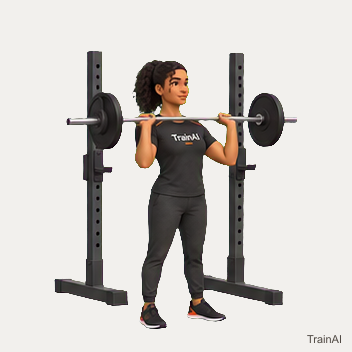
barbell · plates · rack · safeties · main
320 × 320 pixels · 16 animation frames · Native size, no upscaling.
TrainAI branding is included. Browse all downloads or use the JSON catalog.
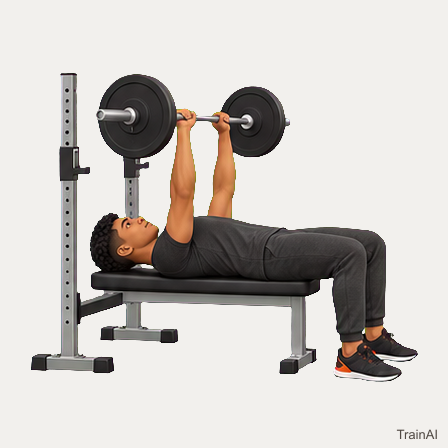
barbell · plates · bench · rack · safeties · main
448 × 448 pixels · 8 animation frames · Native size, no upscaling.
TrainAI branding is included. Browse all downloads or use the JSON catalog.
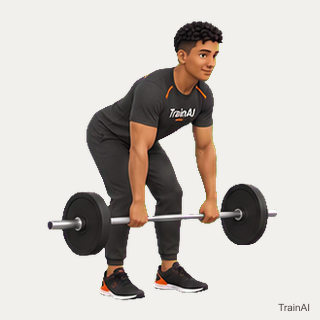
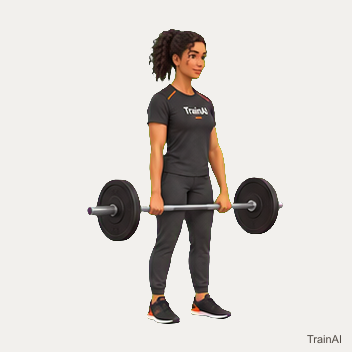
barbell · plates · main
320 × 320 pixels · 16 animation frames · Native size, no upscaling.
TrainAI branding is included. Browse all downloads or use the JSON catalog.
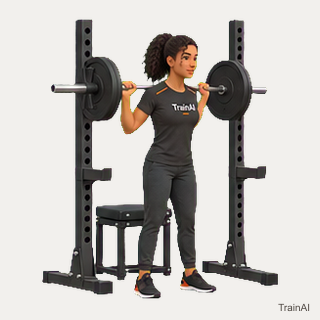
barbell · plates · rack · safeties · rated squat box · main
320 × 320 pixels · 16 animation frames · Native size, no upscaling.
TrainAI branding is included. Browse all downloads or use the JSON catalog.
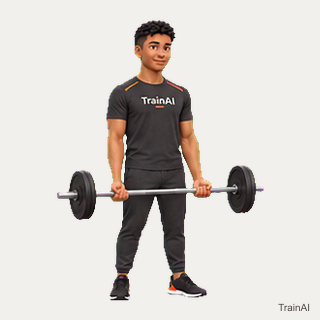
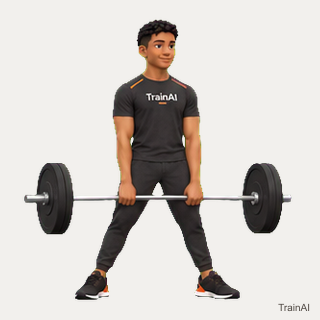
barbell · plates · main
320 × 320 pixels · 16 animation frames · Native size, no upscaling.
TrainAI branding is included. Browse all downloads or use the JSON catalog.
barbell · plates · main
320 × 320 pixels · 12 animation frames · Native size, no upscaling.
TrainAI branding is included. Browse all downloads or use the JSON catalog.
barbell · plates · rack · safeties · main
464 × 464 pixels · 16 animation frames · Native size, no upscaling.
TrainAI branding is included. Browse all downloads or use the JSON catalog.
barbell · plates · bench · pad · main
464 × 464 pixels · 14 animation frames · Native size, no upscaling.
TrainAI branding is included. Browse all downloads or use the JSON catalog.
barbell · plates · adjustable bench · rack · safeties · main
352 × 352 pixels · 16 animation frames · Native size, no upscaling.
TrainAI branding is included. Browse all downloads or use the JSON catalog.
barbell · plates · rack · main
352 × 352 pixels · 12 animation frames · Native size, no upscaling.
TrainAI branding is included. Browse all downloads or use the JSON catalog.
barbell · plates · main
352 × 352 pixels · 16 animation frames · Native size, no upscaling.
TrainAI branding is included. Browse all downloads or use the JSON catalog.
barbell · plates · main
320 × 320 pixels · 12 animation frames · Native size, no upscaling.
TrainAI branding is included. Browse all downloads or use the JSON catalog.
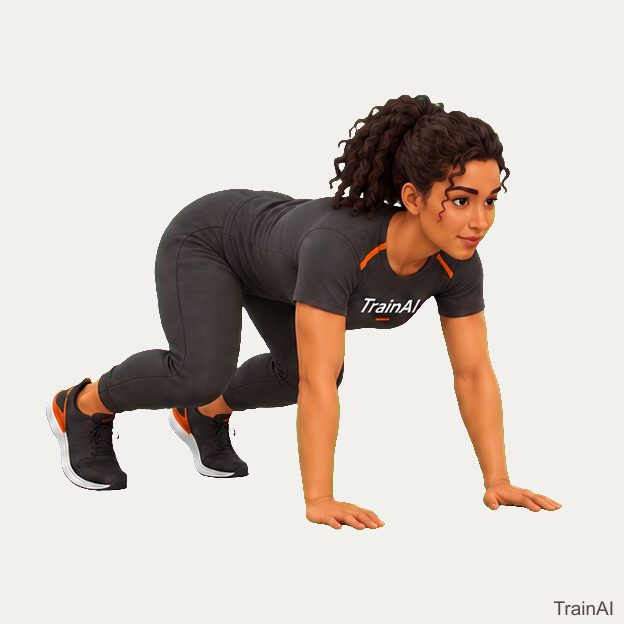
No equipment · main
624 × 624 pixels · 4 animation frames · Native size, no upscaling.
TrainAI branding is included. Browse all downloads or use the JSON catalog.
No equipment · main
320 × 320 pixels · 16 animation frames · Native size, no upscaling.
TrainAI branding is included. Browse all downloads or use the JSON catalog.
dumbbell · bench · main
320 × 320 pixels · 16 animation frames · Native size, no upscaling.
TrainAI branding is included. Browse all downloads or use the JSON catalog.
wall · cooldown
320 × 320 pixels · 16 animation frames · Native size, no upscaling.
TrainAI branding is included. Browse all downloads or use the JSON catalog.
No equipment · main
656 × 656 pixels · 4 animation frames · Native size, no upscaling.
TrainAI branding is included. Browse all downloads or use the JSON catalog.
No equipment · main
480 × 480 pixels · 16 animation frames · Native size, no upscaling.
TrainAI branding is included. Browse all downloads or use the JSON catalog.
No equipment · main
400 × 400 pixels · 16 animation frames · Native size, no upscaling.
TrainAI branding is included. Browse all downloads or use the JSON catalog.
No equipment · main
320 × 320 pixels · 16 animation frames · Native size, no upscaling.
TrainAI branding is included. Browse all downloads or use the JSON catalog.
No equipment · main
384 × 384 pixels · 32 animation frames · Native size, no upscaling.
TrainAI branding is included. Browse all downloads or use the JSON catalog.
rated plyometric box · main
320 × 320 pixels · 16 animation frames · Native size, no upscaling.
TrainAI branding is included. Browse all downloads or use the JSON catalog.
walking space · main
656 × 656 pixels · 4 animation frames · Native size, no upscaling.
TrainAI branding is included. Browse all downloads or use the JSON catalog.
No equipment · main
656 × 656 pixels · 6 animation frames · Native size, no upscaling.
TrainAI branding is included. Browse all downloads or use the JSON catalog.
No equipment · cooldown
320 × 320 pixels · 16 animation frames · Native size, no upscaling.
TrainAI branding is included. Browse all downloads or use the JSON catalog.
cable machine · bar handle · main
448 × 448 pixels · 16 animation frames · Native size, no upscaling.
TrainAI branding is included. Browse all downloads or use the JSON catalog.
cable machine · handles · main
352 × 352 pixels · 16 animation frames · Native size, no upscaling.
TrainAI branding is included. Browse all downloads or use the JSON catalog.
cable machine · handles · main
352 × 352 pixels · 16 animation frames · Native size, no upscaling.
TrainAI branding is included. Browse all downloads or use the JSON catalog.
cable machine · rope handle · main
320 × 320 pixels · 16 animation frames · Native size, no upscaling.
TrainAI branding is included. Browse all downloads or use the JSON catalog.
cable machine · ankle cuff · main
448 × 448 pixels · 16 animation frames · Native size, no upscaling.
TrainAI branding is included. Browse all downloads or use the JSON catalog.
cable machine · ankle cuff · main
432 × 432 pixels · 16 animation frames · Native size, no upscaling.
TrainAI branding is included. Browse all downloads or use the JSON catalog.
cable machine · handle · main
672 × 672 pixels · 6 animation frames · Native size, no upscaling.
TrainAI branding is included. Browse all downloads or use the JSON catalog.
cable machine · rope handle · main
352 × 352 pixels · 16 animation frames · Native size, no upscaling.
TrainAI branding is included. Browse all downloads or use the JSON catalog.
cable machine · handle · main
352 × 352 pixels · 16 animation frames · Native size, no upscaling.
TrainAI branding is included. Browse all downloads or use the JSON catalog.
cable machine · rope handle · main
320 × 320 pixels · 16 animation frames · Native size, no upscaling.
TrainAI branding is included. Browse all downloads or use the JSON catalog.
cable machine · bar handle · main
352 × 352 pixels · 16 animation frames · Native size, no upscaling.
TrainAI branding is included. Browse all downloads or use the JSON catalog.
cable machine · rope handle · main
352 × 352 pixels · 16 animation frames · Native size, no upscaling.
TrainAI branding is included. Browse all downloads or use the JSON catalog.
cable machine · handle · main
320 × 320 pixels · 30 animation frames · Native size, no upscaling.
TrainAI branding is included. Browse all downloads or use the JSON catalog.
foam roller · recovery
320 × 320 pixels · 30 animation frames · Native size, no upscaling.
TrainAI branding is included. Browse all downloads or use the JSON catalog.
No equipment · warmup
320 × 320 pixels · 8 animation frames · Native size, no upscaling.
TrainAI branding is included. Browse all downloads or use the JSON catalog.
stable chair · main
352 × 352 pixels · 14 animation frames · Native size, no upscaling.
TrainAI branding is included. Browse all downloads or use the JSON catalog.
stable chair · main
320 × 320 pixels · 16 animation frames · Native size, no upscaling.
TrainAI branding is included. Browse all downloads or use the JSON catalog.
dumbbell · adjustable bench · main
320 × 320 pixels · 16 animation frames · Native size, no upscaling.
TrainAI branding is included. Browse all downloads or use the JSON catalog.
No equipment · cooldown
320 × 320 pixels · 16 animation frames · Native size, no upscaling.
TrainAI branding is included. Browse all downloads or use the JSON catalog.
rated pull up bar · main
320 × 320 pixels · 16 animation frames · Native size, no upscaling.
TrainAI branding is included. Browse all downloads or use the JSON catalog.
No equipment · main
320 × 320 pixels · 16 animation frames · Native size, no upscaling.
TrainAI branding is included. Browse all downloads or use the JSON catalog.
barbell · plates · bench · rack · safeties · main
448 × 448 pixels · 6 animation frames · Native size, no upscaling.
TrainAI branding is included. Browse all downloads or use the JSON catalog.
No equipment · main
320 × 320 pixels · 16 animation frames · Native size, no upscaling.
TrainAI branding is included. Browse all downloads or use the JSON catalog.
stable step · main
352 × 352 pixels · 16 animation frames · Native size, no upscaling.
TrainAI branding is included. Browse all downloads or use the JSON catalog.
No equipment · warmup
320 × 320 pixels · 16 animation frames · Native size, no upscaling.
TrainAI branding is included. Browse all downloads or use the JSON catalog.
No equipment · cooldown
352 × 352 pixels · 16 animation frames · Native size, no upscaling.
TrainAI branding is included. Browse all downloads or use the JSON catalog.
No equipment · main
352 × 352 pixels · 6 animation frames · Native size, no upscaling.
TrainAI branding is included. Browse all downloads or use the JSON catalog.
No equipment · main
464 × 464 pixels · 12 animation frames · Native size, no upscaling.
TrainAI branding is included. Browse all downloads or use the JSON catalog.
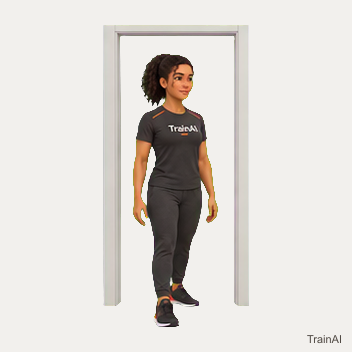
doorway · cooldown
352 × 352 pixels · 16 animation frames · Native size, no upscaling.
TrainAI branding is included. Browse all downloads or use the JSON catalog.
dowel · mobility
352 × 352 pixels · 14 animation frames · Native size, no upscaling.
TrainAI branding is included. Browse all downloads or use the JSON catalog.
dumbbell · bench · main
320 × 320 pixels · 16 animation frames · Native size, no upscaling.
TrainAI branding is included. Browse all downloads or use the JSON catalog.
dumbbell · main
320 × 320 pixels · 16 animation frames · Native size, no upscaling.
TrainAI branding is included. Browse all downloads or use the JSON catalog.
dumbbell · main
384 × 384 pixels · 30 animation frames · Native size, no upscaling.
TrainAI branding is included. Browse all downloads or use the JSON catalog.
dumbbell · main
320 × 320 pixels · 8 animation frames · Native size, no upscaling.
TrainAI branding is included. Browse all downloads or use the JSON catalog.
dumbbell · main
448 × 448 pixels · 16 animation frames · Native size, no upscaling.
TrainAI branding is included. Browse all downloads or use the JSON catalog.
dumbbell · main
368 × 368 pixels · 16 animation frames · Native size, no upscaling.
TrainAI branding is included. Browse all downloads or use the JSON catalog.
dumbbell · main
320 × 320 pixels · 16 animation frames · Native size, no upscaling.
TrainAI branding is included. Browse all downloads or use the JSON catalog.
dumbbell · adjustable bench · main
320 × 320 pixels · 10 animation frames · Native size, no upscaling.
TrainAI branding is included. Browse all downloads or use the JSON catalog.
dumbbell · main
320 × 320 pixels · 14 animation frames · Native size, no upscaling.
TrainAI branding is included. Browse all downloads or use the JSON catalog.
dumbbell · main
320 × 320 pixels · 16 animation frames · Native size, no upscaling.
TrainAI branding is included. Browse all downloads or use the JSON catalog.
dumbbell · main
352 × 352 pixels · 16 animation frames · Native size, no upscaling.
TrainAI branding is included. Browse all downloads or use the JSON catalog.
dumbbell · main
320 × 320 pixels · 16 animation frames · Native size, no upscaling.
TrainAI branding is included. Browse all downloads or use the JSON catalog.
dumbbell · main
320 × 320 pixels · 16 animation frames · Native size, no upscaling.
TrainAI branding is included. Browse all downloads or use the JSON catalog.
dumbbell · main
320 × 320 pixels · 16 animation frames · Native size, no upscaling.
TrainAI branding is included. Browse all downloads or use the JSON catalog.
dumbbell · main
320 × 320 pixels · 16 animation frames · Native size, no upscaling.
TrainAI branding is included. Browse all downloads or use the JSON catalog.
dumbbell · main
320 × 320 pixels · 16 animation frames · Native size, no upscaling.
TrainAI branding is included. Browse all downloads or use the JSON catalog.
dumbbell · main
320 × 320 pixels · 16 animation frames · Native size, no upscaling.
TrainAI branding is included. Browse all downloads or use the JSON catalog.
dumbbell · main
432 × 432 pixels · 16 animation frames · Native size, no upscaling.
TrainAI branding is included. Browse all downloads or use the JSON catalog.
elliptical · main
416 × 416 pixels · 8 animation frames · Native size, no upscaling.
TrainAI branding is included. Browse all downloads or use the JSON catalog.
ez bar · plates · bench · main
352 × 352 pixels · 14 animation frames · Native size, no upscaling.
TrainAI branding is included. Browse all downloads or use the JSON catalog.
dumbbell · walking space · main
432 × 432 pixels · 8 animation frames · Native size, no upscaling.
TrainAI branding is included. Browse all downloads or use the JSON catalog.
No equipment · main
352 × 352 pixels · 16 animation frames · Native size, no upscaling.
TrainAI branding is included. Browse all downloads or use the JSON catalog.
No equipment · main
352 × 352 pixels · 16 animation frames · Native size, no upscaling.
TrainAI branding is included. Browse all downloads or use the JSON catalog.
No equipment · main
320 × 320 pixels · 16 animation frames · Native size, no upscaling.
TrainAI branding is included. Browse all downloads or use the JSON catalog.
No equipment · main
320 × 320 pixels · 16 animation frames · Native size, no upscaling.
TrainAI branding is included. Browse all downloads or use the JSON catalog.
No equipment · main
320 × 320 pixels · 16 animation frames · Native size, no upscaling.
TrainAI branding is included. Browse all downloads or use the JSON catalog.
foam roller · recovery
320 × 320 pixels · 30 animation frames · Native size, no upscaling.
TrainAI branding is included. Browse all downloads or use the JSON catalog.
dumbbell · main
368 × 368 pixels · 16 animation frames · Native size, no upscaling.
TrainAI branding is included. Browse all downloads or use the JSON catalog.
hack squat machine · main
320 × 320 pixels · 16 animation frames · Native size, no upscaling.
TrainAI branding is included. Browse all downloads or use the JSON catalog.
No equipment · cooldown
320 × 320 pixels · 16 animation frames · Native size, no upscaling.
TrainAI branding is included. Browse all downloads or use the JSON catalog.
landmine · barbell · plates · main
320 × 320 pixels · 30 animation frames · Native size, no upscaling.
TrainAI branding is included. Browse all downloads or use the JSON catalog.
No equipment · main
656 × 656 pixels · 6 animation frames · Native size, no upscaling.
TrainAI branding is included. Browse all downloads or use the JSON catalog.
No equipment · main
432 × 432 pixels · 8 animation frames · Native size, no upscaling.
TrainAI branding is included. Browse all downloads or use the JSON catalog.
No equipment · main
320 × 320 pixels · 16 animation frames · Native size, no upscaling.
TrainAI branding is included. Browse all downloads or use the JSON catalog.
No equipment · main
352 × 352 pixels · 16 animation frames · Native size, no upscaling.
TrainAI branding is included. Browse all downloads or use the JSON catalog.
No equipment · warmup
448 × 448 pixels · 16 animation frames · Native size, no upscaling.
TrainAI branding is included. Browse all downloads or use the JSON catalog.
dumbbell · adjustable bench · main
320 × 320 pixels · 16 animation frames · Native size, no upscaling.
TrainAI branding is included. Browse all downloads or use the JSON catalog.
stable elevated surface · main
320 × 320 pixels · 16 animation frames · Native size, no upscaling.
TrainAI branding is included. Browse all downloads or use the JSON catalog.
stable elevated surface · main
448 × 448 pixels · 16 animation frames · Native size, no upscaling.
TrainAI branding is included. Browse all downloads or use the JSON catalog.
rated low bar · main
432 × 432 pixels · 12 animation frames · Native size, no upscaling.
TrainAI branding is included. Browse all downloads or use the JSON catalog.
jump rope · clearance · main
432 × 432 pixels · 6 animation frames · Native size, no upscaling.
TrainAI branding is included. Browse all downloads or use the JSON catalog.
No equipment · main
320 × 320 pixels · 8 animation frames · Native size, no upscaling.
TrainAI branding is included. Browse all downloads or use the JSON catalog.
kettlebell · main
320 × 320 pixels · 16 animation frames · Native size, no upscaling.
TrainAI branding is included. Browse all downloads or use the JSON catalog.
kettlebell · main
320 × 320 pixels · 16 animation frames · Native size, no upscaling.
TrainAI branding is included. Browse all downloads or use the JSON catalog.
kettlebell · main
352 × 352 pixels · 16 animation frames · Native size, no upscaling.
TrainAI branding is included. Browse all downloads or use the JSON catalog.
kettlebell · main
464 × 464 pixels · 16 animation frames · Native size, no upscaling.
TrainAI branding is included. Browse all downloads or use the JSON catalog.
kettlebell · main
352 × 352 pixels · 16 animation frames · Native size, no upscaling.
TrainAI branding is included. Browse all downloads or use the JSON catalog.
kettlebell · main
352 × 352 pixels · 16 animation frames · Native size, no upscaling.
TrainAI branding is included. Browse all downloads or use the JSON catalog.
kettlebell · walking space · main
448 × 448 pixels · 8 animation frames · Native size, no upscaling.
TrainAI branding is included. Browse all downloads or use the JSON catalog.
kettlebell · main
320 × 320 pixels · 16 animation frames · Native size, no upscaling.
TrainAI branding is included. Browse all downloads or use the JSON catalog.
kettlebell · main
320 × 320 pixels · 16 animation frames · Native size, no upscaling.
TrainAI branding is included. Browse all downloads or use the JSON catalog.
kettlebell · main
352 × 352 pixels · 16 animation frames · Native size, no upscaling.
TrainAI branding is included. Browse all downloads or use the JSON catalog.
kettlebell · walking space · main
448 × 448 pixels · 8 animation frames · Native size, no upscaling.
TrainAI branding is included. Browse all downloads or use the JSON catalog.
No equipment · main
320 × 320 pixels · 16 animation frames · Native size, no upscaling.
TrainAI branding is included. Browse all downloads or use the JSON catalog.
No equipment · main
320 × 320 pixels · 16 animation frames · Native size, no upscaling.
TrainAI branding is included. Browse all downloads or use the JSON catalog.
No equipment · main
352 × 352 pixels · 16 animation frames · Native size, no upscaling.
TrainAI branding is included. Browse all downloads or use the JSON catalog.
wall · mobility
320 × 320 pixels · 14 animation frames · Native size, no upscaling.
TrainAI branding is included. Browse all downloads or use the JSON catalog.
landmine · barbell · plates · row handle · main
448 × 448 pixels · 16 animation frames · Native size, no upscaling.
TrainAI branding is included. Browse all downloads or use the JSON catalog.
lat pulldown machine · main
352 × 352 pixels · 16 animation frames · Native size, no upscaling.
TrainAI branding is included. Browse all downloads or use the JSON catalog.
mini band · main
320 × 320 pixels · 16 animation frames · Native size, no upscaling.
TrainAI branding is included. Browse all downloads or use the JSON catalog.
stable support · warmup
320 × 320 pixels · 10 animation frames · Native size, no upscaling.
TrainAI branding is included. Browse all downloads or use the JSON catalog.
No equipment · main
320 × 320 pixels · 16 animation frames · Native size, no upscaling.
TrainAI branding is included. Browse all downloads or use the JSON catalog.
No equipment · main
320 × 320 pixels · 14 animation frames · Native size, no upscaling.
TrainAI branding is included. Browse all downloads or use the JSON catalog.
stable step · main
432 × 432 pixels · 10 animation frames · Native size, no upscaling.
TrainAI branding is included. Browse all downloads or use the JSON catalog.
leg extension machine · main
320 × 320 pixels · 16 animation frames · Native size, no upscaling.
TrainAI branding is included. Browse all downloads or use the JSON catalog.
leg press machine · main
320 × 320 pixels · 30 animation frames · Native size, no upscaling.
TrainAI branding is included. Browse all downloads or use the JSON catalog.
stable support · warmup
464 × 464 pixels · 16 animation frames · Native size, no upscaling.
TrainAI branding is included. Browse all downloads or use the JSON catalog.
No equipment · main
320 × 320 pixels · 16 animation frames · Native size, no upscaling.
TrainAI branding is included. Browse all downloads or use the JSON catalog.
stable step · main
464 × 464 pixels · 16 animation frames · Native size, no upscaling.
TrainAI branding is included. Browse all downloads or use the JSON catalog.
lying leg curl machine · main
432 × 432 pixels · 16 animation frames · Native size, no upscaling.
TrainAI branding is included. Browse all downloads or use the JSON catalog.
chest press machine · main
400 × 400 pixels · 16 animation frames · Native size, no upscaling.
TrainAI branding is included. Browse all downloads or use the JSON catalog.
chest supported row machine · main
320 × 320 pixels · 16 animation frames · Native size, no upscaling.
TrainAI branding is included. Browse all downloads or use the JSON catalog.
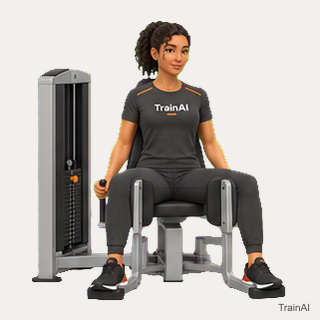
hip abduction machine · main
320 × 320 pixels · 16 animation frames · Native size, no upscaling.
TrainAI branding is included. Browse all downloads or use the JSON catalog.
hip adduction machine · main
320 × 320 pixels · 16 animation frames · Native size, no upscaling.
TrainAI branding is included. Browse all downloads or use the JSON catalog.
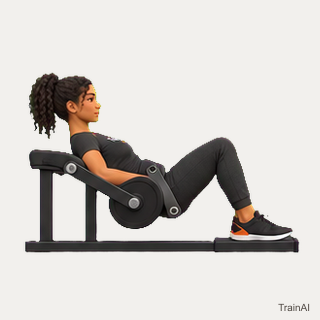
hip thrust machine · main
320 × 320 pixels · 30 animation frames · Native size, no upscaling.
TrainAI branding is included. Browse all downloads or use the JSON catalog.
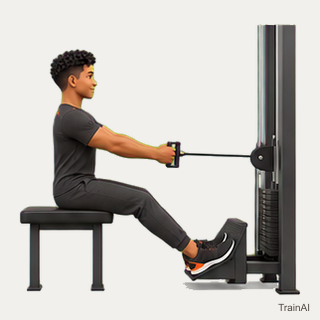
row machine · main
320 × 320 pixels · 30 animation frames · Native size, no upscaling.
TrainAI branding is included. Browse all downloads or use the JSON catalog.
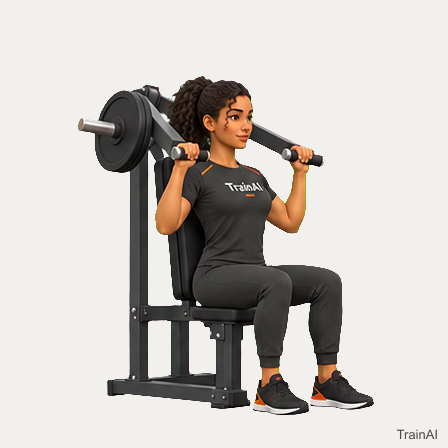
shoulder press machine · main
448 × 448 pixels · 16 animation frames · Native size, no upscaling.
TrainAI branding is included. Browse all downloads or use the JSON catalog.
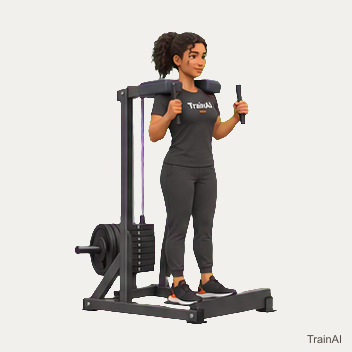
standing calf machine · main
352 × 352 pixels · 16 animation frames · Native size, no upscaling.
TrainAI branding is included. Browse all downloads or use the JSON catalog.
No equipment · main
448 × 448 pixels · 10 animation frames · Native size, no upscaling.
TrainAI branding is included. Browse all downloads or use the JSON catalog.
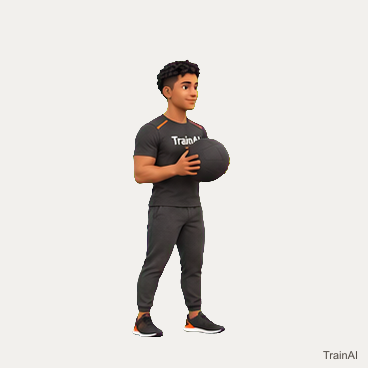
medicine ball · impact safe floor · main
368 × 368 pixels · 16 animation frames · Native size, no upscaling.
TrainAI branding is included. Browse all downloads or use the JSON catalog.
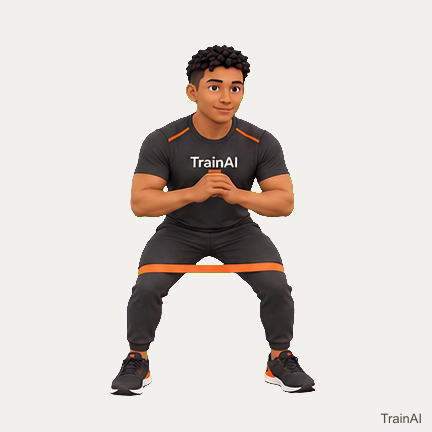
mini band · main
432 × 432 pixels · 8 animation frames · Native size, no upscaling.
TrainAI branding is included. Browse all downloads or use the JSON catalog.
No equipment · main
672 × 672 pixels · 4 animation frames · Native size, no upscaling.
TrainAI branding is included. Browse all downloads or use the JSON catalog.
lat pulldown machine · main
352 × 352 pixels · 16 animation frames · Native size, no upscaling.
TrainAI branding is included. Browse all downloads or use the JSON catalog.
band · rated anchor · main
320 × 320 pixels · 28 animation frames · Native size, no upscaling.
TrainAI branding is included. Browse all downloads or use the JSON catalog.
No equipment · cooldown
352 × 352 pixels · 16 animation frames · Native size, no upscaling.
TrainAI branding is included. Browse all downloads or use the JSON catalog.
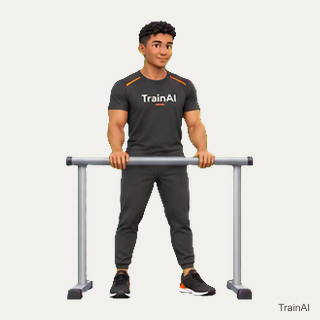
parallel bars · main
320 × 320 pixels · 14 animation frames · Native size, no upscaling.
TrainAI branding is included. Browse all downloads or use the JSON catalog.
No equipment · main
320 × 320 pixels · 16 animation frames · Native size, no upscaling.
TrainAI branding is included. Browse all downloads or use the JSON catalog.
pec deck machine · main
432 × 432 pixels · 16 animation frames · Native size, no upscaling.
TrainAI branding is included. Browse all downloads or use the JSON catalog.
No equipment · main
320 × 320 pixels · 16 animation frames · Native size, no upscaling.
TrainAI branding is included. Browse all downloads or use the JSON catalog.
No equipment · main
576 × 576 pixels · 4 animation frames · Native size, no upscaling.
TrainAI branding is included. Browse all downloads or use the JSON catalog.
No equipment · main
320 × 320 pixels · 16 animation frames · Native size, no upscaling.
TrainAI branding is included. Browse all downloads or use the JSON catalog.
No equipment · main
320 × 320 pixels · 16 animation frames · Native size, no upscaling.
TrainAI branding is included. Browse all downloads or use the JSON catalog.
No equipment · main
320 × 320 pixels · 16 animation frames · Native size, no upscaling.
TrainAI branding is included. Browse all downloads or use the JSON catalog.
No equipment · main
448 × 448 pixels · 16 animation frames · Native size, no upscaling.
TrainAI branding is included. Browse all downloads or use the JSON catalog.
rated pull up bar · main
320 × 320 pixels · 16 animation frames · Native size, no upscaling.
TrainAI branding is included. Browse all downloads or use the JSON catalog.
No equipment · main
352 × 352 pixels · 16 animation frames · Native size, no upscaling.
TrainAI branding is included. Browse all downloads or use the JSON catalog.
foam roller · recovery
320 × 320 pixels · 30 animation frames · Native size, no upscaling.
TrainAI branding is included. Browse all downloads or use the JSON catalog.
No equipment · main
320 × 320 pixels · 16 animation frames · Native size, no upscaling.
TrainAI branding is included. Browse all downloads or use the JSON catalog.
No equipment · warmup
320 × 320 pixels · 14 animation frames · Native size, no upscaling.
TrainAI branding is included. Browse all downloads or use the JSON catalog.
No equipment · mobility
320 × 320 pixels · 16 animation frames · Native size, no upscaling.
TrainAI branding is included. Browse all downloads or use the JSON catalog.
barbell · plates · main
656 × 656 pixels · 6 animation frames · Native size, no upscaling.
TrainAI branding is included. Browse all downloads or use the JSON catalog.
No equipment · main
320 × 320 pixels · 16 animation frames · Native size, no upscaling.
TrainAI branding is included. Browse all downloads or use the JSON catalog.
No equipment · main
352 × 352 pixels · 16 animation frames · Native size, no upscaling.
TrainAI branding is included. Browse all downloads or use the JSON catalog.
pec deck machine · main
592 × 592 pixels · 10 animation frames · Native size, no upscaling.
TrainAI branding is included. Browse all downloads or use the JSON catalog.
No equipment · main
672 × 672 pixels · 6 animation frames · Native size, no upscaling.
TrainAI branding is included. Browse all downloads or use the JSON catalog.
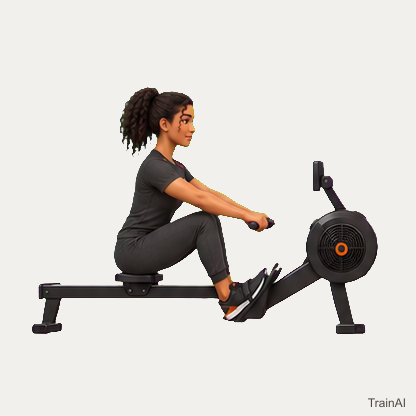
rowing machine · main
416 × 416 pixels · 9 animation frames · Native size, no upscaling.
TrainAI branding is included. Browse all downloads or use the JSON catalog.
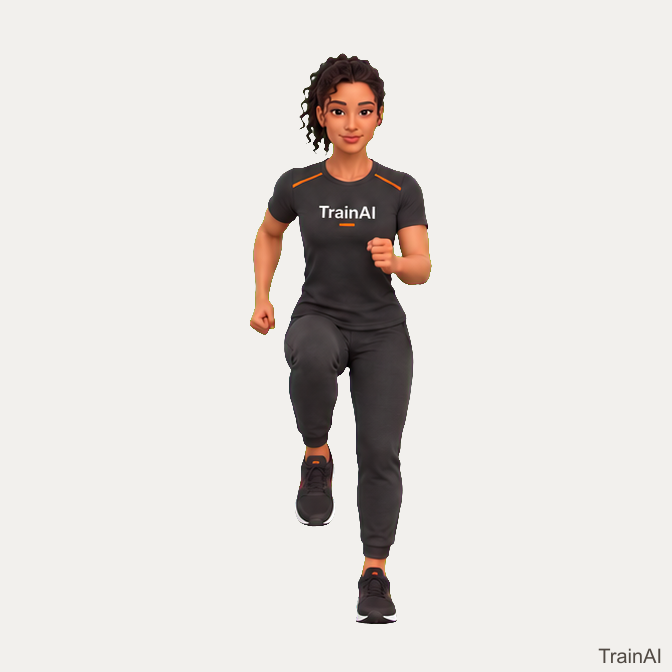
running space · main
672 × 672 pixels · 4 animation frames · Native size, no upscaling.
TrainAI branding is included. Browse all downloads or use the JSON catalog.
No equipment · mobility
320 × 320 pixels · 16 animation frames · Native size, no upscaling.
TrainAI branding is included. Browse all downloads or use the JSON catalog.
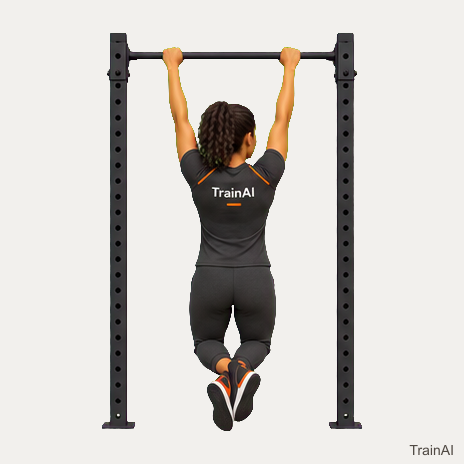
rated pull up bar · main
464 × 464 pixels · 16 animation frames · Native size, no upscaling.
TrainAI branding is included. Browse all downloads or use the JSON catalog.
No equipment · main
448 × 448 pixels · 16 animation frames · Native size, no upscaling.
TrainAI branding is included. Browse all downloads or use the JSON catalog.
stable chair · seated
352 × 352 pixels · 14 animation frames · Native size, no upscaling.
TrainAI branding is included. Browse all downloads or use the JSON catalog.
band · rated anchor · main
320 × 320 pixels · 16 animation frames · Native size, no upscaling.
TrainAI branding is included. Browse all downloads or use the JSON catalog.
cable machine · row handle · main
320 × 320 pixels · 16 animation frames · Native size, no upscaling.
TrainAI branding is included. Browse all downloads or use the JSON catalog.
seated calf machine · main
320 × 320 pixels · 16 animation frames · Native size, no upscaling.
TrainAI branding is included. Browse all downloads or use the JSON catalog.
dumbbell · bench · main
640 × 640 pixels · 6 animation frames · Native size, no upscaling.
TrainAI branding is included. Browse all downloads or use the JSON catalog.
stable chair · cooldown
352 × 352 pixels · 16 animation frames · Native size, no upscaling.
TrainAI branding is included. Browse all downloads or use the JSON catalog.
No equipment · cooldown
368 × 368 pixels · 16 animation frames · Native size, no upscaling.
TrainAI branding is included. Browse all downloads or use the JSON catalog.
stable chair · seated
320 × 320 pixels · 14 animation frames · Native size, no upscaling.
TrainAI branding is included. Browse all downloads or use the JSON catalog.
stable chair · seated
432 × 432 pixels · 16 animation frames · Native size, no upscaling.
TrainAI branding is included. Browse all downloads or use the JSON catalog.
No equipment · main
352 × 352 pixels · 16 animation frames · Native size, no upscaling.
TrainAI branding is included. Browse all downloads or use the JSON catalog.
seated leg curl machine · main
416 × 416 pixels · 16 animation frames · Native size, no upscaling.
TrainAI branding is included. Browse all downloads or use the JSON catalog.
stable chair · seated
448 × 448 pixels · 16 animation frames · Native size, no upscaling.
TrainAI branding is included. Browse all downloads or use the JSON catalog.
No equipment · cooldown
320 × 320 pixels · 16 animation frames · Native size, no upscaling.
TrainAI branding is included. Browse all downloads or use the JSON catalog.
stable chair · seated
352 × 352 pixels · 14 animation frames · Native size, no upscaling.
TrainAI branding is included. Browse all downloads or use the JSON catalog.
stable chair · cooldown
352 × 352 pixels · 16 animation frames · Native size, no upscaling.
TrainAI branding is included. Browse all downloads or use the JSON catalog.
No equipment · mobility
320 × 320 pixels · 16 animation frames · Native size, no upscaling.
TrainAI branding is included. Browse all downloads or use the JSON catalog.
stable chair · seated
320 × 320 pixels · 14 animation frames · Native size, no upscaling.
TrainAI branding is included. Browse all downloads or use the JSON catalog.
No equipment · main
320 × 320 pixels · 16 animation frames · Native size, no upscaling.
TrainAI branding is included. Browse all downloads or use the JSON catalog.
No equipment · warmup
320 × 320 pixels · 16 animation frames · Native size, no upscaling.
TrainAI branding is included. Browse all downloads or use the JSON catalog.
No equipment · main
320 × 320 pixels · 16 animation frames · Native size, no upscaling.
TrainAI branding is included. Browse all downloads or use the JSON catalog.
No equipment · main
320 × 320 pixels · 16 animation frames · Native size, no upscaling.
TrainAI branding is included. Browse all downloads or use the JSON catalog.
No equipment · main
320 × 320 pixels · 16 animation frames · Native size, no upscaling.
TrainAI branding is included. Browse all downloads or use the JSON catalog.
No equipment · main
352 × 352 pixels · 16 animation frames · Native size, no upscaling.
TrainAI branding is included. Browse all downloads or use the JSON catalog.
No equipment · main
320 × 320 pixels · 16 animation frames · Native size, no upscaling.
TrainAI branding is included. Browse all downloads or use the JSON catalog.
stable chair · main
448 × 448 pixels · 16 animation frames · Native size, no upscaling.
TrainAI branding is included. Browse all downloads or use the JSON catalog.
No equipment · main
352 × 352 pixels · 16 animation frames · Native size, no upscaling.
TrainAI branding is included. Browse all downloads or use the JSON catalog.
No equipment · main
352 × 352 pixels · 16 animation frames · Native size, no upscaling.
TrainAI branding is included. Browse all downloads or use the JSON catalog.
No equipment · main
352 × 352 pixels · 15 animation frames · Native size, no upscaling.
TrainAI branding is included. Browse all downloads or use the JSON catalog.
stepmill · main
416 × 416 pixels · 8 animation frames · Native size, no upscaling.
TrainAI branding is included. Browse all downloads or use the JSON catalog.
No equipment · main
352 × 352 pixels · 16 animation frames · Native size, no upscaling.
TrainAI branding is included. Browse all downloads or use the JSON catalog.
band · rated anchor · main
352 × 352 pixels · 16 animation frames · Native size, no upscaling.
TrainAI branding is included. Browse all downloads or use the JSON catalog.
band · rated anchor · main
320 × 320 pixels · 16 animation frames · Native size, no upscaling.
TrainAI branding is included. Browse all downloads or use the JSON catalog.
No equipment · main
352 × 352 pixels · 16 animation frames · Native size, no upscaling.
TrainAI branding is included. Browse all downloads or use the JSON catalog.
dumbbell · main
688 × 688 pixels · 6 animation frames · Native size, no upscaling.
TrainAI branding is included. Browse all downloads or use the JSON catalog.
No equipment · warmup
320 × 320 pixels · 16 animation frames · Native size, no upscaling.
TrainAI branding is included. Browse all downloads or use the JSON catalog.
cable machine · row handle · main
320 × 320 pixels · 14 animation frames · Native size, no upscaling.
TrainAI branding is included. Browse all downloads or use the JSON catalog.
stable support · balance
320 × 320 pixels · 16 animation frames · Native size, no upscaling.
TrainAI branding is included. Browse all downloads or use the JSON catalog.
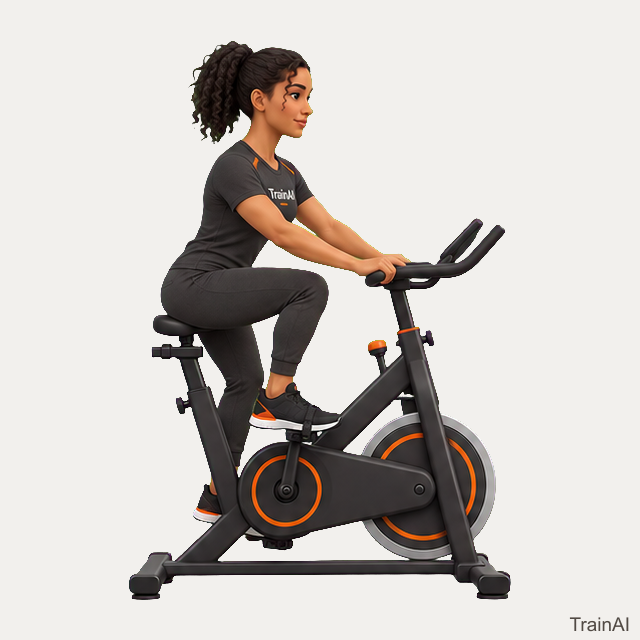
stationary bike · main
640 × 640 pixels · 4 animation frames · Native size, no upscaling.
TrainAI branding is included. Browse all downloads or use the JSON catalog.
No equipment · main
432 × 432 pixels · 6 animation frames · Native size, no upscaling.
TrainAI branding is included. Browse all downloads or use the JSON catalog.
No equipment · main
352 × 352 pixels · 16 animation frames · Native size, no upscaling.
TrainAI branding is included. Browse all downloads or use the JSON catalog.
dumbbell · walking space · main
464 × 464 pixels · 8 animation frames · Native size, no upscaling.
TrainAI branding is included. Browse all downloads or use the JSON catalog.
dumbbell · main
320 × 320 pixels · 16 animation frames · Native size, no upscaling.
TrainAI branding is included. Browse all downloads or use the JSON catalog.
No equipment · cooldown
320 × 320 pixels · 16 animation frames · Native size, no upscaling.
TrainAI branding is included. Browse all downloads or use the JSON catalog.
strap · cooldown
320 × 320 pixels · 16 animation frames · Native size, no upscaling.
TrainAI branding is included. Browse all downloads or use the JSON catalog.
No equipment · main
448 × 448 pixels · 9 animation frames · Native size, no upscaling.
TrainAI branding is included. Browse all downloads or use the JSON catalog.
stable support · mobility
352 × 352 pixels · 16 animation frames · Native size, no upscaling.
TrainAI branding is included. Browse all downloads or use the JSON catalog.
stable support · balance
320 × 320 pixels · 16 animation frames · Native size, no upscaling.
TrainAI branding is included. Browse all downloads or use the JSON catalog.
stable support · balance
352 × 352 pixels · 16 animation frames · Native size, no upscaling.
TrainAI branding is included. Browse all downloads or use the JSON catalog.
stable support · balance
320 × 320 pixels · 16 animation frames · Native size, no upscaling.
TrainAI branding is included. Browse all downloads or use the JSON catalog.
suspension trainer · rated anchor · main
640 × 640 pixels · 6 animation frames · Native size, no upscaling.
TrainAI branding is included. Browse all downloads or use the JSON catalog.
stable support · balance
416 × 416 pixels · 8 animation frames · Native size, no upscaling.
TrainAI branding is included. Browse all downloads or use the JSON catalog.
No equipment · main
352 × 352 pixels · 16 animation frames · Native size, no upscaling.
TrainAI branding is included. Browse all downloads or use the JSON catalog.
No equipment · mobility
448 × 448 pixels · 16 animation frames · Native size, no upscaling.
TrainAI branding is included. Browse all downloads or use the JSON catalog.
No equipment · mobility
384 × 384 pixels · 12 animation frames · Native size, no upscaling.
TrainAI branding is included. Browse all downloads or use the JSON catalog.
wall · main
320 × 320 pixels · 16 animation frames · Native size, no upscaling.
TrainAI branding is included. Browse all downloads or use the JSON catalog.
trap bar · plates · main
480 × 480 pixels · 12 animation frames · Native size, no upscaling.
TrainAI branding is included. Browse all downloads or use the JSON catalog.
treadmill · main
656 × 656 pixels · 4 animation frames · Native size, no upscaling.
TrainAI branding is included. Browse all downloads or use the JSON catalog.
treadmill · main
656 × 656 pixels · 4 animation frames · Native size, no upscaling.
TrainAI branding is included. Browse all downloads or use the JSON catalog.
kettlebell · main
320 × 320 pixels · 16 animation frames · Native size, no upscaling.
TrainAI branding is included. Browse all downloads or use the JSON catalog.
foam roller · recovery
416 × 416 pixels · 16 animation frames · Native size, no upscaling.
TrainAI branding is included. Browse all downloads or use the JSON catalog.
walking space · main
672 × 672 pixels · 4 animation frames · Native size, no upscaling.
TrainAI branding is included. Browse all downloads or use the JSON catalog.
wall · cooldown
352 × 352 pixels · 16 animation frames · Native size, no upscaling.
TrainAI branding is included. Browse all downloads or use the JSON catalog.
wall · main
352 × 352 pixels · 16 animation frames · Native size, no upscaling.
TrainAI branding is included. Browse all downloads or use the JSON catalog.
wall · main
320 × 320 pixels · 16 animation frames · Native size, no upscaling.
TrainAI branding is included. Browse all downloads or use the JSON catalog.
wall · mobility
352 × 352 pixels · 14 animation frames · Native size, no upscaling.
TrainAI branding is included. Browse all downloads or use the JSON catalog.
wall · main
352 × 352 pixels · 16 animation frames · Native size, no upscaling.
TrainAI branding is included. Browse all downloads or use the JSON catalog.
wall · cooldown
320 × 320 pixels · 16 animation frames · Native size, no upscaling.
TrainAI branding is included. Browse all downloads or use the JSON catalog.
No equipment · mobility
320 × 320 pixels · 16 animation frames · Native size, no upscaling.
TrainAI branding is included. Browse all downloads or use the JSON catalog.
No equipment · cooldown
320 × 320 pixels · 16 animation frames · Native size, no upscaling.
TrainAI branding is included. Browse all downloads or use the JSON catalog.
No equipment · cooldown
352 × 352 pixels · 16 animation frames · Native size, no upscaling.
TrainAI branding is included. Browse all downloads or use the JSON catalog.
No equipment · main
448 × 448 pixels · 8 animation frames · Native size, no upscaling.
TrainAI branding is included. Browse all downloads or use the JSON catalog.
barbell · plates · rack · safeties · main
480 × 480 pixels · 8 animation frames · Native size, no upscaling.
TrainAI branding is included. Browse all downloads or use the JSON catalog.
mini band · stable chair · main
480 × 480 pixels · 10 animation frames · Native size, no upscaling.
TrainAI branding is included. Browse all downloads or use the JSON catalog.
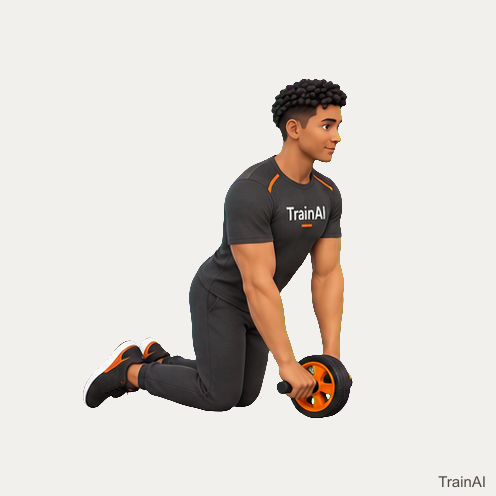
ab wheel · main
496 × 496 pixels · 10 animation frames · Native size, no upscaling.
TrainAI branding is included. Browse all downloads or use the JSON catalog.
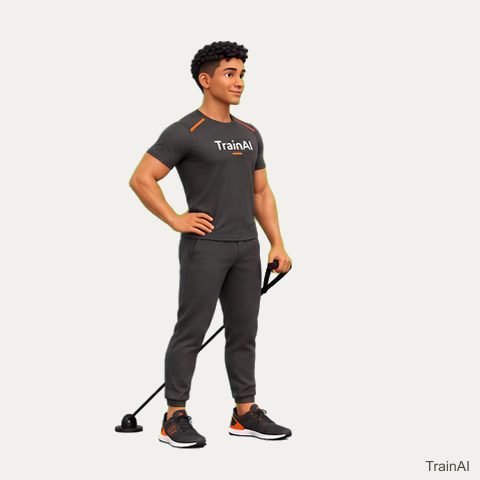
band · rated anchor · main
480 × 480 pixels · 6 animation frames · Native size, no upscaling.
TrainAI branding is included. Browse all downloads or use the JSON catalog.
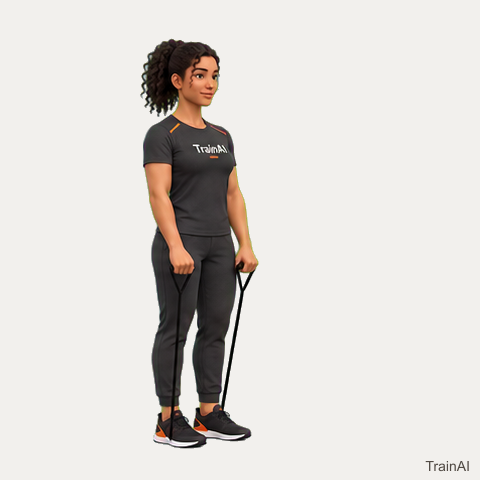
band · main
480 × 480 pixels · 6 animation frames · Native size, no upscaling.
TrainAI branding is included. Browse all downloads or use the JSON catalog.
band · stable chair · main
480 × 480 pixels · 4 animation frames · Native size, no upscaling.
TrainAI branding is included. Browse all downloads or use the JSON catalog.
band · stable chair · main
480 × 480 pixels · 6 animation frames · Native size, no upscaling.
TrainAI branding is included. Browse all downloads or use the JSON catalog.
No equipment · cooldown
480 × 480 pixels · Static hold · Native size, no upscaling.
TrainAI branding is included. Browse all downloads or use the JSON catalog.
No equipment · cooldown
480 × 480 pixels · Static hold · Native size, no upscaling.
TrainAI branding is included. Browse all downloads or use the JSON catalog.
No equipment · cooldown
464 × 464 pixels · Static hold · Native size, no upscaling.
TrainAI branding is included. Browse all downloads or use the JSON catalog.
adjustable bench · cooldown
448 × 448 pixels · Static hold · Native size, no upscaling.
TrainAI branding is included. Browse all downloads or use the JSON catalog.
barbell · bench · stable step · main
464 × 464 pixels · 6 animation frames · Native size, no upscaling.
TrainAI branding is included. Browse all downloads or use the JSON catalog.
dumbbell · bench · stable step · main
496 × 496 pixels · 6 animation frames · Native size, no upscaling.
TrainAI branding is included. Browse all downloads or use the JSON catalog.
bench · stable step · main
432 × 432 pixels · 6 animation frames · Native size, no upscaling.
TrainAI branding is included. Browse all downloads or use the JSON catalog.
bench · main
480 × 480 pixels · Static hold · Native size, no upscaling.
TrainAI branding is included. Browse all downloads or use the JSON catalog.
No equipment · main
496 × 496 pixels · 6 animation frames · Native size, no upscaling.
TrainAI branding is included. Browse all downloads or use the JSON catalog.
No equipment · main
448 × 448 pixels · 6 animation frames · Native size, no upscaling.
TrainAI branding is included. Browse all downloads or use the JSON catalog.
No equipment · main
464 × 464 pixels · 6 animation frames · Native size, no upscaling.
TrainAI branding is included. Browse all downloads or use the JSON catalog.
No equipment · main
496 × 496 pixels · 6 animation frames · Native size, no upscaling.
TrainAI branding is included. Browse all downloads or use the JSON catalog.
bench · main
464 × 464 pixels · 6 animation frames · Native size, no upscaling.
TrainAI branding is included. Browse all downloads or use the JSON catalog.
barbell · plates · adjustable bench · rack · safeties · main
496 × 496 pixels · 6 animation frames · Native size, no upscaling.
TrainAI branding is included. Browse all downloads or use the JSON catalog.
barbell · plates · adjustable bench · rack · safeties · main
480 × 480 pixels · 6 animation frames · Native size, no upscaling.
TrainAI branding is included. Browse all downloads or use the JSON catalog.
dumbbell · adjustable bench · main
480 × 480 pixels · 6 animation frames · Native size, no upscaling.
TrainAI branding is included. Browse all downloads or use the JSON catalog.
band · main
480 × 480 pixels · 6 animation frames · Native size, no upscaling.
TrainAI branding is included. Browse all downloads or use the JSON catalog.
barbell · plates · main
496 × 496 pixels · 6 animation frames · Native size, no upscaling.
TrainAI branding is included. Browse all downloads or use the JSON catalog.
band · rated anchor · main
480 × 480 pixels · 6 animation frames · Native size, no upscaling.
TrainAI branding is included. Browse all downloads or use the JSON catalog.
balance board · main
480 × 480 pixels · Static hold · Native size, no upscaling.
TrainAI branding is included. Browse all downloads or use the JSON catalog.
No equipment · main
464 × 464 pixels · Static hold · Native size, no upscaling.
TrainAI branding is included. Browse all downloads or use the JSON catalog.
stability ball · cooldown
480 × 480 pixels · Static hold · Native size, no upscaling.
TrainAI branding is included. Browse all downloads or use the JSON catalog.
kettlebell · main
480 × 480 pixels · 6 animation frames · Native size, no upscaling.
TrainAI branding is included. Browse all downloads or use the JSON catalog.
No equipment · main
480 × 480 pixels · 8 animation frames · Native size, no upscaling.
TrainAI branding is included. Browse all downloads or use the JSON catalog.
wall · main
448 × 448 pixels · 4 animation frames · Native size, no upscaling.
TrainAI branding is included. Browse all downloads or use the JSON catalog.
barbell · plates · bench · rack · safeties · main
464 × 464 pixels · 6 animation frames · Native size, no upscaling.
TrainAI branding is included. Browse all downloads or use the JSON catalog.
barbell · plates · bench · rack · safeties · main
464 × 464 pixels · 6 animation frames · Native size, no upscaling.
TrainAI branding is included. Browse all downloads or use the JSON catalog.
band · rated anchor · stable step · main
480 × 480 pixels · 6 animation frames · Native size, no upscaling.
TrainAI branding is included. Browse all downloads or use the JSON catalog.
band · stable step · main
480 × 480 pixels · 6 animation frames · Native size, no upscaling.
TrainAI branding is included. Browse all downloads or use the JSON catalog.
band · main
480 × 480 pixels · 8 animation frames · Native size, no upscaling.
TrainAI branding is included. Browse all downloads or use the JSON catalog.
band · rated anchor · main
480 × 480 pixels · 6 animation frames · Native size, no upscaling.
TrainAI branding is included. Browse all downloads or use the JSON catalog.
foam roller · cooldown
480 × 480 pixels · Static hold · Native size, no upscaling.
TrainAI branding is included. Browse all downloads or use the JSON catalog.
foam roller · main
464 × 464 pixels · 6 animation frames · Native size, no upscaling.
TrainAI branding is included. Browse all downloads or use the JSON catalog.
foam roller · cooldown
480 × 480 pixels · 6 animation frames · Native size, no upscaling.
TrainAI branding is included. Browse all downloads or use the JSON catalog.
foam roller · cooldown
464 × 464 pixels · 6 animation frames · Native size, no upscaling.
TrainAI branding is included. Browse all downloads or use the JSON catalog.
foam roller · cooldown
480 × 480 pixels · 6 animation frames · Native size, no upscaling.
TrainAI branding is included. Browse all downloads or use the JSON catalog.
assisted dip machine · main
480 × 480 pixels · 6 animation frames · Native size, no upscaling.
TrainAI branding is included. Browse all downloads or use the JSON catalog.
band · main
464 × 464 pixels · 6 animation frames · Native size, no upscaling.
TrainAI branding is included. Browse all downloads or use the JSON catalog.
shoulder pad shrug machine · main
496 × 496 pixels · 6 animation frames · Native size, no upscaling.
TrainAI branding is included. Browse all downloads or use the JSON catalog.
stability ball · main
480 × 480 pixels · 4 animation frames · Native size, no upscaling.
TrainAI branding is included. Browse all downloads or use the JSON catalog.
stability ball · main
464 × 464 pixels · 6 animation frames · Native size, no upscaling.
TrainAI branding is included. Browse all downloads or use the JSON catalog.
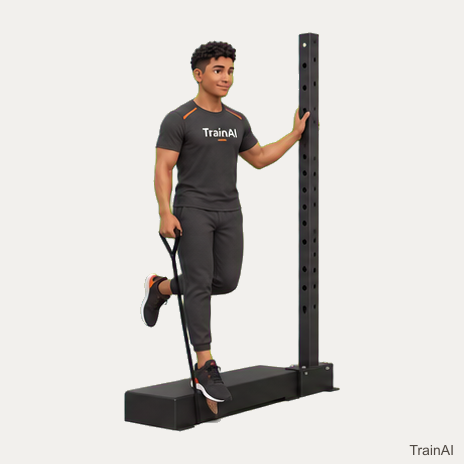
band · ankle cuff · rated anchor · wall · main
464 × 464 pixels · 4 animation frames · Native size, no upscaling.
TrainAI branding is included. Browse all downloads or use the JSON catalog.
band · rated anchor · stable step · stable support · main
496 × 496 pixels · 6 animation frames · Native size, no upscaling.
TrainAI branding is included. Browse all downloads or use the JSON catalog.
cable machine · bench · main
480 × 480 pixels · 6 animation frames · Native size, no upscaling.
TrainAI branding is included. Browse all downloads or use the JSON catalog.
assisted dip machine · main
480 × 480 pixels · 6 animation frames · Native size, no upscaling.
TrainAI branding is included. Browse all downloads or use the JSON catalog.
glute ham developer · main
448 × 448 pixels · 6 animation frames · Native size, no upscaling.
TrainAI branding is included. Browse all downloads or use the JSON catalog.
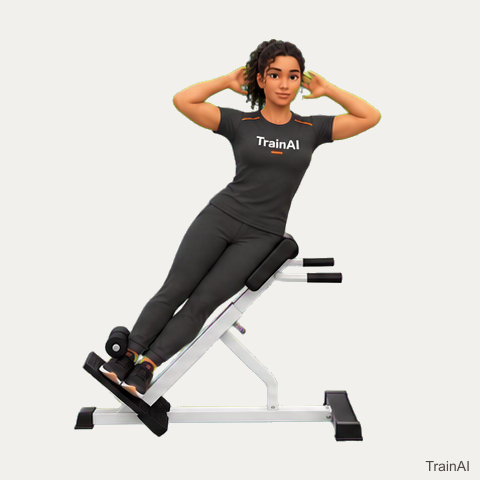
hyperextension bench · main
480 × 480 pixels · 6 animation frames · Native size, no upscaling.
TrainAI branding is included. Browse all downloads or use the JSON catalog.
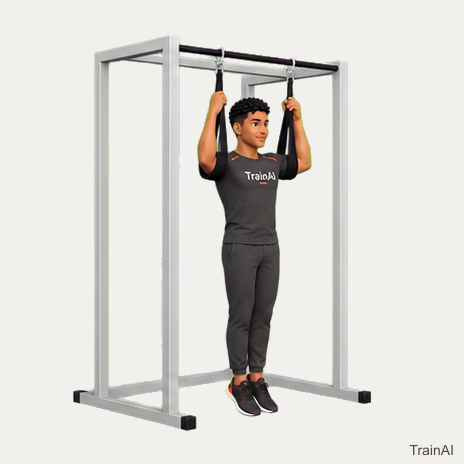
ab straps · pull up bar · main
464 × 464 pixels · 6 animation frames · Native size, no upscaling.
TrainAI branding is included. Browse all downloads or use the JSON catalog.
band · stable step · stable support · main
464 × 464 pixels · 6 animation frames · Native size, no upscaling.
TrainAI branding is included. Browse all downloads or use the JSON catalog.
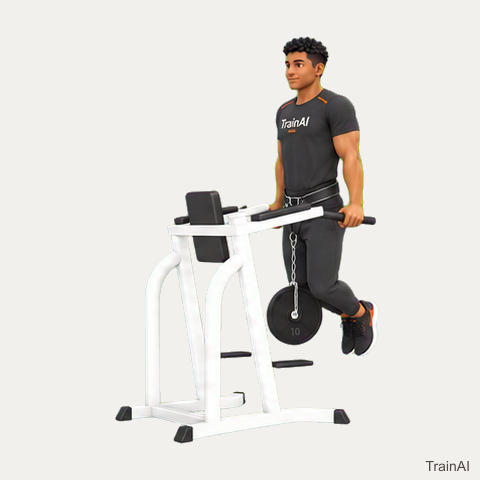
parallel bars · dip belt · plates · main
480 × 480 pixels · 6 animation frames · Native size, no upscaling.
TrainAI branding is included. Browse all downloads or use the JSON catalog.
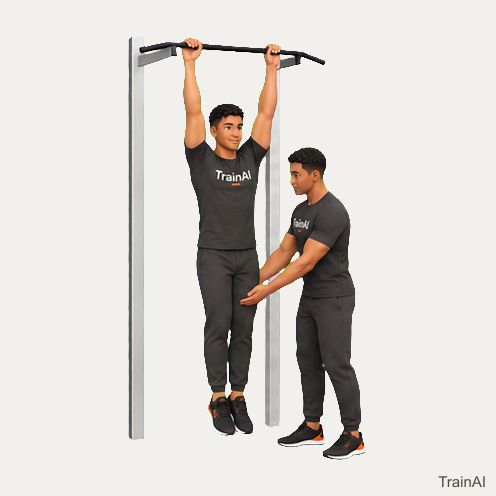
pull up bar · partner · main
496 × 496 pixels · 6 animation frames · Native size, no upscaling.
TrainAI branding is included. Browse all downloads or use the JSON catalog.
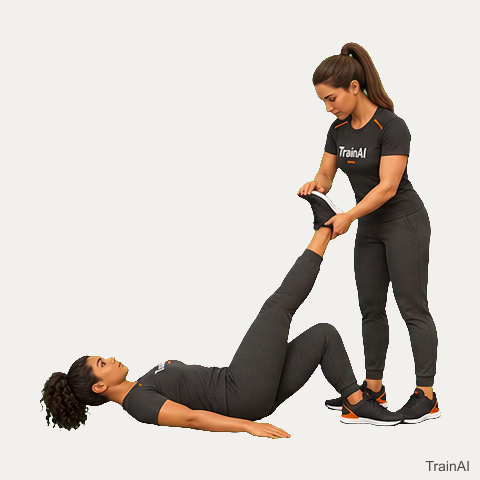
partner · cooldown
480 × 480 pixels · Static hold · Native size, no upscaling.
TrainAI branding is included. Browse all downloads or use the JSON catalog.
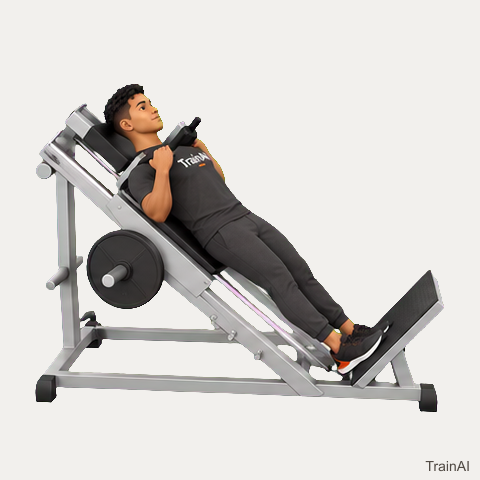
hack squat machine · main
480 × 480 pixels · 6 animation frames · Native size, no upscaling.
TrainAI branding is included. Browse all downloads or use the JSON catalog.
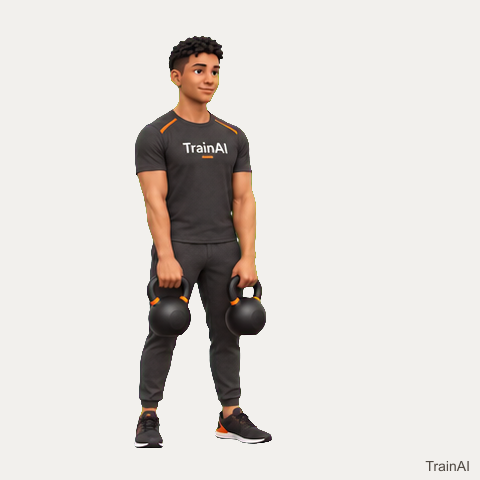
two kettlebells · main
480 × 480 pixels · 8 animation frames · Native size, no upscaling.
TrainAI branding is included. Browse all downloads or use the JSON catalog.
barbell · bench · main
448 × 448 pixels · 6 animation frames · Native size, no upscaling.
TrainAI branding is included. Browse all downloads or use the JSON catalog.
barbell · bench · main
480 × 480 pixels · 6 animation frames · Native size, no upscaling.
TrainAI branding is included. Browse all downloads or use the JSON catalog.
barbell · bench · main
480 × 480 pixels · 6 animation frames · Native size, no upscaling.
TrainAI branding is included. Browse all downloads or use the JSON catalog.
barbell · bench · main
496 × 496 pixels · 6 animation frames · Native size, no upscaling.
TrainAI branding is included. Browse all downloads or use the JSON catalog.
barbell · adjustable bench · main
464 × 464 pixels · 4 animation frames · Native size, no upscaling.
TrainAI branding is included. Browse all downloads or use the JSON catalog.
barbell · main
464 × 464 pixels · 4 animation frames · Native size, no upscaling.
TrainAI branding is included. Browse all downloads or use the JSON catalog.
barbell · preacher bench · main
496 × 496 pixels · 4 animation frames · Native size, no upscaling.
TrainAI branding is included. Browse all downloads or use the JSON catalog.
band · rated anchor · main
544 × 544 pixels · 6 animation frames · Native size, no upscaling.
TrainAI branding is included. Browse all downloads or use the JSON catalog.
foam roller · cooldown
496 × 496 pixels · 4 animation frames · Native size, no upscaling.
TrainAI branding is included. Browse all downloads or use the JSON catalog.
foam roller · cooldown
496 × 496 pixels · 4 animation frames · Native size, no upscaling.
TrainAI branding is included. Browse all downloads or use the JSON catalog.
band · plates · main
512 × 512 pixels · 6 animation frames · Native size, no upscaling.
TrainAI branding is included. Browse all downloads or use the JSON catalog.
barbell · plates · adjustable bench · main
624 × 624 pixels · 6 animation frames · Native size, no upscaling.
TrainAI branding is included. Browse all downloads or use the JSON catalog.
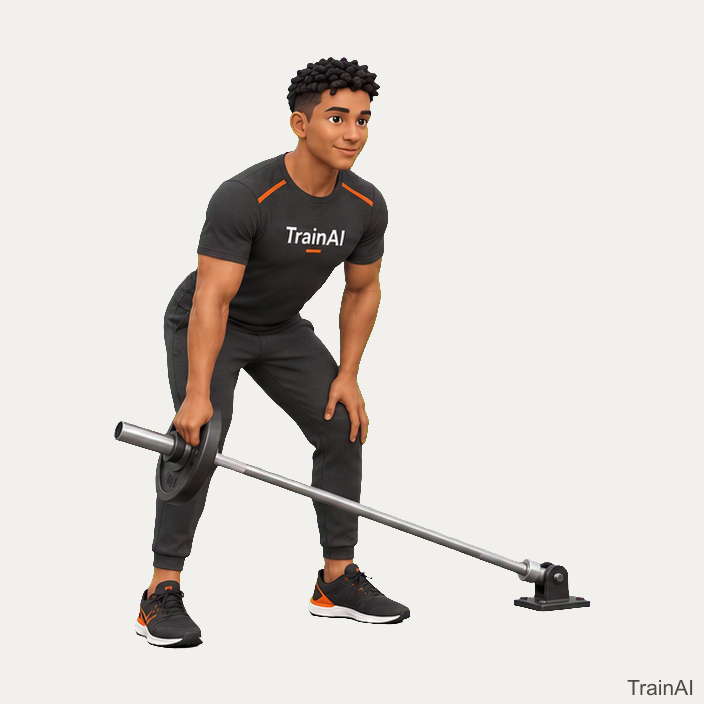
barbell · plates · landmine · main
704 × 704 pixels · 6 animation frames · Native size, no upscaling.
TrainAI branding is included. Browse all downloads or use the JSON catalog.
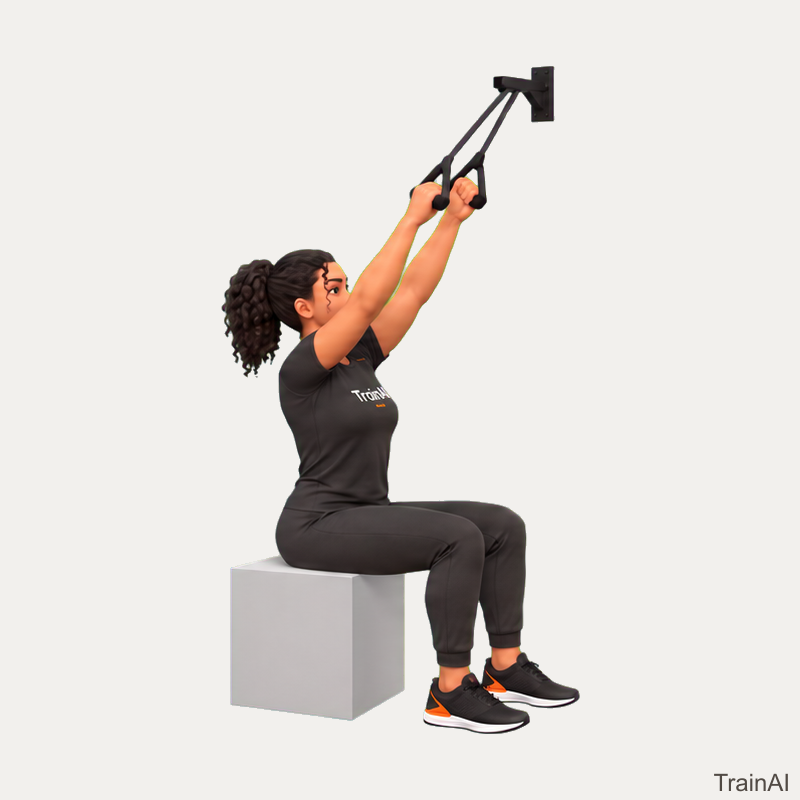
band · rated anchor · stable chair · main
800 × 800 pixels · 6 animation frames · Native size, no upscaling.
TrainAI branding is included. Browse all downloads or use the JSON catalog.
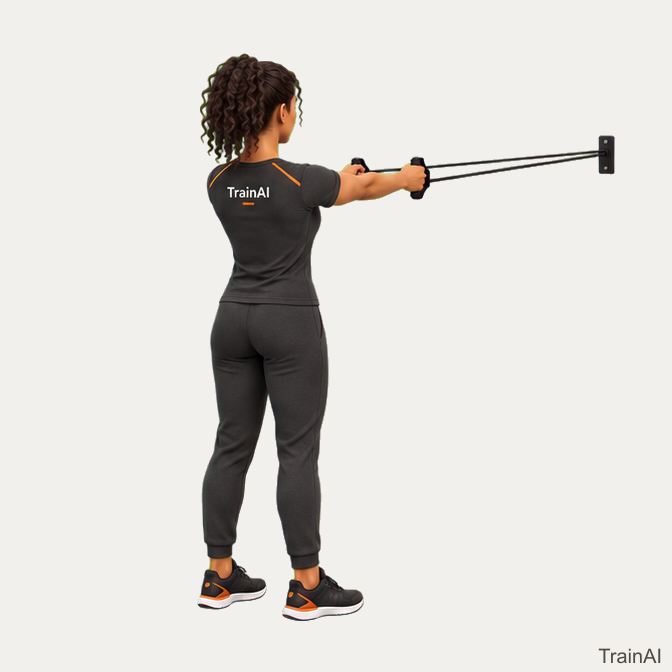
band · rated anchor · main
672 × 672 pixels · 6 animation frames · Native size, no upscaling.
TrainAI branding is included. Browse all downloads or use the JSON catalog.
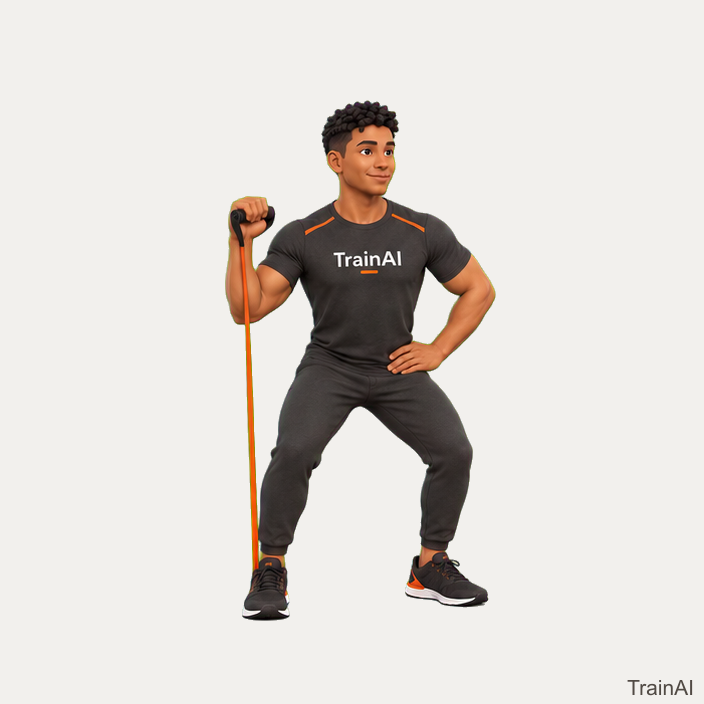
band · main
704 × 704 pixels · 6 animation frames · Native size, no upscaling.
TrainAI branding is included. Browse all downloads or use the JSON catalog.